

7 essential Flipkart seller tools for growth in 2026
Struggling to scale your Flipkart business? We've compiled a list of the essential Flipkart seller tools for 2026 to optimize your operations and sales.

Selling on Flipkart is a significant opportunity, allowing products to be seen by millions of people. However, competition is high, and a more strategic approach is needed than simply listing products.
To build a sustainable business, sellers must manage inventory, pricing, marketing, and brand identity. Attempting to handle these tasks manually can lead to operational challenges.
This is where Flipkart seller tools become valuable. The right software automates repetitive tasks, provides necessary data, and helps you grow your business more effectively.
In this guide, we're breaking down seven essential tools that will help you grow on Flipkart in 2026. We’ll cover everything from day-to-day operational tools to the ones that help you build a lasting brand.
What are Flipkart seller tools?
Flipkart seller tools are applications or software designed to help you manage your Flipkart store more efficiently. These tools function like specialized assistants, familiar with the platform's intricacies.
They are available as first-party tools from Flipkart and third-party tools from other companies that integrate with the platform. They can assist with a wide range of tasks.
- Listing and Catalog Management: Helps you create and update product listings more quickly, which is beneficial if you have a large number of items.
- Inventory Management: This is particularly important. These tools keep stock levels in sync, so you don't sell an item that is out of stock.
- Pricing and Repricing: These tools can automatically adjust your prices based on competitors, helping you remain competitive without constant manual adjustments.
- Analytics and Reporting: They analyze data to show what's selling, what isn't, and where you could be making more money.
- Advertising and Marketing: Helps you increase product visibility through ads and marketing campaigns.
Ultimately, these tools are about saving time, reducing errors, and helping you make informed decisions that can improve your profits.
How we selected these Flipkart seller tools
The tools on this list were selected based on several key criteria to ensure they provide real value, whether you're a new seller or preparing to expand.
Here’s what we considered:
- Core Functionality: Does it solve a real problem? We looked for tools that are effective at tackling major seller challenges, like managing inventory or understanding analytics.
- Impact on Growth: Does it help you grow? We picked tools that are known to help sellers boost sales, get more visibility, or improve their operational efficiency.
- Ease of Use: Is it easy to use? You shouldn't need a technical background to use the software. We chose tools with user-friendly interfaces.
- Seller Feedback: What do other sellers think? We looked at reviews and community feedback to ensure these tools are respected by the people who rely on them daily.
Comparison of the top Flipkart seller tools
| Tool | Best For | Key Feature | Pricing Model |
|---|---|---|---|
| Flipkart Seller Hub | All sellers | Centralized dashboard for core operations | Free |
| Datavio | Data-driven sellers | Competitor and keyword analysis | Freemium |
| Browntape (Ginesys OMS) | Multi-channel sellers | Centralized inventory and order management | Custom Quote |
| BoxNsights | Competitive sellers | AI-powered price repricing | Subscription-based |
| Eshopbox | Sellers wanting hands-off fulfillment | Integration with Flipkart Smart Fulfilment | Custom Quote |
| Flipkart Ads | Growth-focused sellers | Increasing product visibility on the platform | Pay-per-click |
| StartupTalky Media | Sellers scaling into recognized brands | Editorial features for media visibility | Campaign-based |
A detailed look at the 7 best Flipkart seller tools
Let's dive deeper into the tools that made our list. We’ve covered everything from the foundational platforms you need to the brand-building resources that can take you to the next level.
1. Flipkart Seller Hub
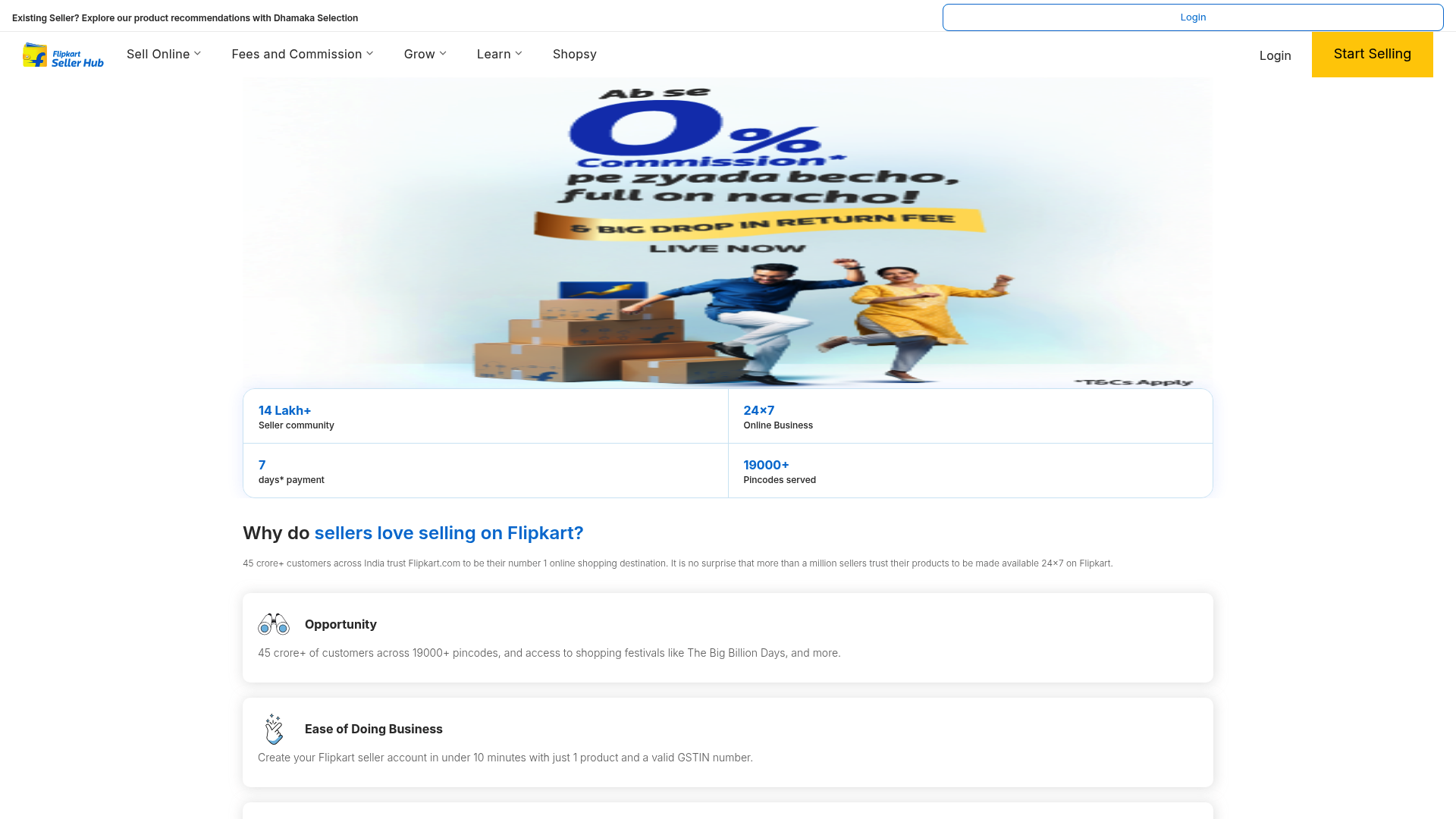
- Overview: This is the official and essential starting point. It's the command center for every seller, where you manage listings, process orders, check payments, and track performance. If you're on Flipkart, the Seller Hub is your primary dashboard.
- Pros: It’s completely free, fully integrated with the platform, and provides all the essential data you need, like sales reports, inventory health, and customer returns. It also includes Flipkart's own features like Price Recommendations.
- Cons: The large amount of data can be overwhelming for new users. It also doesn't offer the deep competitive intelligence found in more specialized third-party tools.
- Pricing: Free for all registered Flipkart sellers.
- Why we chose it: This tool is the foundation of selling on Flipkart. You can't succeed without it. Becoming proficient with the Seller Hub is your first and most important step.
2. Datavio
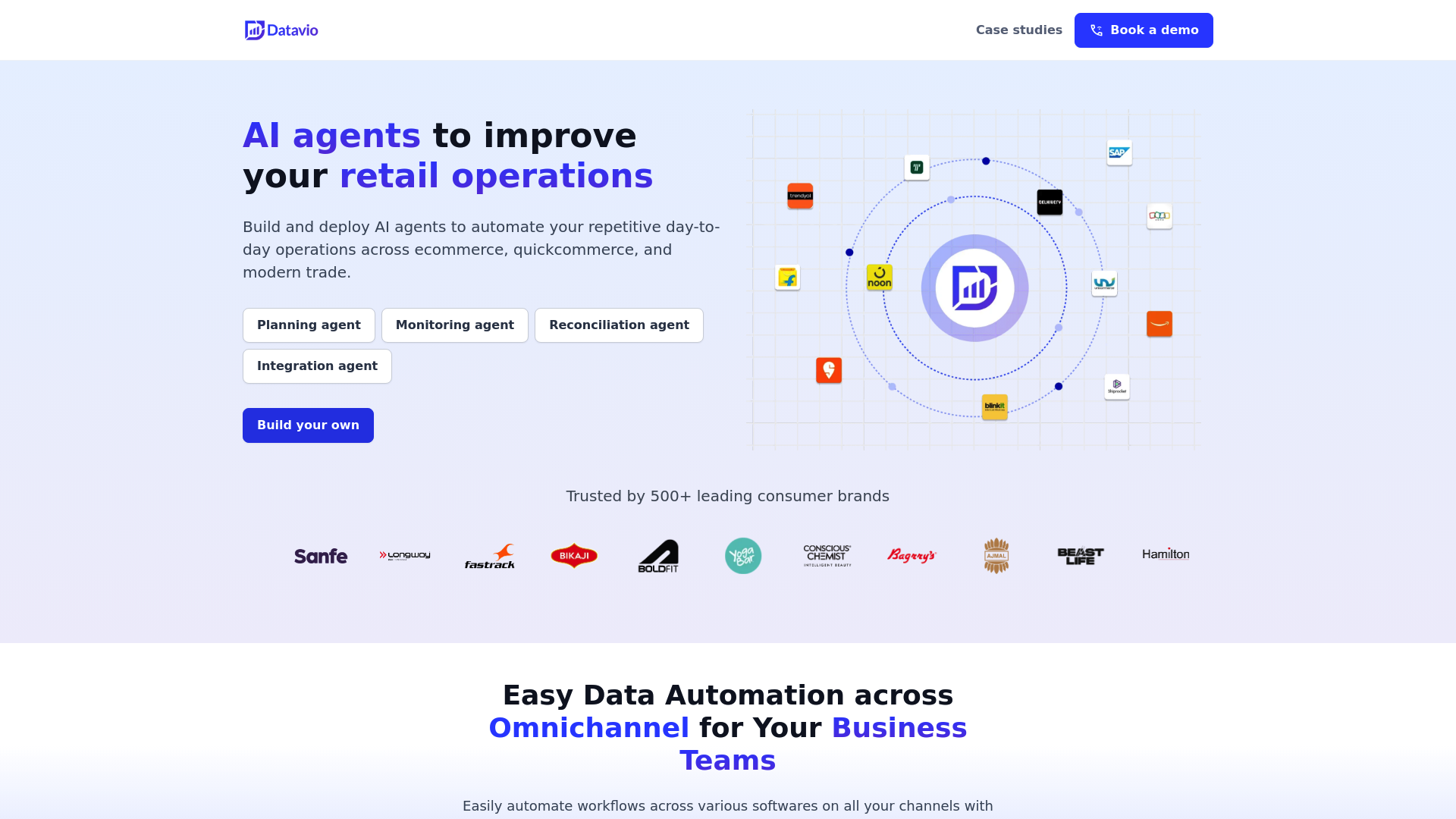
- Overview: Datavio is a Chrome extension focused on market and product research. It operates within your browser, providing live data on keywords, competitor strategies, and the performance of your own listings.
- Pros: The data it provides is immediately actionable. A key feature is the AI-powered review analysis, which helps you identify common customer complaints so you can improve your products.
- Cons: The most advanced features are part of the paid subscription. Also, since it's a browser extension, it is not intended for backend operations like inventory or order processing.
- Pricing: There’s a free plan with limited features, with paid plans available for more advanced functionality.
- Why we chose it: It complements the Seller Hub by providing deep analytics on keywords and competitors needed for informed decisions. It’s ideal for data-driven sellers.
3. Browntape (Ginesys OMS)
- Overview: Browntape is an order and inventory system for sellers expanding their reach. If you're selling on other platforms like Amazon or your own site in addition to Flipkart, a tool like this becomes essential.
- Pros: Its primary strength is multi-channel inventory synchronization. It automatically updates your stock levels across every platform when a sale is made, which helps prevent overselling and eliminates manual entry errors.
- Cons: If you only sell on Flipkart, this tool may offer more functionality than needed. It can be complex, and the pricing is geared more toward established businesses with multi-channel operations.
- Pricing: Available upon request through a custom quote.
- Why we chose it: It’s an ideal scaling tool. When your business grows beyond just Flipkart, you need a robust system to handle that new complexity, and Browntape is designed for that purpose.
4. BoxNsights
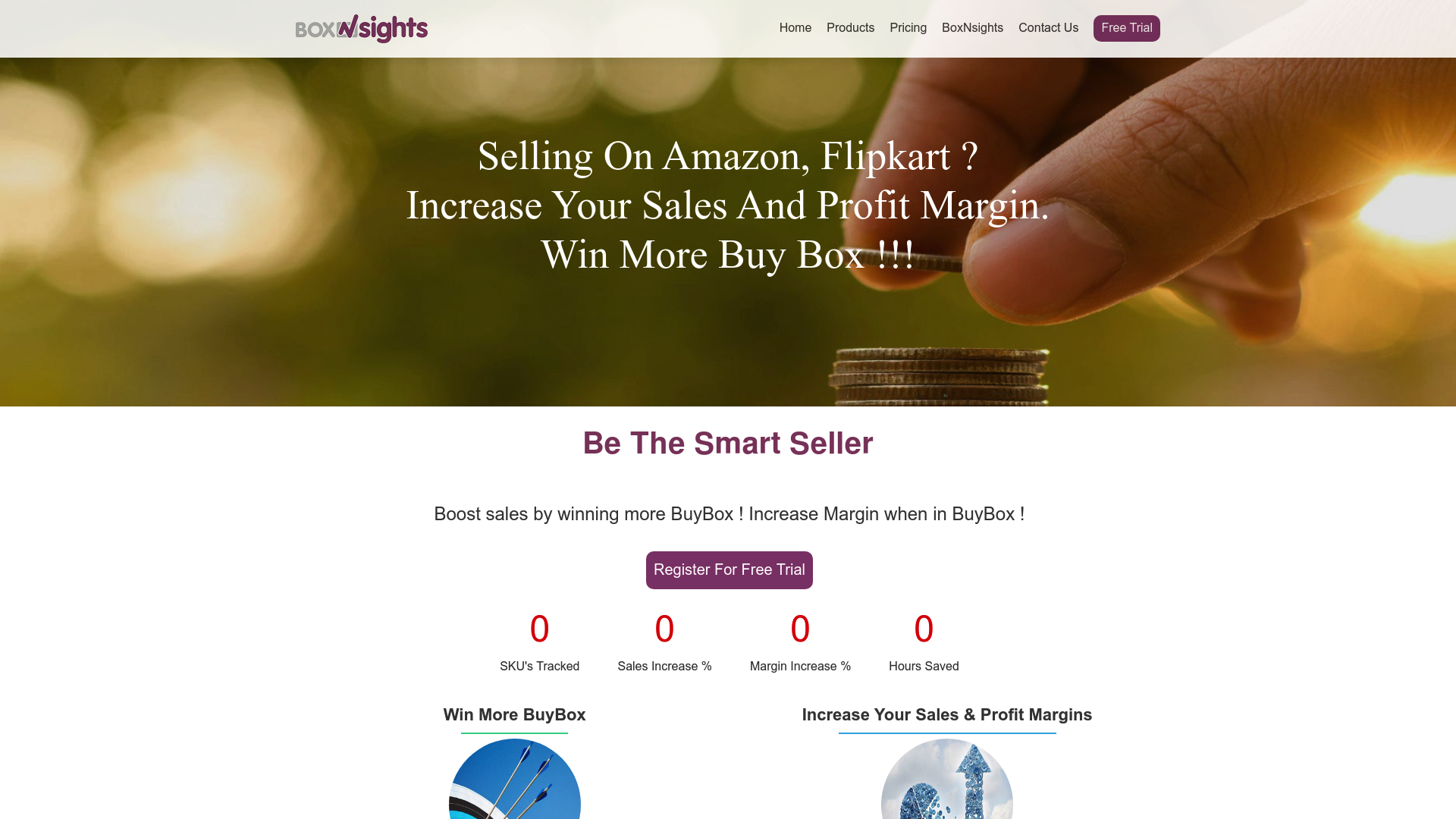
- Overview: BoxNsights is designed to help you boost sales and profits with its AI-powered price repricing feature.
- Pros: The automated repricing feature is a key advantage. It monitors competitors and adjusts your prices to help you win the buy box while protecting profit margins. Trying to do this manually, especially with many products, is difficult.
- Cons: Its focus is very specific. It's centered on pricing, so you'll need to use it alongside other tools for inventory, orders, and analytics.
- Pricing: It's a subscription-based service.
- Why we chose it: In hyper-competitive categories, pricing strategy is critical. BoxNsights offers a powerful, automated solution for one of the most important factors in winning sales on a marketplace.
5. Eshopbox
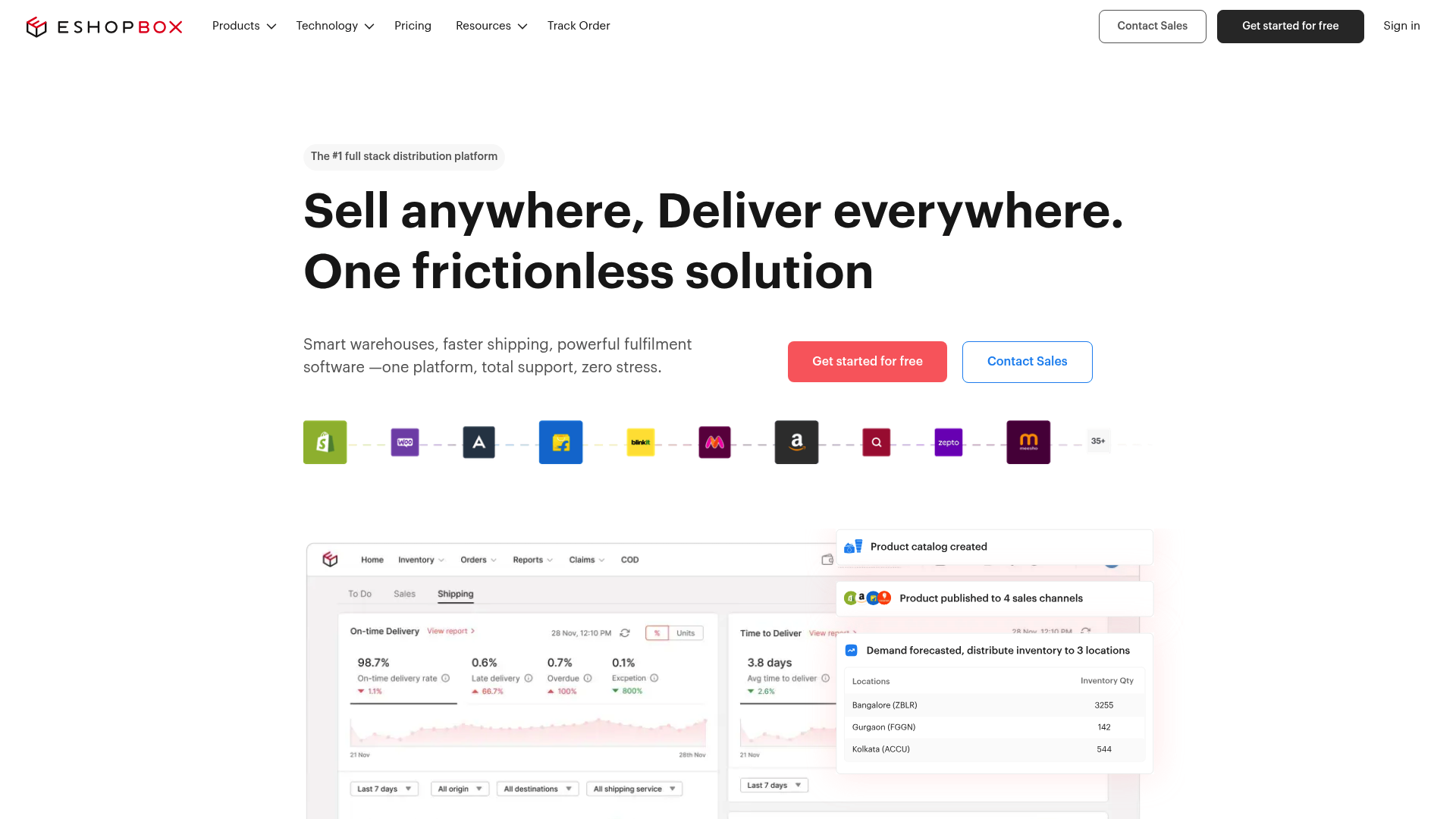
- Overview: Eshopbox is a fulfillment service that integrates with Flipkart's Smart Fulfilment program. They store your inventory, pack your orders, and ship them for you.
- Pros: Using a service like this helps you offer faster delivery times and earn the F-Assured badge. This badge can increase customer trust and potentially boost sales. It also allows sellers to focus on products and marketing instead of logistics.
- Cons: It’s best for sellers who already have a consistent volume of orders. For those just starting, the costs might not be justifiable. It also means less direct control over your inventory and packing process.
- Pricing: Pricing is based on the services you use (like storage space and packing fees) and is provided via a custom quote.
- Why we chose it: For sellers looking to scale quickly without investing in their own warehouse and logistics team, Eshopbox offers a streamlined path to professional-grade fulfillment.
6. Flipkart Ads
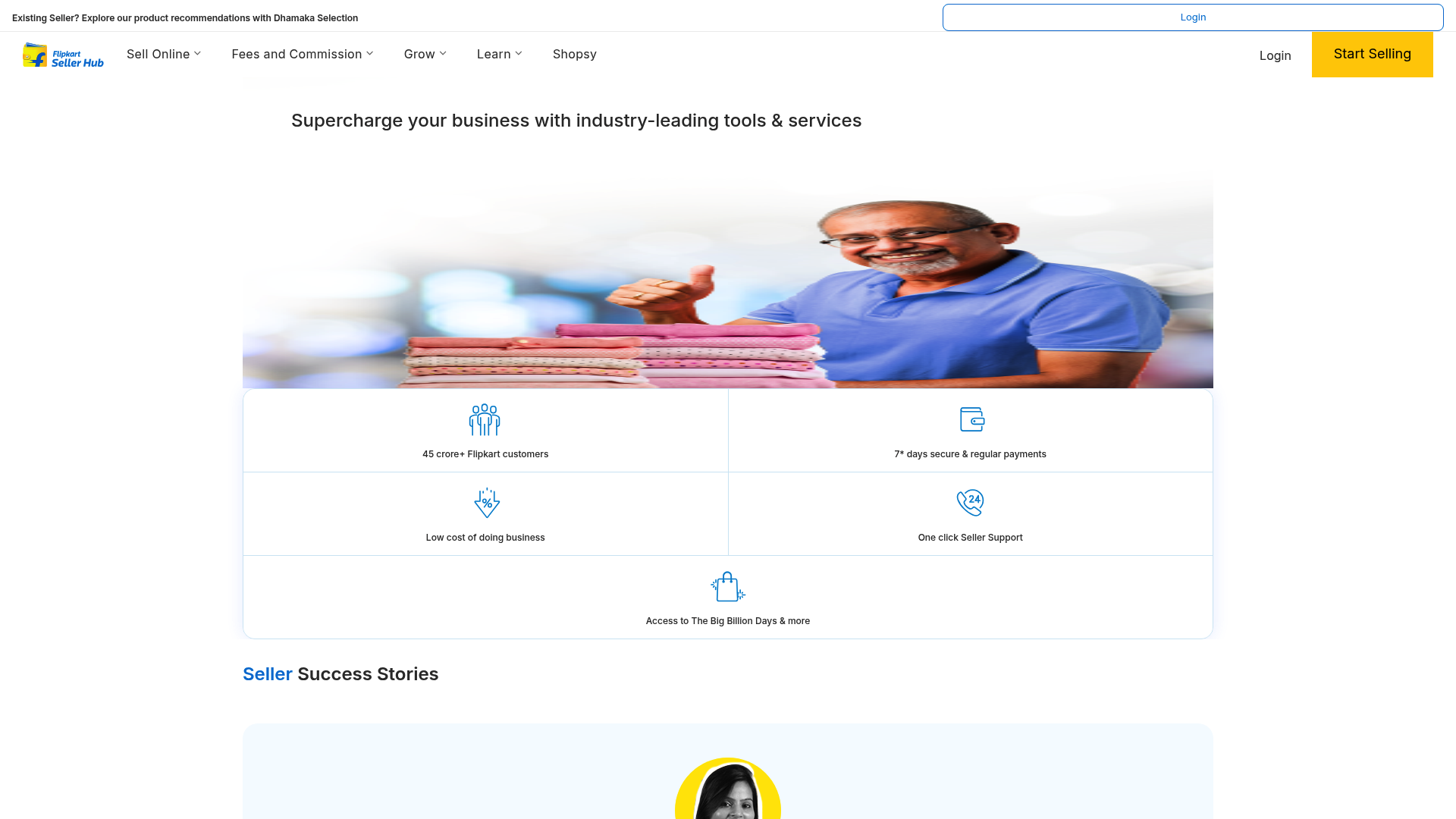
- Overview: This is Flipkart’s in-house advertising platform and an important tool for growth. It lets you run targeted pay-per-click (PPC) campaigns to get more visibility and sales.
- Pros: It allows you to reach high-intent customers who are actively searching for products like yours. You get significantly more visibility than organic reach alone, and the platform provides actionable insights to help you optimize your campaigns.
- Cons: It requires active management. A clear strategy and careful budget management are necessary to manage the budget effectively. You need to constantly monitor and adjust your campaigns to ensure a positive return on investment.
- Pricing: It’s a pay-per-click (PPC) model, so you pay when someone clicks on your ad.
- Why we chose it: Organic reach on a crowded marketplace can be limited. Flipkart Ads is a direct and effective way to get your products seen by millions of potential buyers.
7. StartupTalky Media
- Overview: Once operations are streamlined, the next step is often brand building. StartupTalky is different from the other tools here. It's a media platform focused on sharing the journeys of India's entrepreneurs to build credibility and market presence.
- Pros:
- Credibility and Trust: A feature on a recognized media platform that spotlights entrepreneurs can provide validation and build trust with a wider audience.
- Targeted Audience Reach: Content reaches a specific audience interested in the startup ecosystem, which can include potential investors, partners, and customers.
- Ecosystem and Networking: Media visibility can lead to networking opportunities within the startup community, including at industry events.
- Cons: This isn't an operational tool for daily tasks; it won't manage your inventory or reprice your products. Its value is in building long-term brand equity, not immediate sales tasks. Additionally, an editorial feature is based on having a compelling story.
- Pricing: Editorial features are earned through merit and story. For guaranteed visibility, brand advertising and custom campaigns are available through tailored media solutions.
- Why we chose it: It serves a different purpose than operational tools. While other tools focus on immediate sales and efficiency, leveraging a media platform is a strategy for long-term brand building and market positioning.
How to choose the right Flipkart seller tools for your business
How can you choose the right tools without getting overwhelmed? Here's a simple approach.
- Step 1: Start with foundational tools. Before spending any money, get comfortable with the free tools in the Flipkart Seller Hub. Become proficient with it. Understand your sales data, returns, and basic operations.
- Step 2: Identify your primary challenge. What is the main thing slowing you down? For example, if inventory management across multiple platforms is an issue, look into Browntape. If you're losing sales due to pricing, consider BoxNsights. If your products are hard to find, it's time to use Flipkart Ads.
- Step 3: Consider your budget and scale. It's not necessary to start with the most advanced tool. Start with free or low-cost options, like Datavio's free plan. As your business and revenue grow, you can invest in more powerful solutions. Don't pay for features you won't use.
- Step 4: Plan for brand development. Once your operations are solid, think bigger. How do you become more than just another seller? This is when a platform like StartupTalky can become a key part of your strategy.
Succeeding on Flipkart in 2026 is not about a single tool. It's about building a strategic set of tools that makes your operations efficient and your brand visible. Start with the Flipkart Seller Hub, then add specialized tools for analytics, pricing, and fulfillment as you need them. That's how you build a real, lasting business on the platform.
For a deeper dive into how specialized tools can uncover product opportunities, check out this video on Seller Lens, a product research tool designed for Flipkart.
Embedded iFrameThis video from Rishi Ecommerce provides a detailed review of Seller Lens, a product research tool designed for Flipkart sellers.
When the time comes to focus on brand building, sharing your business's story on a platform dedicated to entrepreneurs can create new growth opportunities.