

Best Accounting Software for Small Businesses | Compare Features and Pricing
lists-rankings
Running a small business means wearing a lot of hats, and the "bookkeeper" hat can get heavy fast. Before you know it, your desk is buried under a mountain of receipts, and your finances are living in a chaotic spreadsheet. It’s a familiar story, especially when tax season sneaks up on you. The good news is that modern accounting software can turn that chaos into a smooth, automated system that saves you time and actually tells you how your business is doing.
But with a sea of options out there, how do you pick the right one? In this guide, we'll walk through the 5 best small business accounting software platforms for 2026. We’ll get into their features, pricing, and who they’re really for, so you can make a solid choice and get back to what you love: running your business.
What is Small Business Accounting Software?
Think of it as a command center for your money. Instead of punching numbers into a spreadsheet, this software can connect to your bank accounts, credit cards, and payment processors to pull in your financial data automatically.
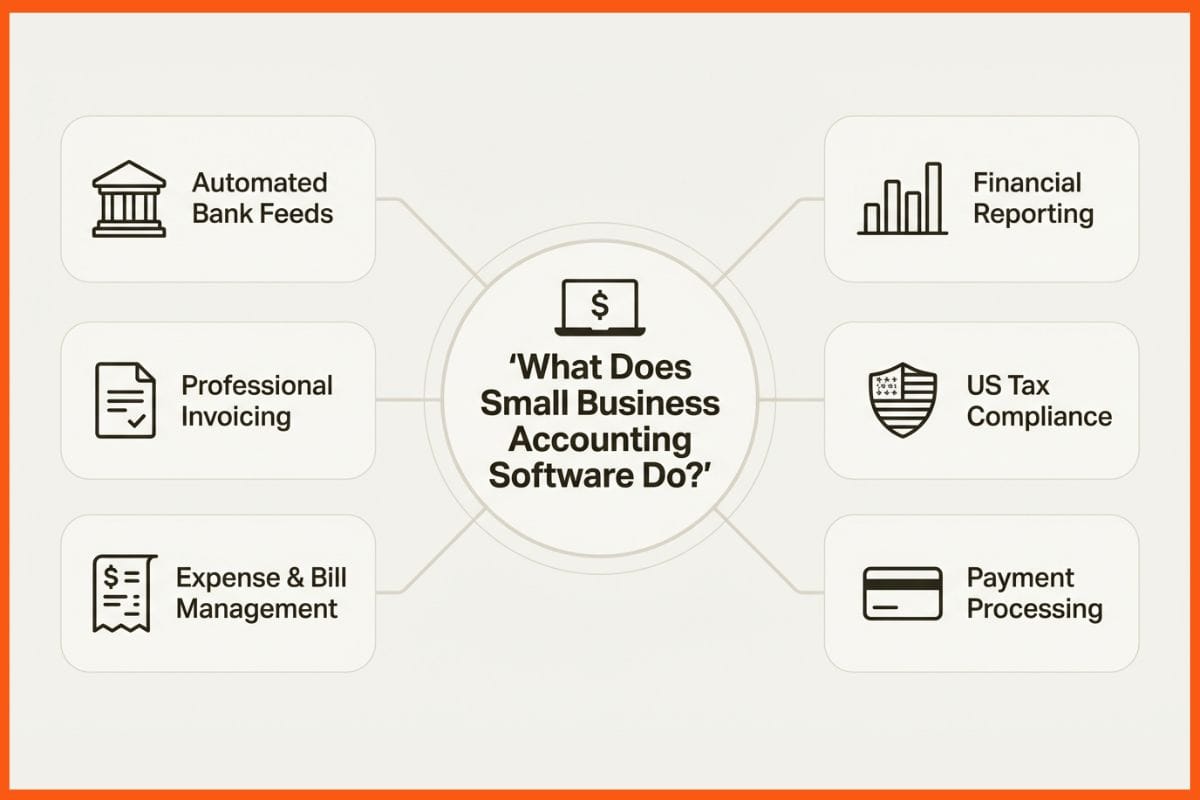
A good accounting tool does more than just track numbers. It helps you create professional invoices, keep an eye on your income and expenses, manage bills, and generate essential financial reports like a Profit & Loss statement or a Balance Sheet. For businesses in the US, this is a huge help for staying compliant with IRS rules, handling sales tax, and getting ready for tax season, which includes managing W-9s and filing 1099s for contractors. It gives you a clear, up-to-the-minute picture of your financial health. This infographic breaks down the core functions.
How We Chose the Best Small Business Accounting Software
So, how did we land on these five? We didn't just skim feature lists. We dug into what actually matters when you're the one running the show.
Here’s what we looked for:
- Ease of Use: A tool is no good if you need an accounting degree to use it. We prioritized software with clean interfaces that you can figure out without a manual.
- Core Accounting Features: We made sure every option nails the basics: invoicing, expense tracking, bank reconciliation, and financial reporting.
- Scalability: The software you pick today should still work for you in a few years. We looked for platforms that can handle your business as it grows.
- Integrations: Your business probably runs on a few different apps. The best accounting software plays nice with payment gateways (like Stripe and PayPal), payroll services, and other tools you use.
- US Compliance: We specifically checked for features built for US businesses, like tools for managing sales tax, prepping for tax filings, and handling 1099 payments.
- Value for Money: Is the price tag worth it? We weighed the cost against the features, support, and overall benefit to a small business.
A Quick Comparison of the Best Small Business Accounting Software
Here’s a quick overview of how our top picks stack up against each other.
| Software | Best For | Starting Price (Monthly) | Unlimited Users | US Payroll |
|---|---|---|---|---|
| QuickBooks Online | Most businesses, from solo to growing SMBs | $19/mo | No (Plans are user-limited) | Yes (Add-on) |
| Xero | Growing businesses needing unlimited users | $25/mo | Yes | Yes (Via Gusto) |
| FreshBooks | Freelancers & service-based businesses | $8.40/mo (Promotional) | No (Costs per user) | Yes (Add-on) |
| Wave | Solopreneurs & microbusinesses | $0 (Free Starter Plan) | Yes | Yes (Add-on) |
| Zoho Books | Businesses using the Zoho ecosystem | $0 (For businesses <$50K revenue) | No (Plans are user-limited) | No |
List of Best Small Business Accounting Software Solutions
Here is our detailed breakdown of th best platforms on the market right now.
1. QuickBooks Online
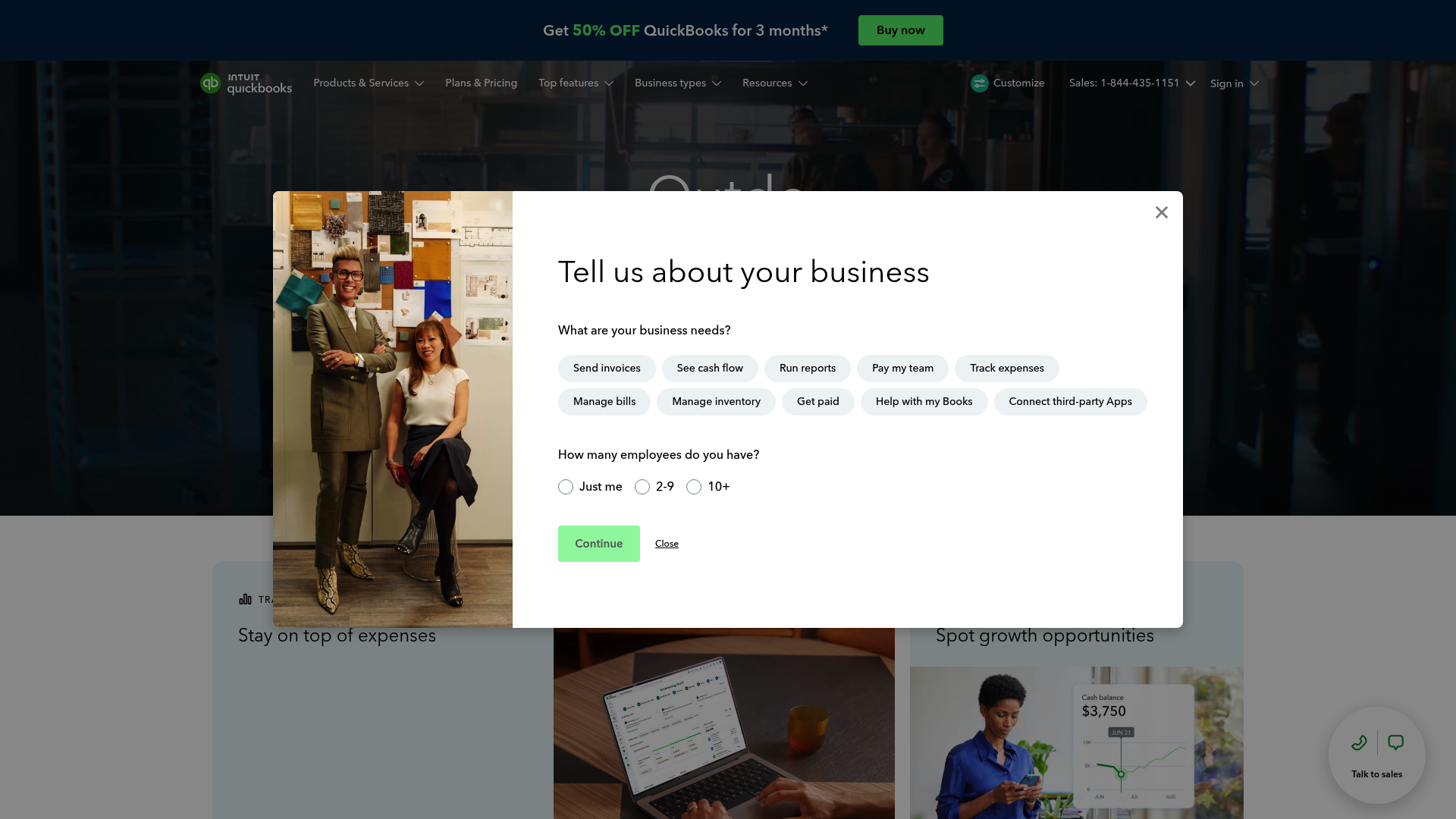
There's a reason QuickBooks is a well-known name. It’s an industry heavyweight, offering a complete set of tools that works for almost any small business, whether you're a freelancer or a growing company with inventory. Its bank feed automation is very effective, learning how to categorize your transactions over time to save you from hours of manual work. However, it’s important to note that QuickBooks is no longer available for new customers in India. Intuit officially discontinued QuickBooks Online and related services in the Indian market in January 2023.
- Best for: Pretty much everyone. It’s a flexible choice for sole proprietors, service businesses, and companies selling products. It’s especially good for businesses that expect to grow.
- Key features: Deep financial reporting, customizable invoices, inventory management (on Plus and Advanced plans), and easy access for your accountant. Higher-tier plans have some AI-driven features like the Accounting Agent and Payments Agent that automate tasks and help you get paid faster.
- Pricing:
- Simple Start: Starts at $19/month for one user.
- Essentials: Starts at $37.50/month for three users.
- Plus: Starts at $57.50/month for five users and adds inventory and project profitability.
- Advanced: Starts at $137.50/month for 25 users with advanced analytics and batch invoicing.
- Pros and Cons: The biggest plus for QuickBooks is its huge range of features and its ecosystem of over 800 app integrations. It connects to almost anything. Plus, most accountants know it inside and out, which makes collaboration a breeze. On the other hand, it can get pricey, and all those features can be a bit much for total beginners to learn.
- Why it stands out: QuickBooks Online grows with you. You can start on a basic plan and upgrade as your needs change, all without having to switch systems. It's a long-term solution you probably won't outgrow.
2. Xero
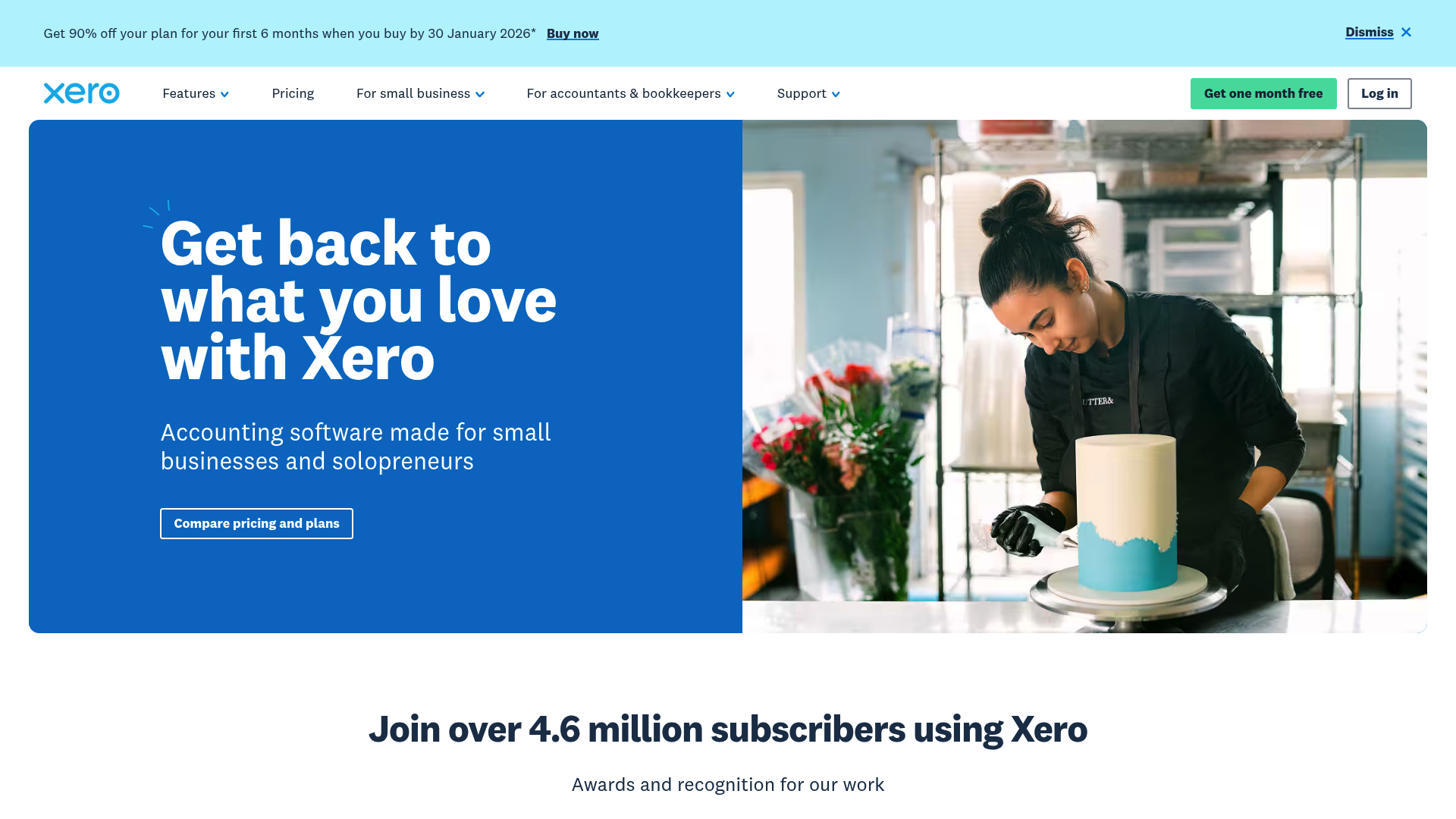
Xero is a modern-looking alternative to QuickBooks that’s big on collaboration and ease of use. Its standout feature is that every plan comes with unlimited users, which makes it a budget-friendly pick for growing teams. Xero’s bank reconciliation is slick and easy, and its new AI tool, JAX, helps automate tasks.
- Best for: Small businesses that are adding to the team and need a collaborative accounting platform with solid features and lots of integrations.
- Key features: Unlimited users on all plans, project tracking (on the Established plan), Hubdoc for snapping pictures of receipts, and a marketplace with over 1,000 app integrations. It also handles multiple currencies on its top plan.
- Pricing:
- Early: Starts at $25/month but limits you to 20 invoices and 5 bills.
- Growing: Starts at $55/month for unlimited invoices and bills.
- Established: Starts at $90/month and adds multi-currency support, expense claims, and project tracking.
- Note: Xero often runs promotions for new customers, like 90% off for the first 6 months.
- Pros and Cons: Xero’s clean design and unlimited user policy are major attractions. Its huge app marketplace means it can plug into just about any workflow. A potential downside is that its US payroll is handled through a third-party integration with Gusto, which means another subscription. Also, there's no phone support; you have to submit a ticket online.
- Why it stands out: The "unlimited users" policy is a big deal. It means you can give access to partners, employees, and your accountant without your bill going up. This makes it the most scalable option if you're adding people.
 Vivek Dev Jacob
3. FreshBooks
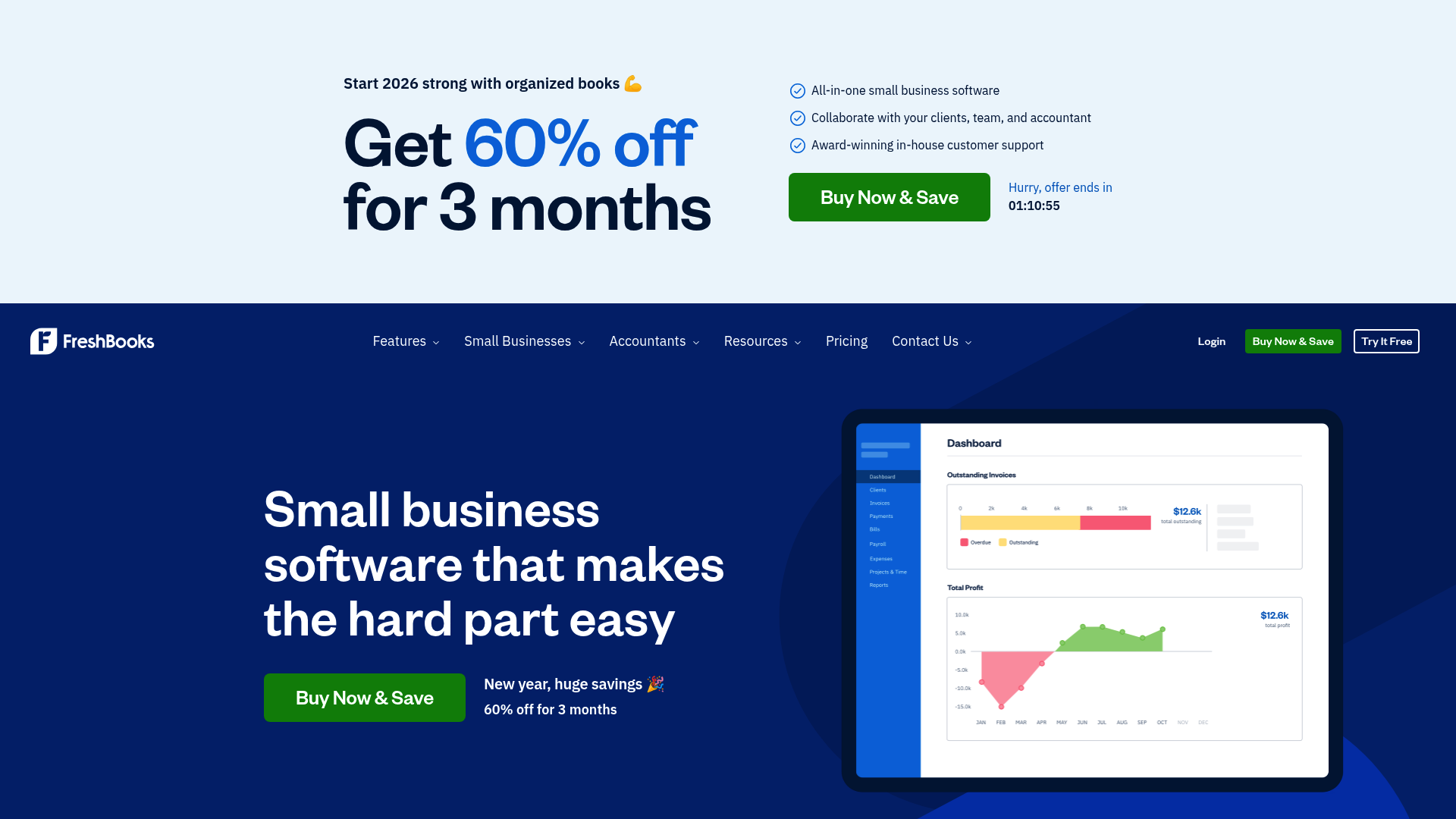
FreshBooks began as a simple invoicing tool and has grown into a complete accounting platform built for service-based businesses, freelancers, and consultants. Its strength lies in its time-tracking and project management, which are baked right into the invoicing process. You can track billable hours, pop them onto an invoice, and send it off in a couple of clicks.
- Best for: Freelancers, consultants, agencies, and anyone who bills clients for their time.
- Key features: Great time tracking, professional proposals and estimates, client retainers, and a portal for clients to see and pay their invoices.
- Pricing:
- Lite: Starts around $8.40/month (promotional) for up to 5 clients.
- Plus: Starts around $15.20/month (promotional) for up to 50 clients.
- Premium: Starts around $26.00/month (promotional) for unlimited clients.
- Pros and Cons: FreshBooks is super easy to use, with a simple interface that makes billing and getting paid quick and painless. Its tools for tracking project profitability are a big win for service businesses. One limitation is its inventory management, so it's not a great fit if you sell physical products. Also, adding team members costs extra, which can add up.
- Why it stands out: The way it blends time tracking, project management, and invoicing is what makes FreshBooks special. It was built from the start to solve the money problems of service businesses.
4. Wave
For new businesses or solopreneurs who need a solid accounting tool without the monthly fee, Wave is a strong option. Its Starter plan is totally free and gives you unlimited invoicing, income and expense tracking, and financial reports. It’s a proper double-entry accounting system, so your books will be accurate and ready for tax time.
- Best for: Freelancers, gig workers, and tiny businesses looking for a powerful, free tool to handle the basics.
- Key features: Unlimited invoicing and bookkeeping on the free plan. You can add payroll and payment processing on a pay-per-use basis. It also has strong PCI-DSS Level 1 security to protect your data.
- Pricing:
- Starter: $0 for accounting and invoicing.
- Pro Plan: $19/month to add automatic bank connections and unlimited receipt scanning.
- Pros and Cons: The biggest pro is the price, as the free plan is a significant advantage. Wave is surprisingly capable for a no-cost tool and covers all the essentials a new business needs. The limitation of the free plan is that you have to enter bank transactions manually or upgrade to the Pro plan for automatic imports. It also doesn't have features like project tracking or advanced inventory.
- Why it stands out: Wave offers a genuinely free, full-featured accounting platform. Many other "free" tools are just glorified invoice generators, but Wave gives you a solid accounting foundation to build on.
5. Zoho Books
Zoho Books is one piece of the huge Zoho suite of business apps, which includes a CRM, project management tool, email, and a lot more. If you're already using other Zoho products, Zoho Books integrates smoothly for a unified experience. It's a strong accounting tool on its own, with great automation features and excellent mobile apps.
- Best for: Small to medium-sized businesses that are already using or plan to use other Zoho apps.
- Key features: End-to-end accounting, workflow automation, inventory management, and client portals. Its AI assistant, Zia, offers helpful insights.
- Pricing:
- Free: Available for businesses with annual revenue under $50K. Includes one user plus an accountant.
- Standard: Starts at $15/month (billed annually) for three users.
- Professional: Starts at $40/month (billed annually) for five users.
- Pros and Cons: Zoho Books delivers a ton of value, especially its free plan, which has more features than many paid entry-level plans. Its automation is excellent, letting you set rules for categorizing transactions and sending payment reminders. A key consideration is that it doesn't offer payroll for the US market, so you'll need another service for that. If you're not bought into the Zoho world, it might feel like one piece of a much larger puzzle.
- Why it stands out: The tight integration with all the other Zoho apps is its biggest selling point. It creates a single platform where your sales, project, and financial data all work together, which standalone accounting tools just can't do.
Vivek Dev Jacob
Key Considerations for Choosing Accounting Software for Your Small Business
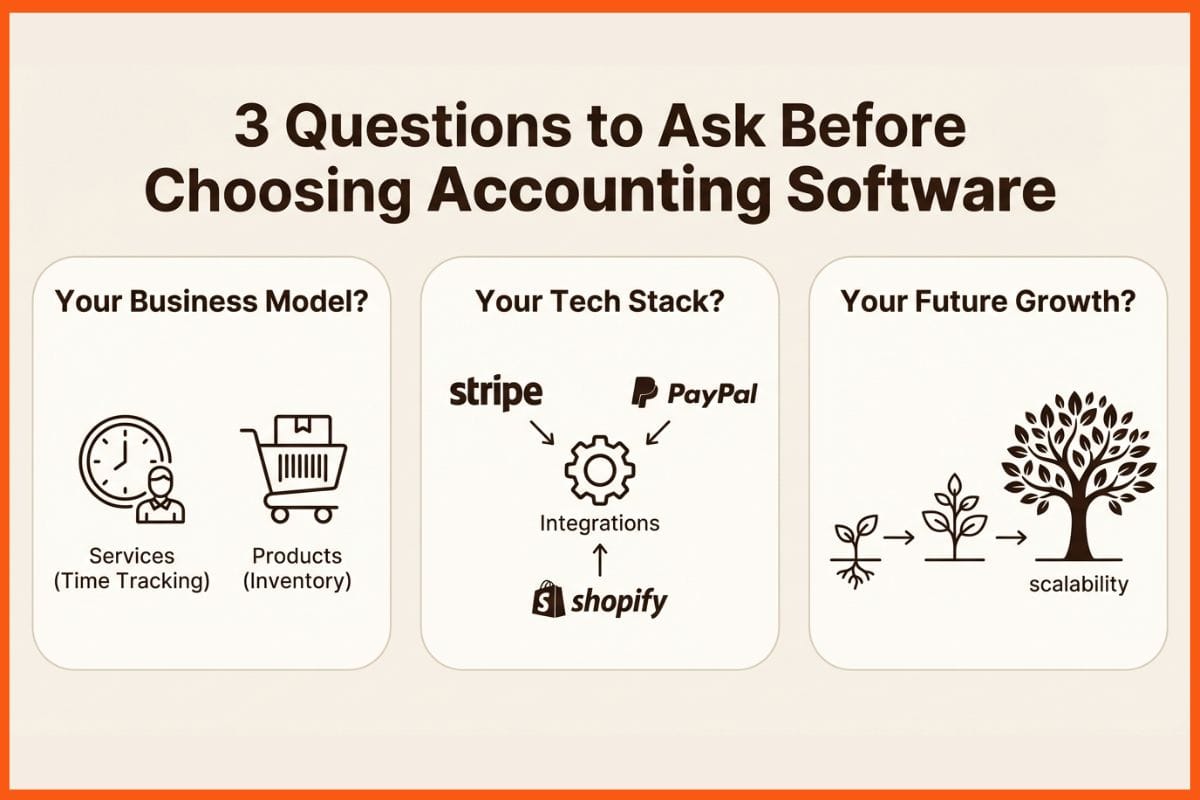
Picking your accounting software is a big decision. Before you pull the trigger, think about these three things:
- What does your business actually do? Are you a freelancer selling your time, or an e-commerce store shipping products? A service business will care more about time tracking and invoicing (like FreshBooks), while a retail business needs solid inventory management (like QuickBooks Online Plus). Don't pay for features you won't touch.
- What other tools do you use? Make a quick list of the apps you rely on. Does your payment processor, CRM, or e-commerce platform connect with the accounting software you're looking at? Good integrations will save you a ton of time on manual data entry.
- Where do you see your business going? Think about where you want to be in three to five years. Will you hire people? Add new products? Choose a platform that can grow with you. Moving all your financial data to a new system is a headache you want to avoid.
Ansh Mehrey
Frequently Asked Questions
What features should I look for in the top small business accounting software?
At a minimum, look for core features like invoicing, expense tracking, bank reconciliation, and financial reporting (like Profit & Loss and Balance Sheet). Depending on your business, you might also need inventory management, time tracking, payroll, or multi-currency support.
Is there a free version of the top small business accounting software?
Yes! Wave offers a completely free plan for accounting and invoicing, which is great for solopreneurs and new businesses. Zoho Books also has a free plan for businesses earning less than $50K in annual revenue.
How much does the top small business accounting software typically cost?
Prices vary widely. You can start for free with platforms like Wave or Zoho Books. Paid plans for more advanced software like QuickBooks Online and Xero typically start around $15-$30 per month and can go up to $100+ for plans with more users and advanced features.
Can the top small business accounting software help with US tax compliance?
Absolutely. Most of these platforms are designed to help US businesses stay compliant. They can track sales tax, help you prepare financial reports for the IRS, and manage payments to 1099 contractors, making tax season much smoother.
As my business grows, will I need to switch my top small business accounting software?
Not necessarily. It's wise to choose a platform that can scale with you. Software like QuickBooks Online and Xero are built for growth, allowing you to upgrade your plan to add more users, inventory management, and advanced reporting as your needs change.
What is the easiest top small business accounting software for a beginner to use?
For service-based freelancers, FreshBooks is often considered one of the most user-friendly options due to its focus on simple invoicing and time tracking. For a more general and free option, Wave is also very approachable for those new to bookkeeping.