

Best Cloud Backup and Disaster Recovery Tools: Compare Smart Solutions for Data Security
Collections 🗒️
A proper cloud backup and disaster recovery (DR) plan is non-negotiable these days. With threats like ransomware always lurking and hybrid infrastructures becoming the new normal, just having a copy of your data somewhere is not enough. You need a reliable way to get your systems back up and running fast, with as little data loss as possible.
The market is flooded with tools all claiming to be the best, which can make choosing one a real headache. This guide is here to cut through the noise. We will compare the top cloud backup and disaster recovery tools for 2026, breaking down what they’re good at, where they fall short, and who they’re for, so you can make a smart decision.
What are Cloud Backup and Disaster Recovery Tools?
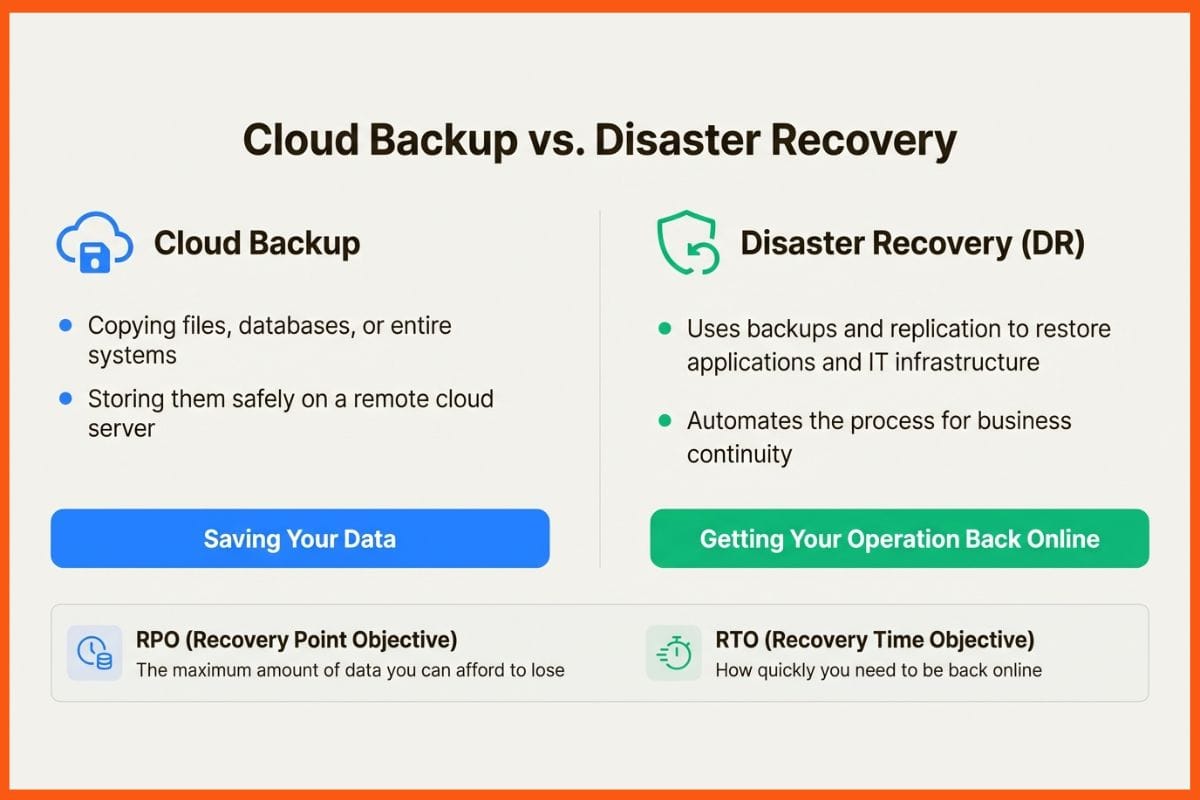
It’s easy to mix up cloud backup and disaster recovery, but they do different, though related, jobs. Think of it this way: backup is about saving your data, while disaster recovery is about getting your whole operation back on its feet after a major problem.
- Cloud backup is the process of copying your files, databases, or even entire systems and storing them safely on a remote cloud server. This keeps your data safe from hardware failures, accidental deletions, or corruption.
- Disaster recovery (DR) is the bigger picture. It uses those backups, along with other techniques like replication and automated failover, to restore your applications and IT infrastructure. The aim is to hit specific Recovery Time Objectives (RTOs), which is how quickly you need to be back online, and Recovery Point Objectives (RPOs), which is the most data you can stand to lose. A good DR tool automates this whole process to ensure business continuity.
How We Chose the Best Cloud Backup and Disaster Recovery Tools
So, how did we land on this list? We did not just skim feature lists. We looked at what actually matters to IT leaders and decision-makers in the real world. Our evaluation boiled down to a few key areas:
- Reliability and recovery speed: How quickly and dependably can you get services back online? This covers things like instant recovery and achieving low RTOs/RPOs.
- Security and ransomware resilience: What is in place to guard against threats? We looked for immutable backups, real-time encryption detection, and solid access controls.
- Environment support: Does the tool work well with modern, hybrid setups? This includes on-premises servers, virtual machines (VMs), public cloud infrastructure, and containers.
- Automation and ease of use: How much manual work is involved in backing up, restoring, and testing your DR plan without causing disruption?
- Scalability and cost: Can the solution grow with you, and is the pricing easy to understand and predict?
 Niku Mandal
A Quick Comparison of the Best Cloud Backup and Disaster Recovery Tools
Before we get into the details, here’s a high-level look at the solutions we’ve picked. This table should give you a quick idea of which tool might be the right fit for your organisation.
| Tool Name | Best For | Key Features | Pricing Model | Supported Platforms |
|---|---|---|---|---|
| Northflank | Modern containerised workloads & developer-first teams | Integrated native & snapshot backups; automated restores & failover; native Kubernetes support; BYOC | Pay-as-you-go | Kubernetes, Docker, Databases (AWS, GCP, Azure, OCI, CoreWeave) |
| Veeam Data Platform | Enterprises with virtualised & hybrid environments | Instant VM Recovery; CDP; AI-driven insights; multi-cloud portability | Subscription (per workload) | VMware, Hyper-V, AWS, Azure, Google Cloud, Physical Servers, SaaS |
| HPE Zerto | Mission-critical applications with near-zero RTO/RPO needs | Continuous Data Protection (CDP); journal-based recovery; automated DR drills | Per-VM subscription | VMware, Hyper-V, AWS, Azure, 350+ clouds |
| Acronis Cyber Protect | SMBs & MSPs seeking integrated backup and security | AI-powered anti-ransomware; EDR/XDR; system imaging; 20+ workload types | Subscription (per device/GB) | Windows, macOS, Linux, VMware, Hyper-V, Microsoft 350 |
| Druva Data Security Cloud | SaaS application protection & cloud-first organisations | 100% SaaS (DRaaS); air-gapped immutable backups; $10M Data Resilience Guarantee | Consumption-based | AWS, Microsoft 365, Salesforce, Google Workspace, Endpoints |
| AWS Elastic Disaster Recovery (DRS) | Organisations heavily invested in the AWS ecosystem | Continuous replication to AWS; low-cost staging area; point-in-time recovery | Pay-as-you-go ($0.028/hr per server) | On-premises (VMware/Hyper-V), other clouds, AWS EC2 |
List of Best Cloud Backup and Disaster Recovery Tools
Let's take a proper look at each of these platforms, exploring what makes them stand out and where they might not be the best choice.
Northflank
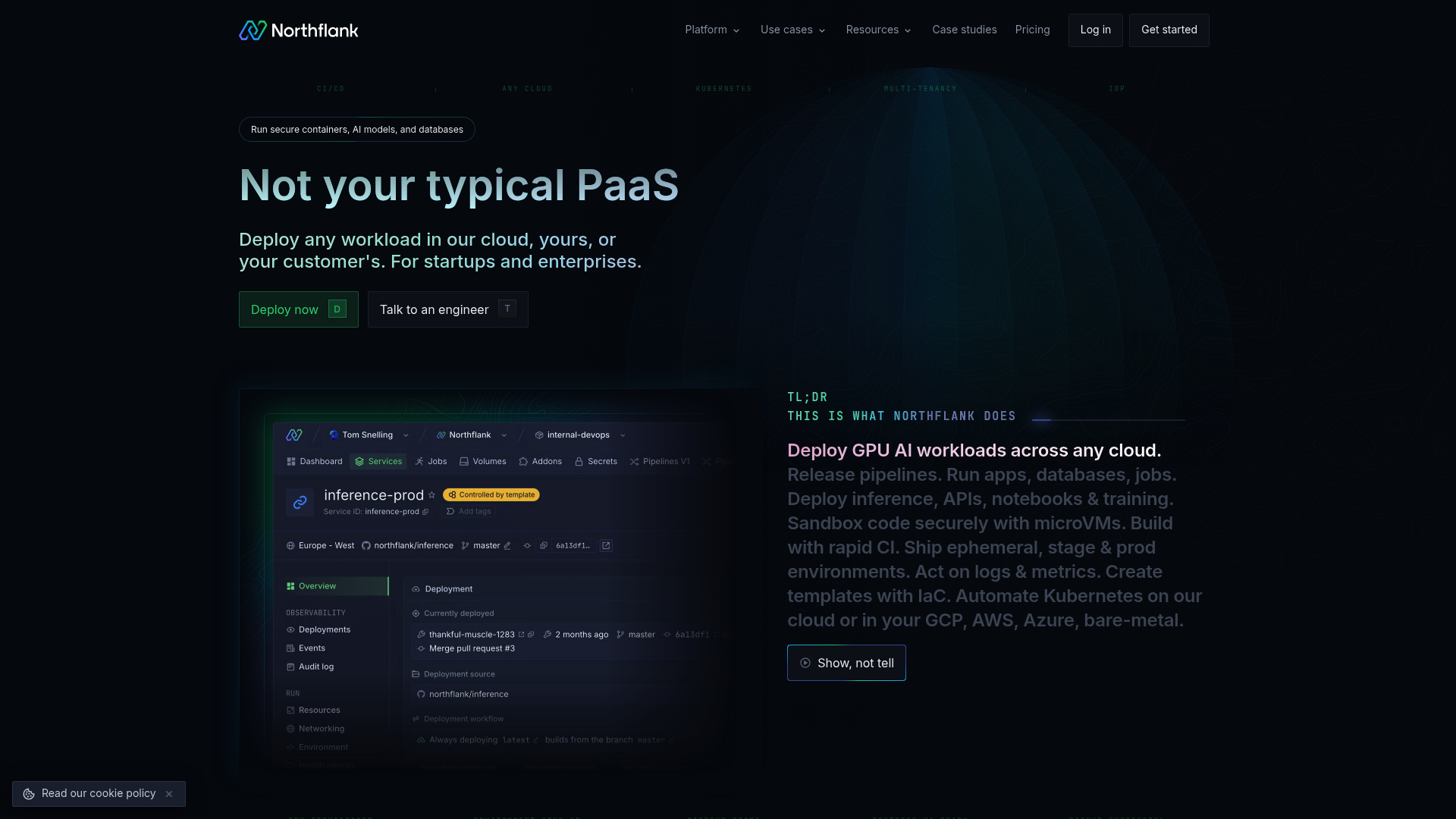
Northflank is a modern developer platform where disaster recovery is an integral feature. It’s built for teams running applications on containers and Kubernetes, either on Northflank's own cloud or on your own infrastructure using its Bring Your Own Cloud (BYOC) model with providers like AWS, GCP, and Azure. The objective is to bring deployment, backup, and recovery together in one smooth, developer-friendly workflow.
Pros: Northflank's strength lies in its seamless integration. It gives you automated backups, including native dumps and disk snapshots, one-click restores, and high-availability replica failover, all from within the platform. This simplifies operations by combining tools for deployment and recovery. It also has native support for stateful workloads like PostgreSQL and MongoDB, with built-in observability tools that are vital during a recovery.
Cons/Considerations: Because it’s designed for modern, container-based architecture, Northflank is intended for teams that are already using or moving to Kubernetes. If your organisation is still running traditional, monolithic applications on physical servers, you might find its approach different from legacy backup tools.
Pricing/Plans: Northflank has a straightforward pay-as-you-go model based on resource usage, billed down to the second. Backups are priced at $0.08/GB per month. There’s also a free Sandbox tier, so it’s easy for personal projects and early-stage startups to get started without any upfront cost.
Niku MandalVeeam Data Platform
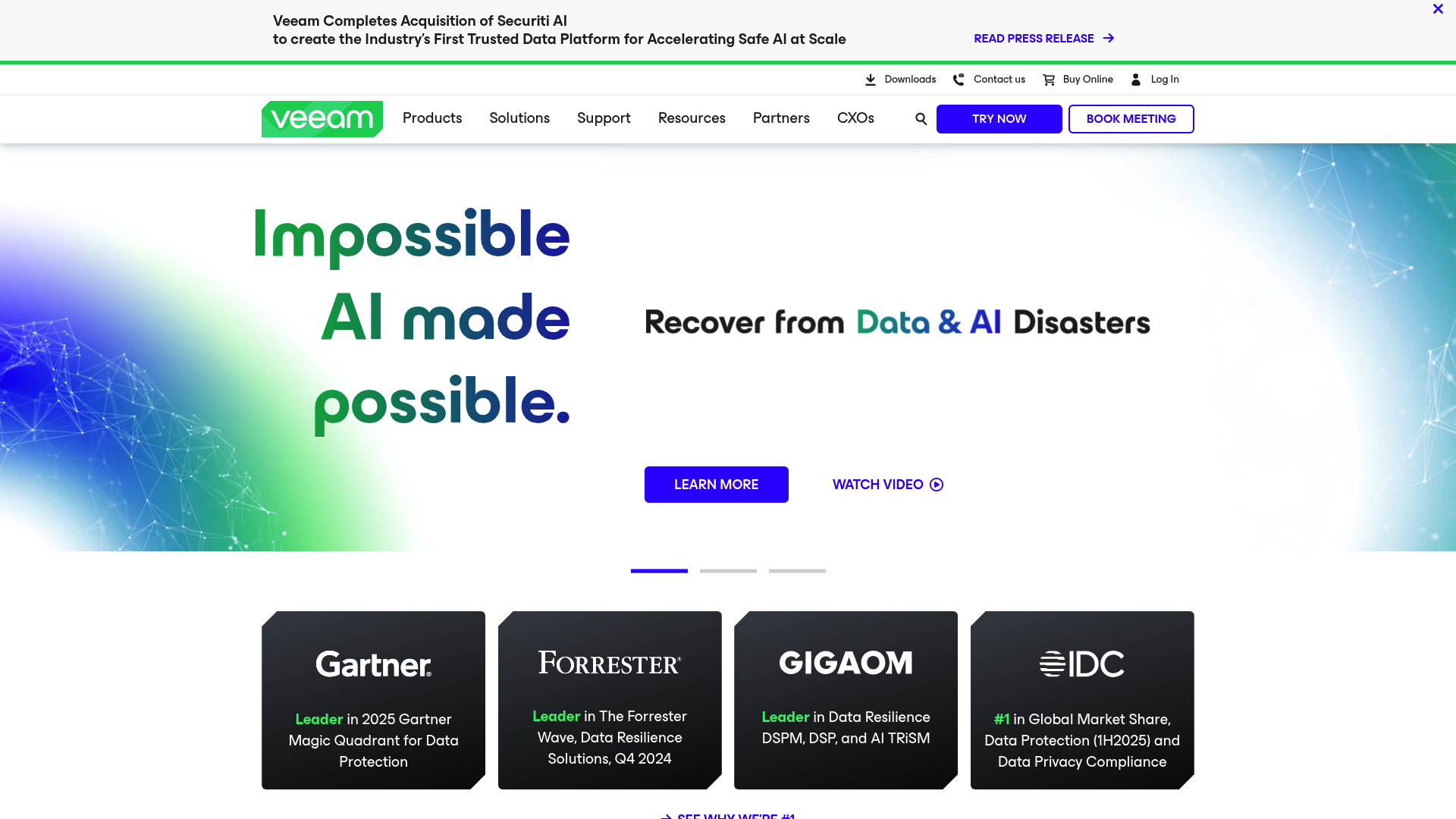
Veeam is a major name in the data protection world, trusted by 82% of the Fortune 500. Its Data Platform is a comprehensive solution for enterprise backup and recovery across complicated hybrid setups, covering virtual, physical, cloud, SaaS, and Kubernetes. It’s designed to be a single platform for data security, recovery, and freedom of movement.
Pros: Veeam is known for its reliability, especially for virtual environments like VMware vSphere and Microsoft Hyper-V, where it has deep integrations and features like Instant VM Recovery. Its platform is highly scalable and offers powerful, fine-grained recovery options for everything from single files to entire application servers. It also uses AI-driven insights to help spot threats and check recovery points.
Cons/Considerations: The platform's extensive capabilities can result in complexity. For smaller teams or simpler setups, Veeam can have a steep learning curve. And while it has added Kubernetes support, its foundations in traditional infrastructure may feel less native for containerised workloads compared to container-first platforms.
Pricing/Plans: Veeam uses a subscription model licensed per workload. It comes in several editions (Foundation, Advanced, and Premium) with different features. You will need to get in touch with their sales team for a custom quote.
HPE Zerto
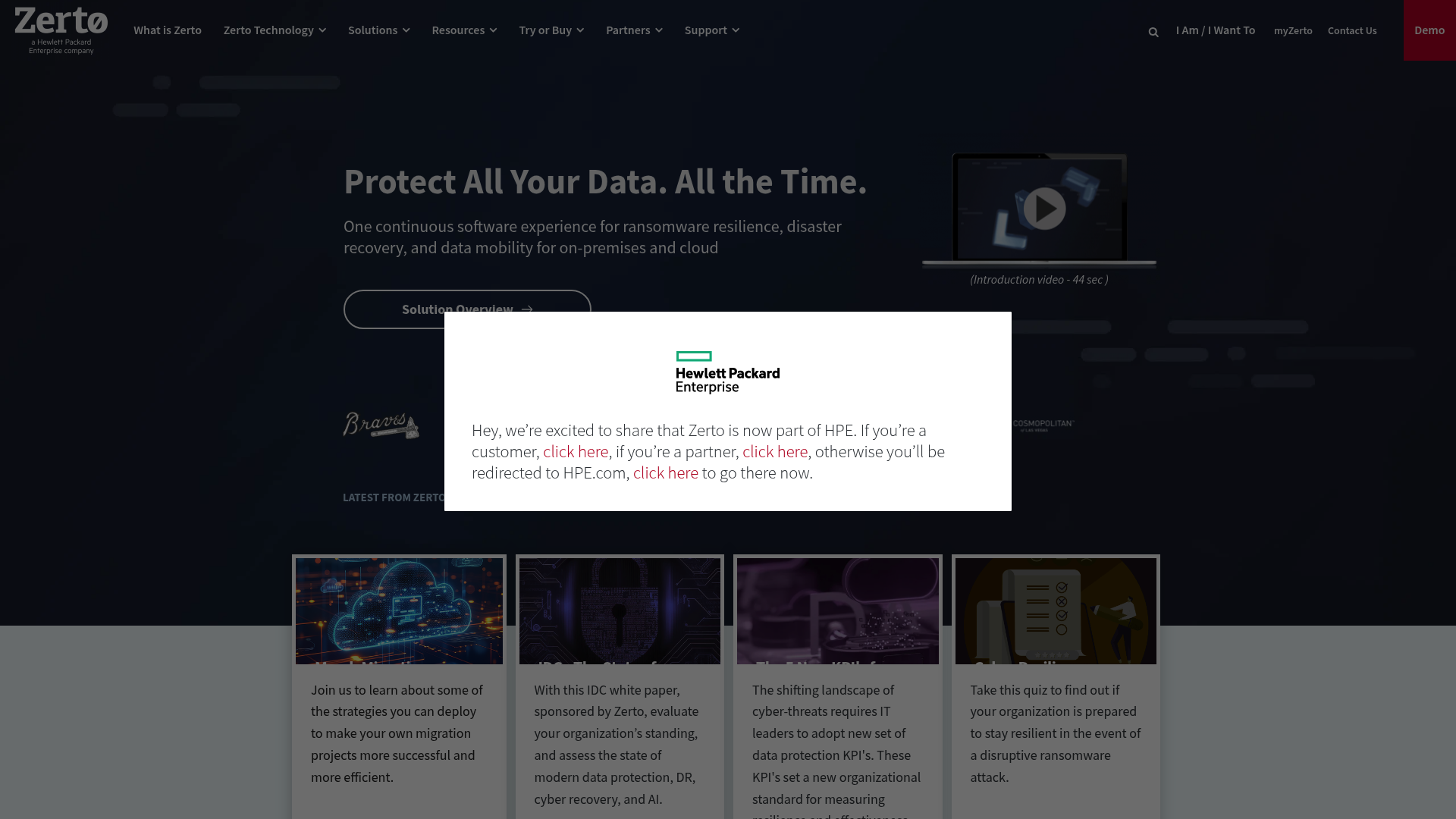
HPE Zerto is a specialist tool that focuses on continuous data protection (CDP) for business-critical applications, whether they are on-premises, hybrid, or multi-cloud. Instead of taking snapshots periodically, Zerto replicates data almost instantly, capturing every change to give you recovery points just seconds apart. This makes it suitable for disasters where minimal data loss is the top priority.
Pros: Zerto's biggest advantage is its ability to deliver incredibly low RPOs (seconds) and RTOs (minutes). Its journal-based recovery lets you rewind to any point in time with precision, which is critical for recovering from ransomware. A case study with TenCate Protective Fabrics showed it cut data loss from 12 hours down to just 10 seconds. It also has powerful automation for running DR tests without causing any disruption.
Cons/Considerations: This level of protection has higher requirements, in terms of both licensing and resources. The constant replication needs significant bandwidth and storage, making it a solution that's usually reserved for an organisation's most vital applications.
Pricing/Plans: Zerto is licensed per virtual machine per year, and the pricing is enterprise-grade. You will need a custom quote, but it's widely seen as a premium-priced solution.
Acronis Cyber Protect
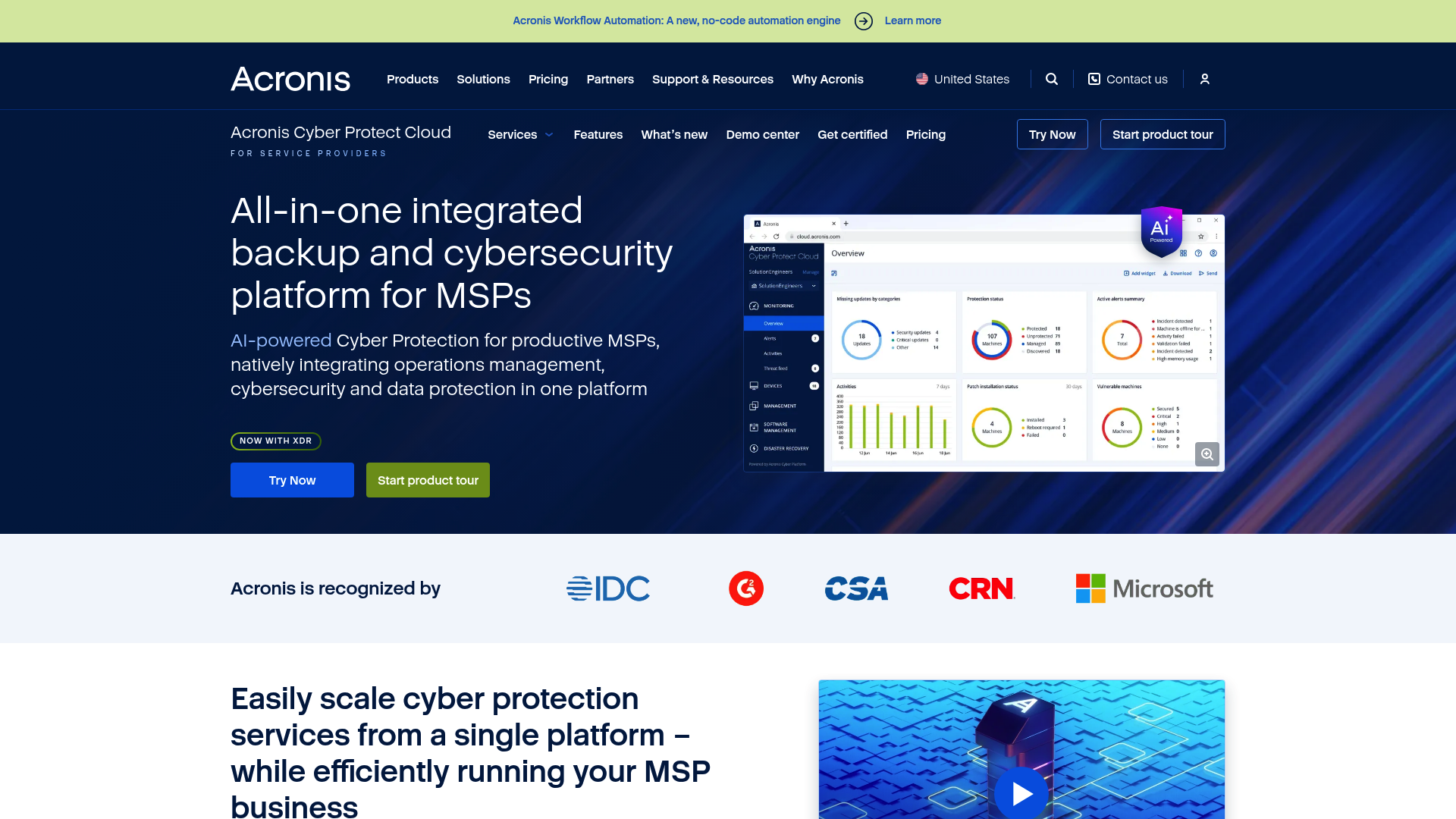
Acronis Cyber Protect combines data protection with cybersecurity. It’s a single solution that gives you backup, disaster recovery, and endpoint security features like AI-powered anti-malware, EDR/XDR, and patch management. It’s aimed at SMBs and Managed Service Providers (MSPs) who want to consolidate their tools and protect data across many different environments.
Pros: A key advantage is the convenience of having backup and security in one platform, all managed from a single screen. This is particularly beneficial for smaller IT teams. Its active protection against ransomware can spot and stop attacks as they happen and automatically restore any affected files, which is a great last line of defence. It supports over 20 workload types, from physical servers to Microsoft 365.
Cons/Considerations: For bigger companies that already have dedicated, top-of-the-line security tools, the integrated security features in Acronis might be unnecessary or not as advanced as their specialised standalone counterparts.
Pricing/Plans: Acronis has various subscription plans, with transparent pricing starting from around $85 per year for a workstation. For service providers, it offers flexible per-workload or per-GB pricing.
Shubham Kumar
Druva Data Security Cloud
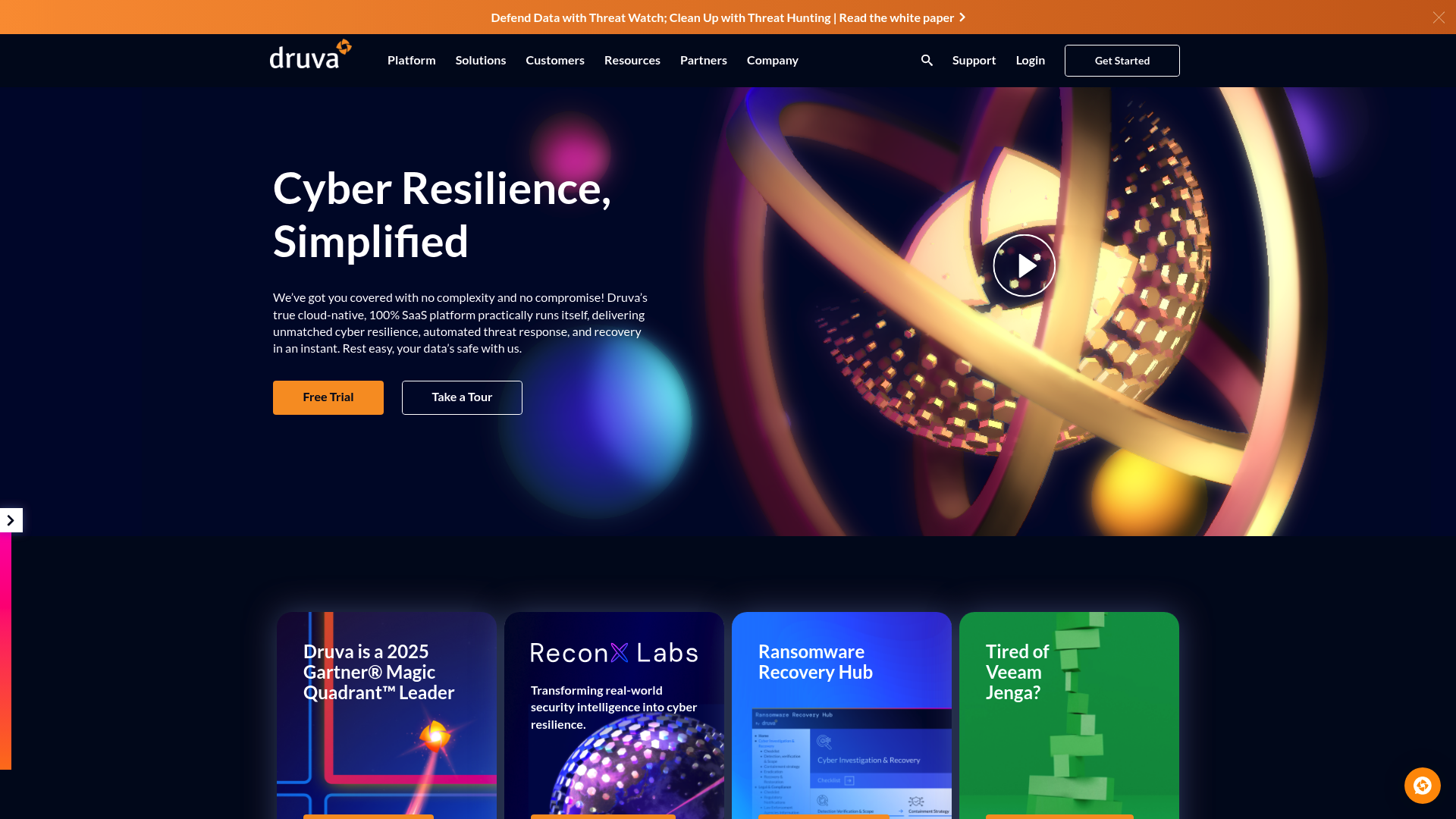
Druva offers data protection entirely as a service (DRaaS). Its Data Security Cloud is a 100% SaaS platform built on AWS, which means there is no on-premises hardware or software for you to manage. It centralises backup, recovery, and governance for endpoints, data centres, and cloud applications, with a big focus on protecting SaaS apps like Microsoft 365 and Salesforce.
Pros: The SaaS model makes management much simpler and offers predictable costs, with Druva claiming total cost of ownership savings of up to 40%. Because it is built on AWS, it scales very well and has great security features like air-gapped, immutable backups. Druva also offers a $10M Data Resilience Guarantee. It has a long list of compliance certifications, including FedRAMP, HIPAA, and SOC 2.
Cons/Considerations: As a fully managed SaaS solution, you get less direct control over the underlying backup infrastructure compared to self-hosted tools. It might not be the best fit for organisations with complex, legacy on-prem data centres that need a lot of customisation.
Pricing/Plans: Druva uses a consumption-based pricing model, which changes depending on what you're protecting, for example, per user for SaaS apps or per TB for servers. This can be quite cost-effective as you only pay for what you use.
AWS Elastic Disaster Recovery (DRS)
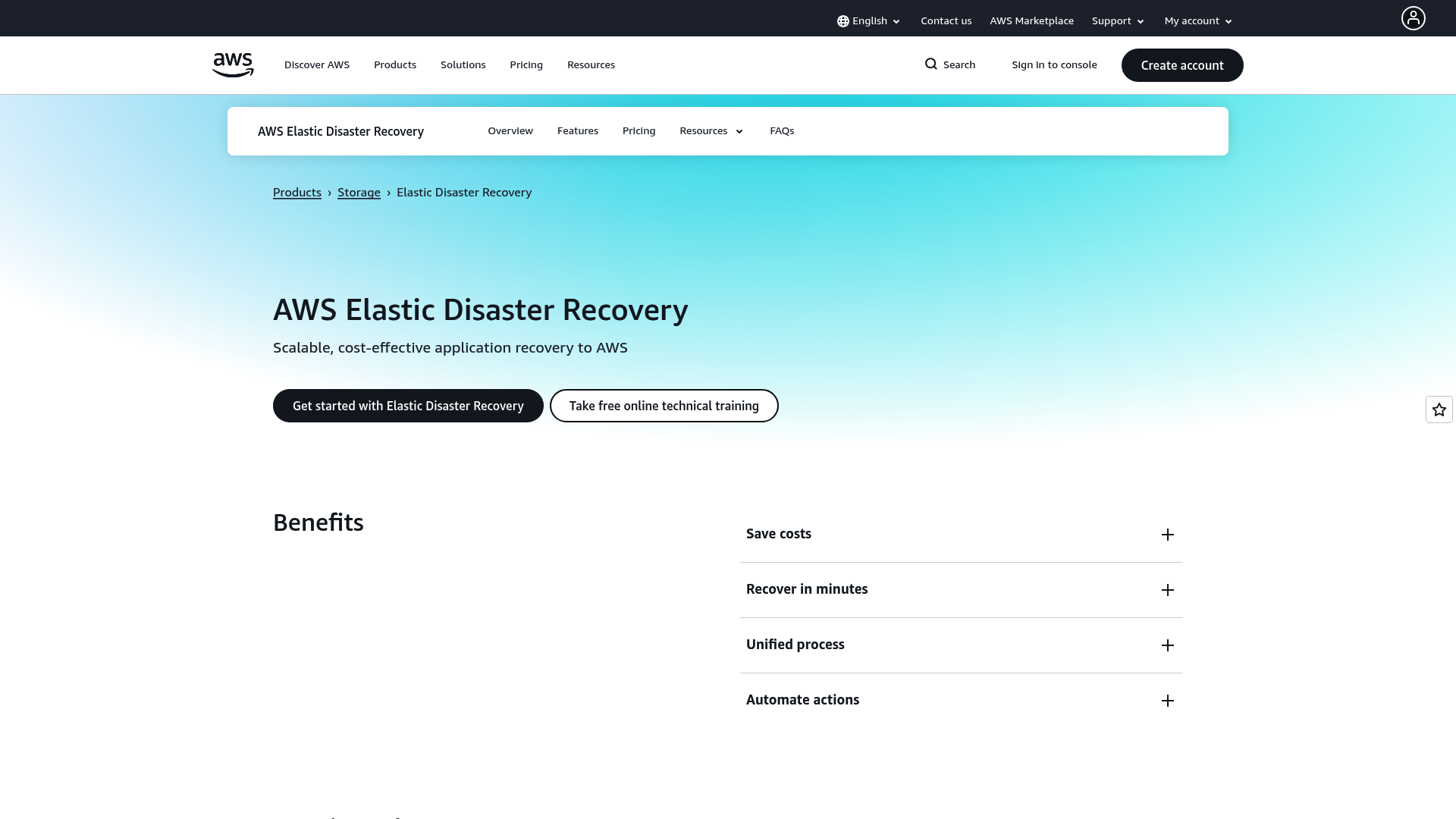
AWS Elastic Disaster Recovery (DRS) is a service for replicating applications into Amazon Web Services. It’s designed to help organisations recover their on-premises and other cloud-based applications quickly and reliably inside an AWS environment. It continuously replicates machines into a low-cost staging area in your AWS account.
Pros: For businesses heavily invested in the AWS ecosystem, DRS is a logical choice. It integrates tightly with other AWS services, offers fast recovery times with RTOs of minutes, and lets you recover to a specific point in time. The use of a low-cost staging area keeps costs down day-to-day, as you only pay for full recovery resources when you run a drill or actually failover.
Cons/Considerations: The main limitation is that it’s an AWS-only solution. It’s designed to failover into AWS, which can lead to vendor lock-in and is not ideal for multi-cloud DR strategies where you might want to recover to Azure or GCP.
Pricing/Plans: AWS DRS has a transparent pay-as-you-go model. You pay a flat fee of $0.028 per hour for each server you are replicating, plus the standard costs for the AWS resources used in the staging area, like EBS volumes and EC2 instances.
How to Choose from the Best Cloud Backup and Disaster Recovery Tools
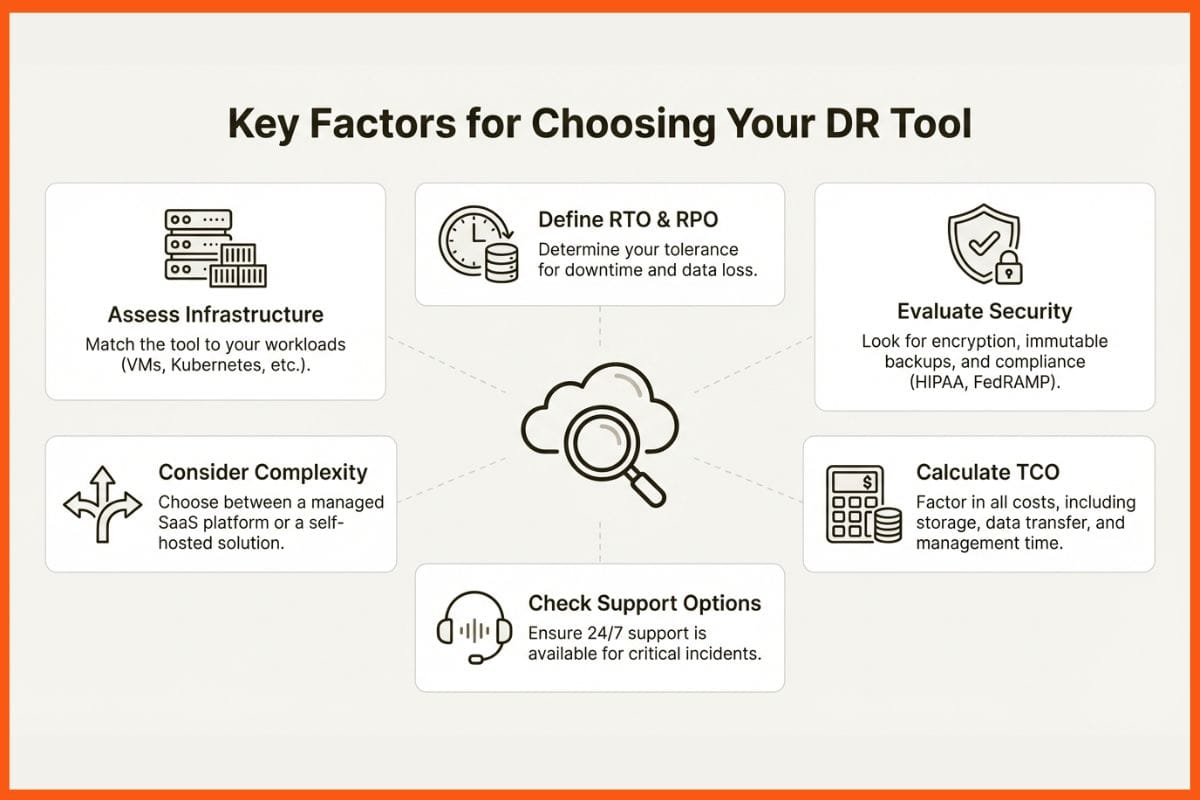
So, how do you actually pick the right tool from this list? It comes down to understanding your own needs. Here are the key things to think about.
Assess your infrastructure and workloads
First, map out what you actually need to protect. Are you running traditional applications on VMware, or are you focused on modern, containerised services in Kubernetes? The type of workloads you have will heavily influence your decision. A tool like Veeam excels with VMs, whereas a platform like Northflank is built from the ground up for containers.
Define your recovery objectives (RTO & RPO)
How quickly do you need systems back online after a failure (RTO), and how much data can you afford to lose (RPO)?
For your most important systems, you might need the near-zero RPO that a tool like Zerto provides. For less critical services, a daily backup with a 24-hour RPO might be perfectly acceptable and more cost-effective.
Evaluate security and compliance needs
Security should be top of mind. Look for tools that offer strong encryption, immutable backups to protect you from ransomware, and detailed role-based access control (RBAC). If you are in a regulated industry like healthcare or finance, make sure the provider meets compliance standards like HIPAA or FedRAMP, which a vendor like Druva advertises heavily.
Consider deployment and management complexity
Do you have a dedicated IT team ready to manage a complex solution, or would a simple, SaaS-based platform like Druva be a better fit? For development teams, a tool that builds recovery into their existing CI/CD pipelines, like Northflank, can cut down on operational headaches and improve resilience without adding administrative work.
Look into support and service options
When a disaster happens, you need to know you can get expert help, fast. Check out the provider's support options. Do they offer 24/7 support? What are their guaranteed response times? Zerto, for instance, offers Standard and Premium support tiers with different response times depending on the severity of the issue.
Calculate the total cost of ownership (TCO)
Do not just look at the list price. Think about the total cost of ownership, which includes storage, data transfer fees, infrastructure costs, and the staff time needed to manage it all. A transparent pay-as-you-go model, like those from Northflank or AWS, can often be easier to predict than a complex enterprise agreement.
Choosing the Right Cloud Backup and DR Tool
Picking the right cloud backup and DR tool boils down to matching the solution to your setup and what you are trying to achieve. For organisations still heavily invested in traditional virtual environments, established names like Veeam offer proven reliability. For those who cannot afford to lose a single second of data on critical applications, a specialist like Zerto offers high performance.
As more businesses shift to modern, container-based applications, the approach to data protection is also evolving. For teams running on Kubernetes, an integrated platform like Northflank can be a good fit. By building backup, restore, and failover directly into the development lifecycle, it offers a resilient, efficient, and developer-friendly path to business continuity.
Ultimately, the best tool is the one you can restore from with confidence and speed when it really counts.
FAQs
What is the most important factor when choosing the best cloud backup and disaster recovery tools?
It really depends on your specific setup. The most critical factor is matching the tool to your infrastructure. If you are running modern, containerised apps on Kubernetes, a platform like Northflank is well-suited. For traditional virtual machines, something like Veeam might be a better fit. Always start by assessing what you need to protect.
Do the best cloud backup and disaster recovery tools protect against ransomware?
Yes, absolutely. Ransomware protection is a key feature for any top-tier tool. They achieve this through features like immutable (unchangeable) backups, [continuous data protection (CDP)] to roll back to a point just before an attack, and integrated security scanning. Tools like Acronis even bundle anti-ransomware directly with their backup services.
What's the difference between RTO and RPO when considering the best cloud backup and disaster recovery tools?
They are two crucial metrics. RTO (Recovery Time Objective) is about speed: how quickly do you need your systems back online after an outage? RPO (Recovery Point Objective) is about data loss: how much data, measured in time, can you afford to lose? A tool like Zerto aims for an RPO of seconds, while a daily backup might have an RPO of 24 hours.
Are there any of the best cloud backup and disaster recovery tools specifically for Kubernetes?
Yes. While many traditional tools have added Kubernetes support, platforms like Northflank are built from the ground up for containerised workloads. This means backup and recovery are integrated directly into the [developer workflow], making it a much more seamless and efficient process for teams using modern architecture.