

Best Cloud Data Migration Tools: Compare Features, Pricing, Pros, Cons
🏆 Lists & Rankings
Moving to the cloud is less a question of if and more a question of how. The success of that transition hinges on picking the right tools. An improperly planned migration can lead to challenges such as downtime, data loss, and budget overruns. The right cloud data migration software can help prevent these issues and ensure a smooth transition.
This review and comparison guide explores some of the leading cloud data migration tools, examining their features, pros, cons, and pricing to help you make an informed decision for your business.
Understanding What Cloud Data Migration Tools Do
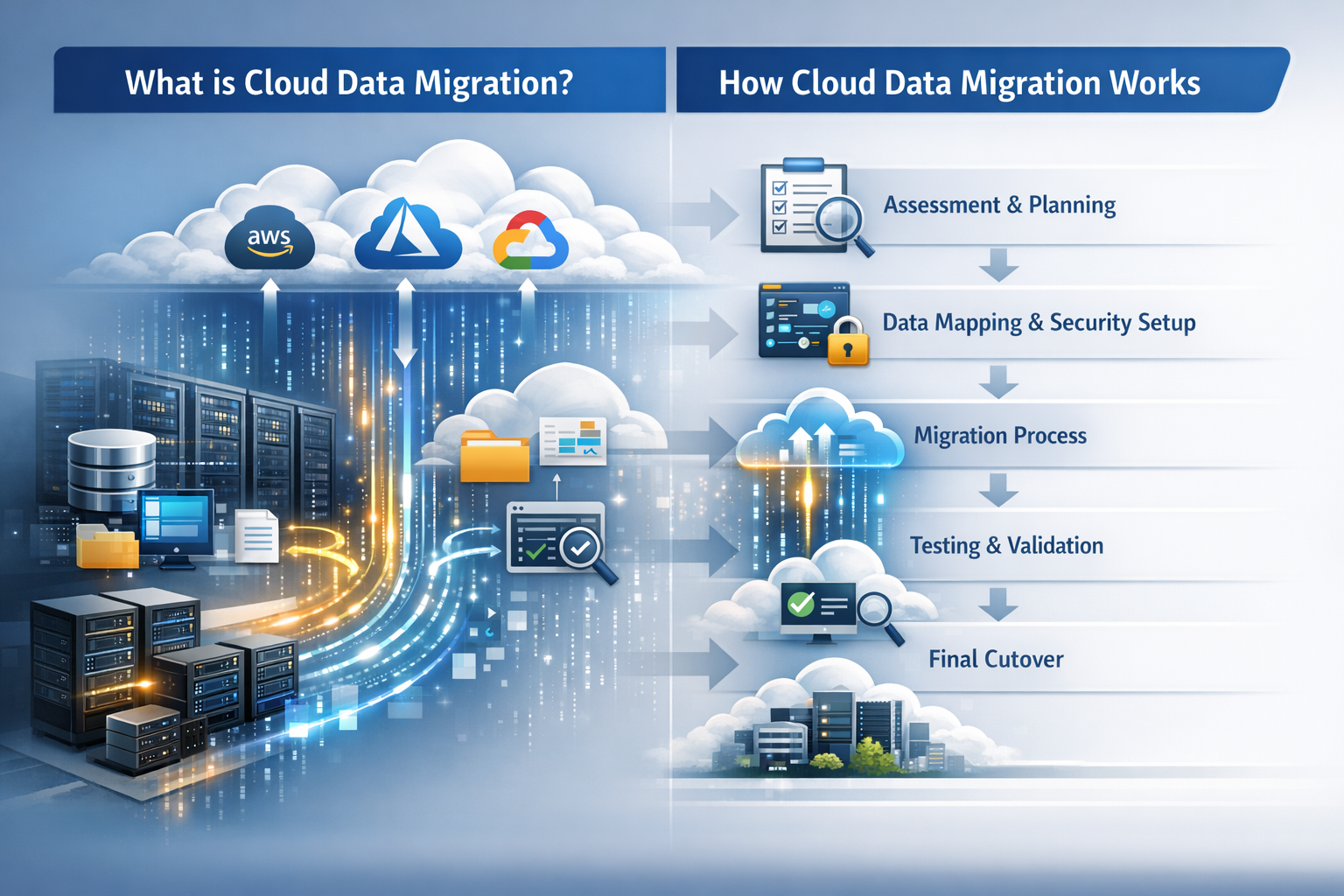
Cloud data migration is the process of moving your data, applications, and other business elements from on-premise servers or another cloud environment to a new cloud platform.
You can think of these tools as a professional moving service for your digital assets. They are specialized software designed to automate and streamline the entire process, keeping your data safe with minimal disruption to your daily operations.
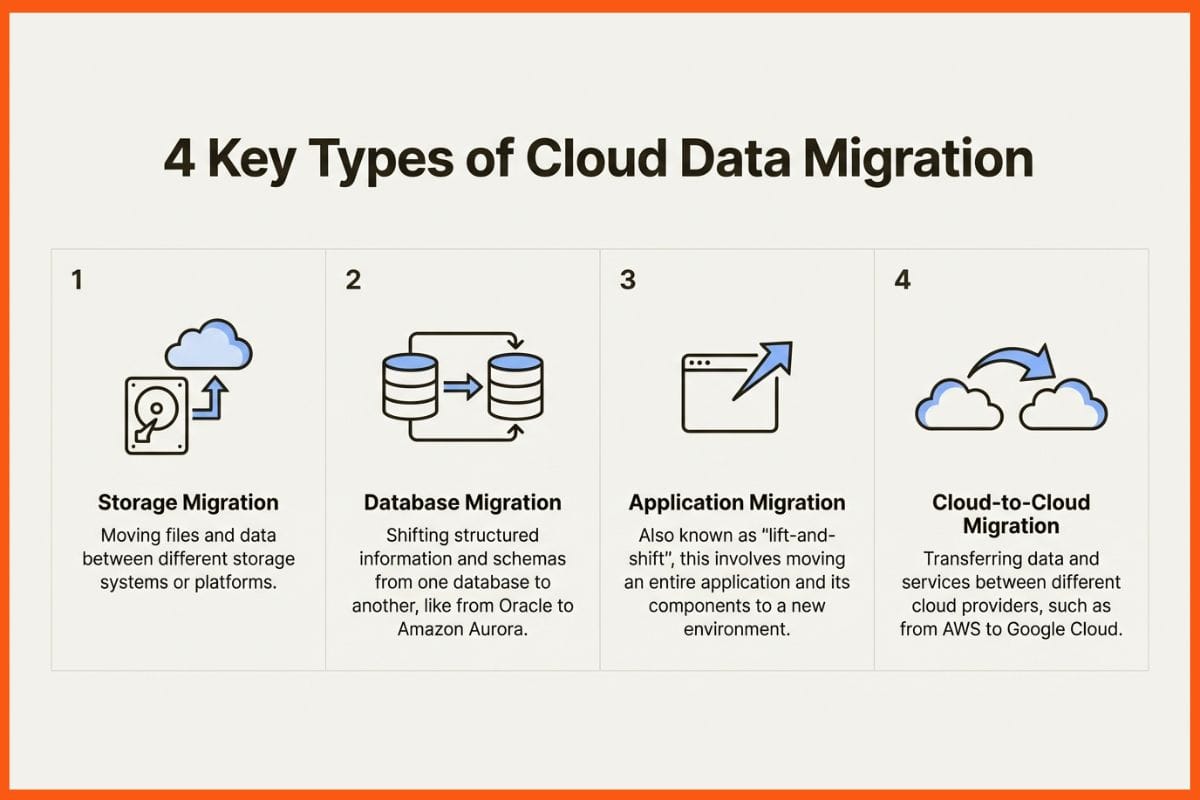
They generally help with a few key types of moves:
- Storage migration: This involves moving files from one storage system to another, whether it is between different storage devices or platforms.
- Database migration: This involves shifting structured information and schemas from one database system to another, such as from an Oracle setup to Amazon Aurora.
- Application migration: Often called a "lift-and-shift," this is when you move an entire application and all its related components from one environment to another.
- Cloud-to-cloud migration: This is the process of moving data and services between different cloud providers, for example, from AWS to Google Cloud.
How We Chose These Best ClTools
To compile this list, we evaluated each tool against several key criteria. You can use these points for your own research as well.
- Ease of Use: How simple is the tool to operate? We looked for platforms with intuitive, low-code, or no-code interfaces that do not require a team of developers to get started.
- Performance & Reliability: Can it handle large-scale operations? We checked how well each tool manages large volumes of data and complex migrations, especially its ability to perform a migration with minimal downtime.
- Compatibility & Connectors: Does it integrate well with other systems? A good tool should support a wide range of data sources and destinations, not limit you to one specific ecosystem.
- Security & Compliance: How secure is your data during transit? We looked for tools that prioritize security with solid encryption and compliance with standards like SOC 2, HIPAA, or GDPR.
- Pricing & Value: Is the pricing model fair and predictable? We focused on tools that offer a clear return on investment and a pricing structure that is transparent.
Comparison of Best Cloud Data Migration Tools
| Tool | Best For | Key Features | Pricing Model |
|---|---|---|---|
| Integrate.io | All-in-one data pipelines & low-code integrations | No-code ETL/ELT, 60-second CDC, Reverse ETL, 220+ transformations, API Generation | Predictable fixed-fee model, unlimited usage |
| AWS DMS | Migrating databases into the AWS ecosystem | Near-zero downtime replication, generative AI-assisted schema conversion, broad database support | Pay-as-you-go (per hour); Free Tier available |
| Azure Migrate | Moving Microsoft workloads to Azure | Comprehensive assessment, dependency mapping, centralized migration hub | Free for assessment; pay for Azure services used |
| Google Cloud Migrate | Lift-and-shift VM migrations to Google Cloud | Agentless migration, incremental replication, test-cloning before cutover | Free for migrations; pay for GCP resources consumed |
| Oracle Cloud Migration | Transitioning Oracle databases & applications to OCI | Automated tooling, physical & logical methods, Bring Your Own License (BYOL) | OCI Database Migration service is free for up to six months; pay for OCI resources |
Best Cloud Data Migration Tools
Let's get into the details of what makes each of these platforms tick.
Integrate.io
Integrate.io is a complete, low-code data pipeline platform focused on making data migration straightforward. It offers powerful ETL, ELT, and Change Data Capture (CDC) features, allowing teams to move data from hundreds of sources into a cloud data warehouse like Snowflake or Redshift without a significant engineering effort. It is designed for a range of users, from data engineers to business analysts.
Pros
- Low-code platform: Its drag-and-drop interface and over 220 transformations allow team members to build complex data pipelines. This automates manual work and simplifies tasks like a bidirectional Salesforce integration.
- High-performance replication: For use cases requiring fresh data, Integrate.io's 60-second CDC replication helps ensure data products and dashboards run on the most current information.
- Predictable cost: The platform offers a fixed-fee pricing model based on the number of connectors, not data volume. This allows for predictable budgeting without surprise costs related to data volume.
- Expert support: It offers 24/7 customer support with access to data experts who can provide hands-on assistance.
- Secure and compliant: The service meets key security requirements, with SOC 2, HIPAA, and GDPR compliance and field-level data encryption to protect sensitive information.
Cons
- Initial learning curve: The platform is powerful, which means there can be a learning curve for users new to data integration concepts.
- Connector-based plans: Since pricing is based on connectors, teams that frequently add new and varied data sources might need to upgrade their plan as they expand.
Pricing
- Plans start at $1,999/month for a fixed-fee, unlimited usage plan. This covers all the data volume and pipelines needed, which can result in savings compared to models that charge by the row.
 Niku Mandal
AWS Database Migration Service (DMS)
AWS DMS is Amazon's managed service for moving databases to and from AWS with minimal downtime. It is a workhorse for organizations already committed to the AWS ecosystem. It can handle straightforward migrations (like Oracle to Oracle on AWS) and more complex ones between different database types (like moving from SQL Server to Amazon Aurora).
Pros
- Tightly integrated with AWS: It works seamlessly with other AWS services like Redshift, S3, and EC2, feeling like a natural part of the AWS environment.
- Minimal downtime migrations: It uses Change Data Capture (CDC) to replicate changes while the migration is in progress, so the source database can remain online.
- AI-assisted schema conversion: This feature can help speed up your migration by using generative AI to assist in automatically converting database objects like stored procedures, which can save manual coding time.
Cons
- AWS-centric: The tool is designed primarily for migrations into the AWS ecosystem. If you're looking to move to another cloud provider or have a multi-cloud strategy, it may not be the right tool.
- CDC performance challenges: In scenarios with high-frequency data changes, the service may experience sync lag, which requires close monitoring.
- Complex for new users: If you're not already comfortable with the AWS console and its networking setup, the initial configuration can feel complicated.
Pricing
- It uses a pay-as-you-go model, where you are charged based on the size and duration of the compute instance you use. A free tier provides 750 hours of a small instance per month for testing.
Azure Migrate
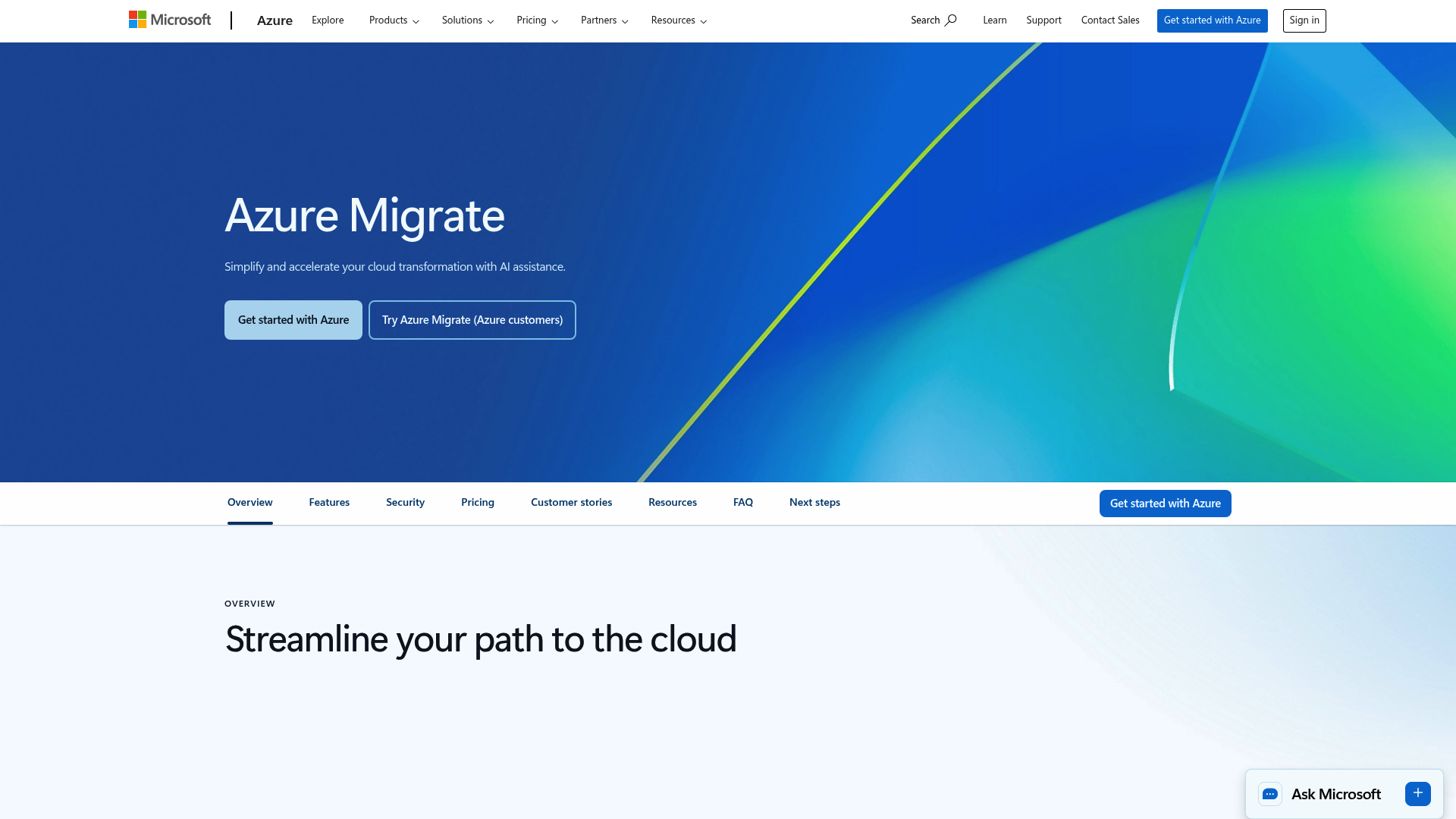
Azure Migrate is Microsoft’s central hub for moving on-premise servers, applications, and data to Azure. It’s a collection of different tools bundled together, making it a common choice for organizations invested in Windows Server, SQL Server, and other Microsoft products.
Pros
- Thorough assessment tools: Its discovery tools can scan your on-premise environment, map out dependencies between servers, and provide an assessment of the migration, including cost estimates and sizing recommendations.
- Optimized for Microsoft: It offers a direct path for migrating Windows and SQL Server. Users can also access benefits like the Azure Hybrid Benefit, which can lower costs by allowing the use of existing on-premise licenses in the cloud.
- Centralized tracking: It provides a single dashboard to manage and track all migrations, whether they are from VMware, Hyper-V, or physical servers.
Cons
- Azure-focused: The tool exclusively supports migrations into the Azure cloud. It does not support migrating to any other cloud.
- A collection of tools: It functions more as a suite of tools rather than a single, unified product. This can sometimes make it confusing to identify the right tool for a specific task.
- Limited data transformations: It is primarily designed for "lift-and-shift" migrations and does not have the advanced, in-flight data transformation capabilities found in dedicated ETL platforms.
Pricing
- The main Azure Migrate hub is free to use for discovery and assessment. You only pay for the underlying Azure services, like compute and storage, used during and after the migration.
Vivek Dev Jacob
Google Cloud Migrate to Virtual Machines
Formerly known as Velostrata, Migrate to Virtual Machines is Google’s solution for moving workloads into the Google Cloud Platform (GCP). Its specialty is migrating virtual machines (VMs) from on-premise environments like VMware or from other clouds directly into Google Compute Engine, with a focus on reducing downtime and manual effort.
Pros
- Fast, live migrations: It uses streaming technology and allows you to create "test clones" to migrate with very little downtime. This means you can test your applications in the cloud before the final cutover.
- Agentless approach: For many common situations, you do not have to install any agents on your source VMs, which simplifies the setup process.
- Automatic adaptations: The service automatically handles many backend adjustments, like updating drivers and network settings, to help VMs run correctly in GCP without manual intervention.
Cons
- GCP-only: The tool is designed exclusively for migrations into Google Cloud. It is not built for multi-cloud setups or for migrating out of GCP.
- Compute-focused: This tool is focused on moving VMs. It is not a complete solution for migrating databases or integrating data from different applications.
- Requires other tools: If you need to migrate a database or perform more complex application-level moves, you will have to use this service alongside other GCP tools like their Database Migration Service.
Pricing
- The Migrate to Virtual Machines service itself is offered at no charge. You only pay for the Google Cloud resources, like your Compute Engine instances, that you use after the migration is complete.
Oracle Cloud Migration
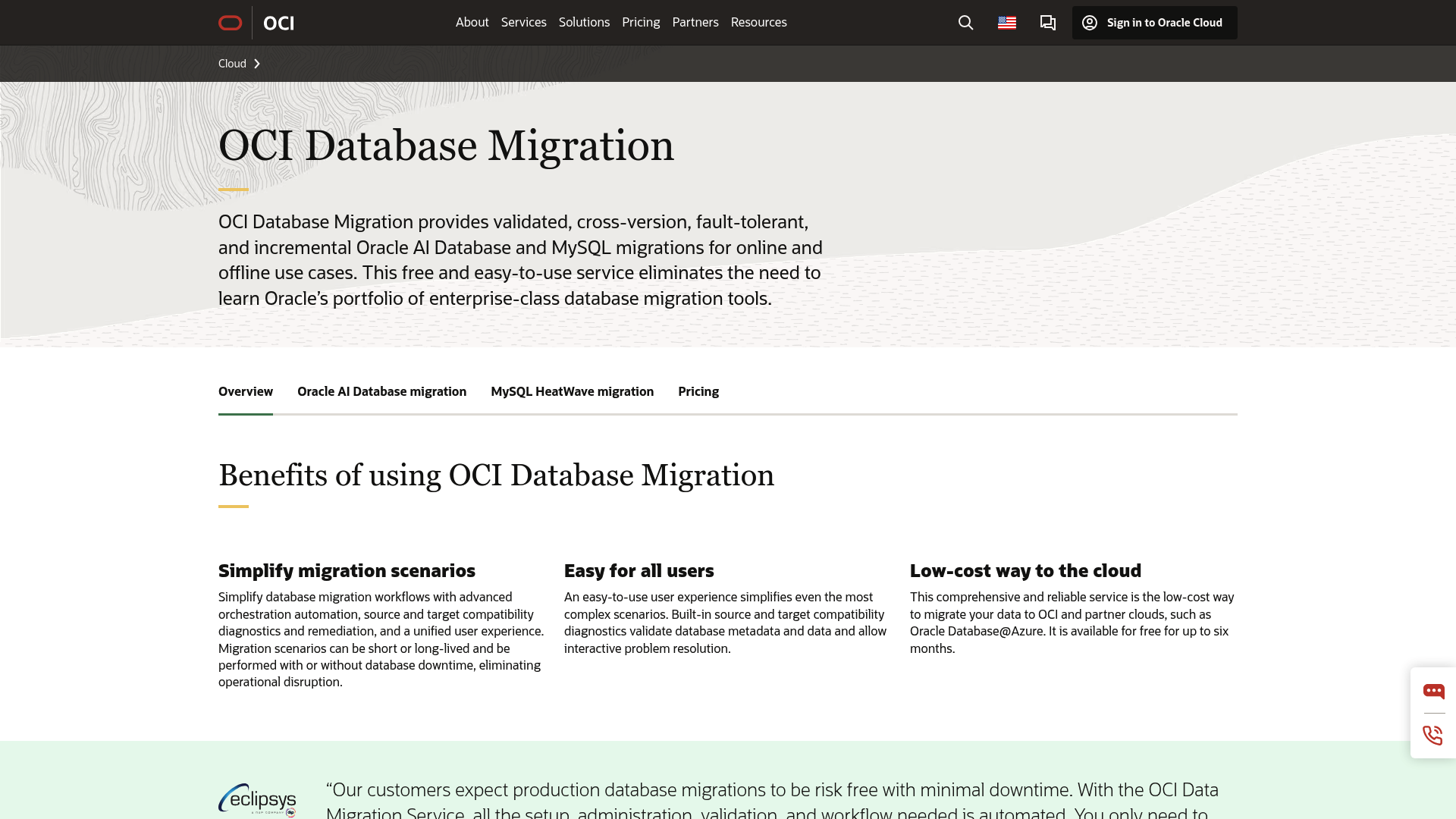
Oracle Cloud Migration is a set of services designed to help companies move their on-premise workloads, especially their Oracle databases and applications, into Oracle Cloud Infrastructure (OCI). It provides automated tools for discovery, planning, and migration, aiming for a smoother transition for businesses that run on Oracle.
Pros
- Optimized for Oracle workloads: It provides an efficient path for moving Oracle databases and applications to the cloud. The integration is deep, and it is optimized for performance on OCI.
- Flexible migration methods: It supports different ways to move data, including physical and logical methods, for both online and offline migrations. This provides flexibility to balance speed with operational constraints.
- Cost-saving programs: The Bring Your Own License (BYOL) program allows users to apply existing Oracle licenses for discounted rates in the cloud.
Cons
- Vendor lock-in: The service is designed for the Oracle ecosystem, which can complicate multi-cloud strategies or future transitions to other providers.
- Complex pricing: The OCI pricing structure can be difficult to navigate. Predicting final costs may require careful planning and consultation.
- Steep learning curve: For users who are not already Oracle experts, the platform can be intimidating and challenging to learn.
Pricing
- Generally, the OCI Database Migration service is free to use for the first six months. After that, you pay for the OCI resources you use, such as compute, storage, and networking.
How to Choose a Cloud Data Migration Tool
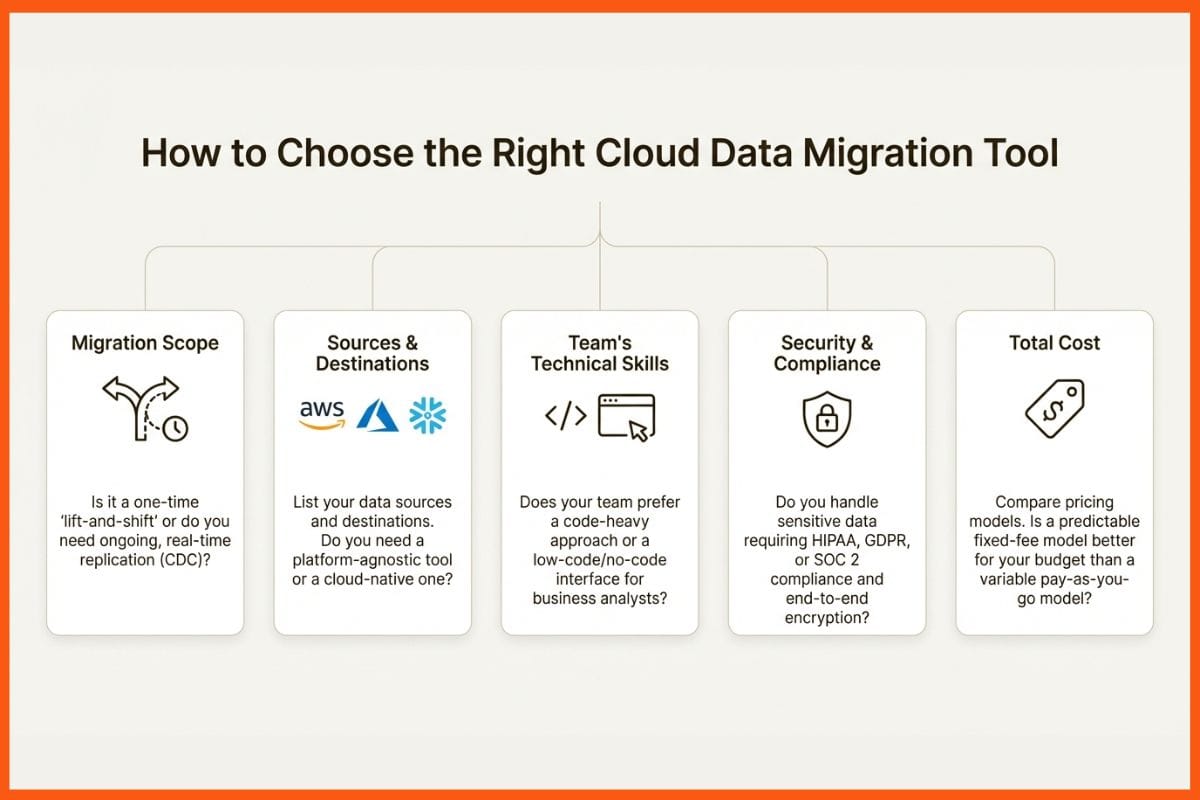
Choosing the right tool depends on your specific needs. To find the best fit, start by considering a few key areas.
- Migration scope: Are you performing a one-time "lift-and-shift" of servers, or do you need a tool for ongoing, real-time data replication and transformations? A simple VM mover may not work for complex ETL, and a database-specific tool may not be ideal for high-frequency CDC.
- Sources and destinations: Make a list of where your data is coming from (databases, SaaS applications, files) and where it is going (AWS, Azure, Snowflake). A platform-agnostic tool offers flexibility with hundreds of connectors, while cloud-native tools like Azure Migrate keep you within their ecosystem.
- Team's technical skills: Do you have a team of expert coders ready to script everything, or do you need a low-code solution that allows business analysts to build their own pipelines? Picking a tool that matches your team's skills is crucial for avoiding delays.
- Security and compliance needs: If you handle sensitive data that falls under regulations like HIPAA or GDPR, you must ensure your chosen tool offers end-to-end encryption and is certified compliant with the necessary standards.
- Total cost: Do not just look at the initial price. Compare pricing models. A pay-as-you-go model might seem inexpensive initially, but costs can increase with high data volumes. A predictable fixed-fee model provides cost certainty, which can be beneficial for budgeting.
Final Thoughts
A successful migration is the first major step to getting the most out of the cloud. The right tool for the job comes down to your goals, your current technology, and your team's skills. Cloud-native tools from AWS, Azure, and Google are well-suited for migrations within their respective ecosystems.
For use cases requiring more flexibility, such as cross-platform migrations or complex data transformations with a low-code interface and predictable pricing, other solutions may be more suitable. Ultimately, selecting the right tool requires a thorough evaluation of your organization's specific migration goals, technical environment, and team capabilities.
FAQs
What are the key features to look for in the best cloud data migration tools?
Look for a tool with broad compatibility for your data sources and destinations, strong security features (like encryption and compliance certifications), reliable performance to minimize downtime, and an intuitive interface. A low-code or no-code interface can be beneficial depending on your team's technical skills.
Can the best cloud data migration tools handle migrations with zero downtime?
Many top tools aim for near-zero downtime by using techniques like Change Data Capture (CDC). This allows them to replicate data changes in real-time while the source system remains operational, ensuring a smooth cutover.
What is the difference between cloud-native and platform-agnostic options among the best cloud data migration tools?
Cloud-native tools (like AWS DMS or Azure Migrate) are designed specifically to move data into their own cloud ecosystem. Platform-agnostic tools are more flexible, supporting migrations across various cloud providers and on-premise systems, which can help prevent vendor lock-in.
How do I ensure data security when using the best cloud data migration tools?
Prioritize tools that offer robust security measures like end-to-end encryption for data in transit and at rest. Also, check for compliance with relevant regulations such as SOC 2, HIPAA, or GDPR to ensure your data is handled according to industry standards.