The clouds have storage space in which files may be kept secure and accessible from virtually any location in the universe. The use of cell phones, tablets, and computers for connection is immediately visible in the automatic syncing of data viewed on those devices. Strong security and backup measures are responsible for its protection. Store all your photos, videos, and papers, and let space woes drift away. Some applications let you edit filters and track changes with your team members. You can even download items for offline use and manipulate them without an internet connection.
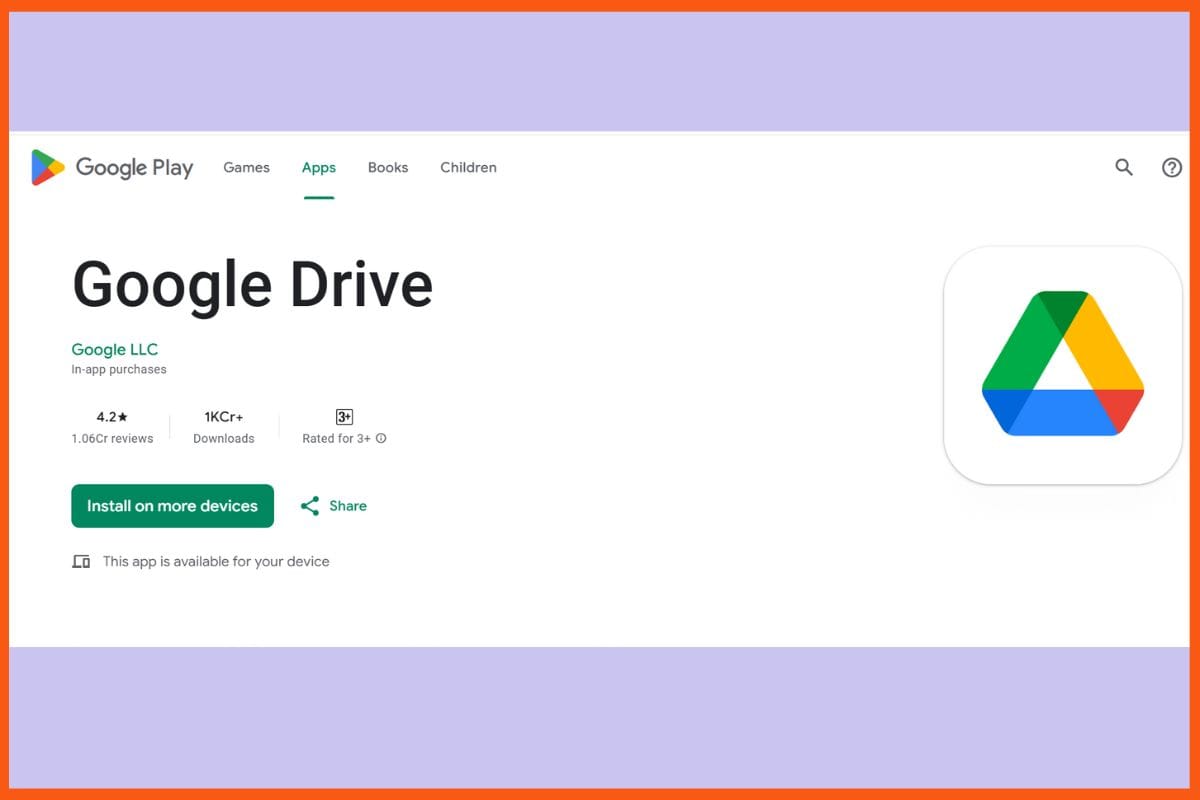
Drive services through the cloud, and a plethora of user-friendly applications are readily available for saving, sharing, or editing files from any device. The integration with Gmail, Google Photos, and Google Docs allows for seamless syncing of photos, emails, and files. 15GB is available for free storage space for photos, documents, and videos. Highly secure encryption is used for the storage of files. Real-time editing and intelligent search tools help in maintaining organization and faster task completion. Offline work is allowed where synchronization with the internet automatically updates itself later on, so work is always available.
Pros
Free Google account also has 15GB free storage
AI-powered intelligent search
Appeal to users across a wide devices and apps
Cons
Free space is shared between Drive, Gmail, and Photos
Upload speed might be slow for big files
Pricing
Plan
Pricing
Lite (30GB)
$0.67/month
Basic (100GB)
$1.47/month
Standard (200GB)
$2.37/month
Dropbox
Website
dropbox.com
Rating
4.0
Free Trial
Yes
Best For
Cloud storage, file syncing/sharing across devices and platforms
Dropbox - Best Cloud Storage Apps
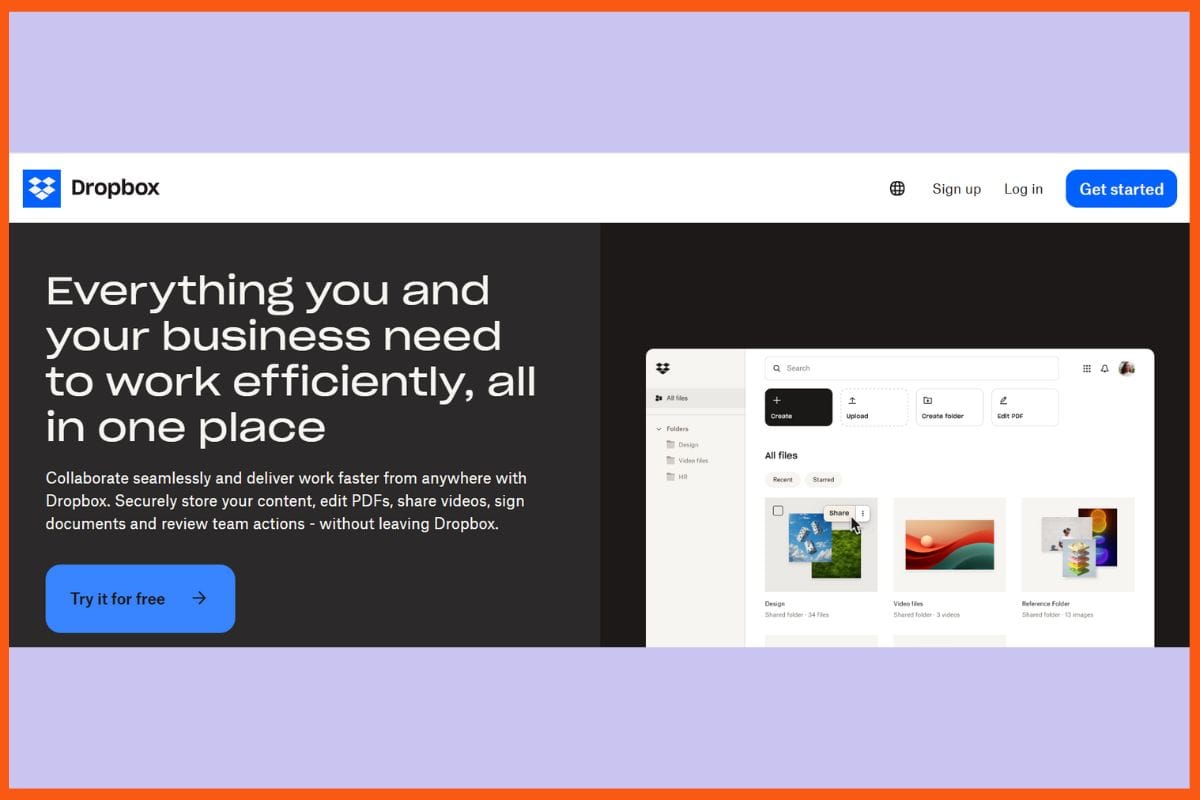
Dropbox simplifies the process of storing, synchronizing, or sharing files as fast as possible. A very clean interface keeps all the same folders everywhere, irrespective of operating on desktops, phones, or tablets. It allows sharing files through links with the ability to specify who can edit or only view the files, while the changes made are reflected or tracked in real time. What's better, the smart sync enables specifying which files to keep on the device and which ones remain in the cloud, saving valuable storage of that device. Strong security features ensure the safety of one's work.
Pros
works on Windows, Mac, Linux, Android, and iOS.
Smart sync and selective sync save device space.
LAN sync for fast file transfer speed on local networks.
Cons
The free plan allows only 2GB of storage.
No native end-to-end encryption.
Pricing
Plan
Pricing
Plus
$11.99/month
Professional
$19.99/month
Standard
$18/user/month
Advanced
$30/user/month
Microsoft OneDrive
Website
microsoft.com/drive
Rating
4.3
Free Trial
Yes
Best For
Cloud storage, file backup & syncing across devices, deep Microsoft 365 integration
Microsoft OneDrive - Best Cloud Storage Apps
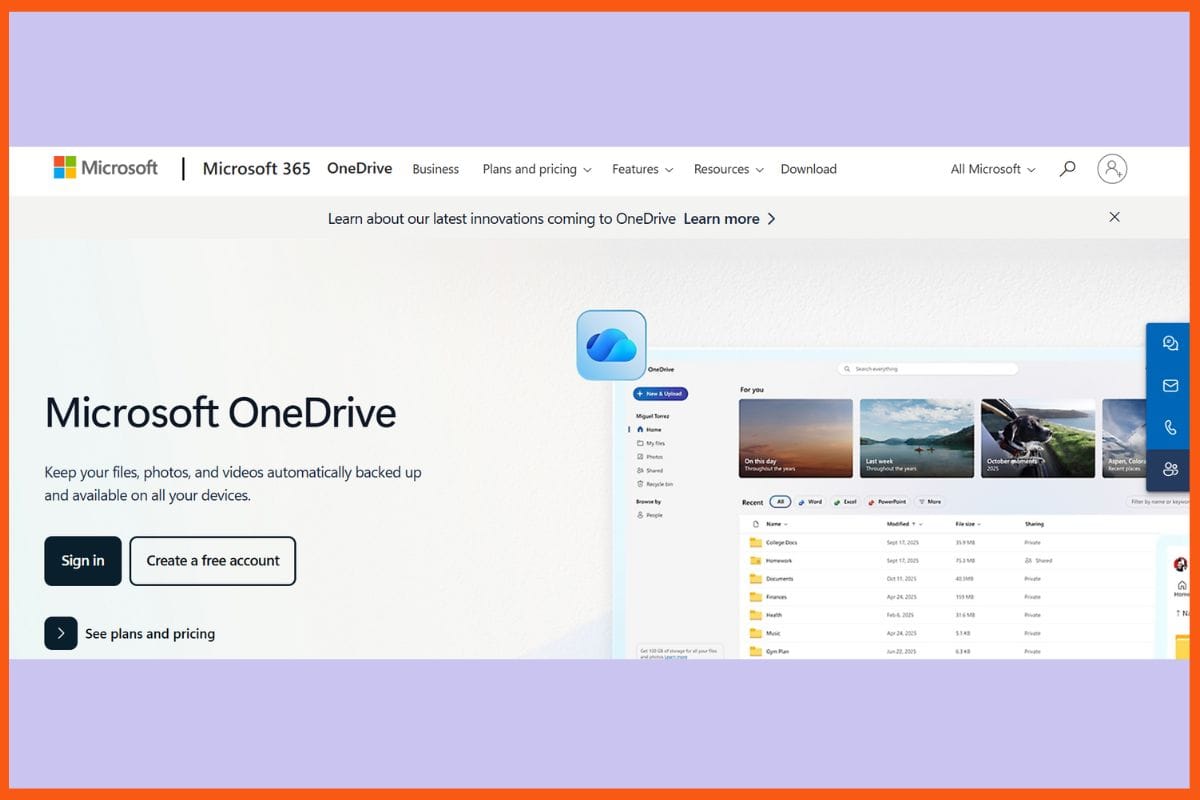
Microsoft OneDrive stores your files, your images, and your documents securely and easily accessible on all devices. The free 5 GB of storage allows you to back up photos and folders from all of your devices- be it your phone, tablet, or computer. You can also work, edit, and share in real time with Word, Excel, and PowerPoint; everything will sync very quickly. OneDrive saves your private files with Personal Vault-in addition to intelligent AI searches, strong virus protection, and itself. Files On-Demand saves some space on your device, and even when you lose your internet connection.
Pros
Deep integration for easy collaboration
Personal Vault grants extra security for sensitive files
Files On-Demand saves storage space
Cons
Only 5 GB of free storage, much less than competitors
Cloud storage, device backup & syncing across Apple devices with strong integration
Apple's iCloud - Best Cloud Storage Apps
Apple's iCloud is meant to work with all Apple devices: iPhone, iPad, Mac, and even Windows via iCloud Drive, in order to keep photos, files, and backups up-to-date. It is all about convenience and privacy, providing services like iCloud Drive, iCloud Photos, and iCloud Backup, along with family sharing and bonus space with iCloud+. Basically, it is used for anything simple, from easy syncing, trustworthy backups, and sharing between Apple devices. However, the free plan offers only 5 GB, and many features are limited to Apple devices. Premium plans are available, where a user can upgrade.
Pros
Deep pouring integration on the iPhone, iPad, and Mac Apps
Takes care of automatic backup and multi-device synchronizing
Family Sharing to extend storage to other family members
Cons
Mac and iOS optimization means very limited use on non-Apple platforms
File management may feel a bit less flexible compared to third-party options.
Pricing
Plan
Pricing
iCloud+ 50 GB
$0.99/month
iCloud+ 200 GB
$2.99/month
iCloud+ 2TB
$9.99/month
pCloud
Website
pcloud.com
Rating
4.0
Free Trial
Yes
Best For
Secure cloud storage with lifetime-plans & media-streaming features
pCloud - Best Cloud Storage Apps
A cloud storage service from Switzerland, pCloud, combines solid security with rapid, simple file manipulation. pCloud is compatible with all major devices, is also fine with very large files, and offers file storage for life, which means you pay once and keep it for eternity. Built-in media player, Smart Drive for space saving, and the possibility for zero-knowledge encryption with pCloud Crypto for added security-what's not to like? Files get stored in the background and can be easily shared. You can choose a server location for better speed and data privacy.
Pros
Very economical through lifetime storage offers
Great protection of privacy
No forced sync- files are streamed as per requirement.
Cons
No free zero-knowledge encryption
lack of collaborative document editing
Pricing
Plan
Pricing
Premium 500 GB
$4.99/month
Premium Plus 2TB
$9.99/month
Ultra 10TB
$19.99/month
IDrive
Website
idrive.com
Rating
4.5
Free Trial
Yes
Best For
Backup + cloud storage across multiple devices, with strong versioning & device support
IDrive - Best Cloud Storage Apps
IDrive is an affordable and flexible solution, meant to suit every user's choice of security and backup needs. It works with Windows, Mac, and Linux, along with iOS and Android, so that everything is available to you from a single user account on all devices. Some of IDrive's features include real-time syncing, effortless file sharing, disk image backup, and backup with incremental uploads of which work to keep your files in a constantly safe and updated state without burdening your system. With Snapshots, IDrive provides an additional layer of protection against ransom attacks.
Pros
Unlimited Backups of synchronized devices on a single account
Advanced-level Security
Point-in-time Snapshots For Ransomware Recovery
Cons
No transfer files on end-to-end encrypted accounts
Box has become synonymous with its excellent cloud storage capabilities for sharing files securely and easily, team collaboration, or asset management to guarantee good governance for much bigger teams and compliance-regulated industries. It has a dark, classy interface and rich integration with Office, with Google Docs and thousands of other applications, so that users can preview, extend their reach, and sign documents through an extensive app-based document management experience. Data loss prevention, audit trails, and two-factor authentication are some of their high-end security components in which files are protected. Real-time workflow automation and AI-powered search for productivity enhancement.
Pros
Offering complimentary 10GB bandwidth for personal use
Very strong coupling with Microsoft and Google applications
Clean and modern interface with unified navigation
Cons
Limit of 250MB file uploads in free plan
Backup and restore feature not included
Pricing
Plan
Pricing
Business
$20/user/month
Business Plus
$33/user/month
Enterprise
$47/user/month
Enterprise+
Contact Sales
Proton Drive
Website
proton.me/drive
Rating
4.4
Free Trial
Yes
Best For
End-to-end encrypted cloud storage prioritising privacy and security
Proton Drive - Best Cloud Storage Apps
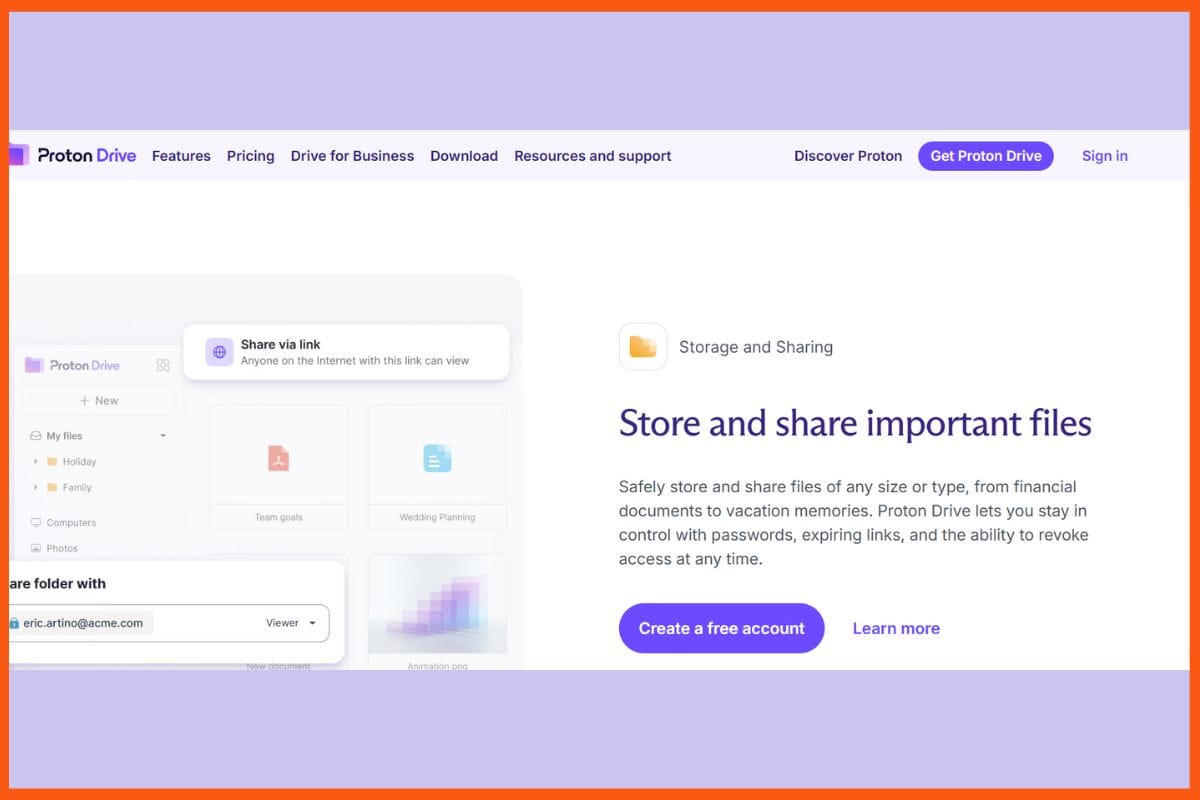
Proton Drive is designed for privacy and utilizes end-to-end encryption, compliant with Swiss privacy laws, to secure files from the moment they are uploaded until they are accessed. It works on both mobile and desktop, syncing any folder silently in the background so that users can access encrypted files from anywhere. Proton Drive is simply uploading, organizing, restoring, and sharing files, using links that expire or require a password to access. Version history retains up to ten obsolete file copies (for free) or hundreds if you pay. Media previews, offline access, and PIN or fingerprint protection afford users extra security.
Pros
End-to-end encryption, open-source apps, and protection under Switzerland's data laws.
History of usage going back to even 10 years (for paid accounts only).
Sync that is selective or on-demand saves space.
Cons
Native editing of documents and collaboration.
File playback size restrictions for multimedia.
Pricing
Plan
Pricing
Drive Plus
$4.63/month
Proton Unlimited
$11.60/month
Proton Duo
$17.40/month
Sync.com
Website
sync.com
Rating
4.0
Free Trial
Yes
Best For
Secure, end-to-end encrypted cloud storage and file sharing with privacy focus
Sync.com - Best Cloud Storage Apps
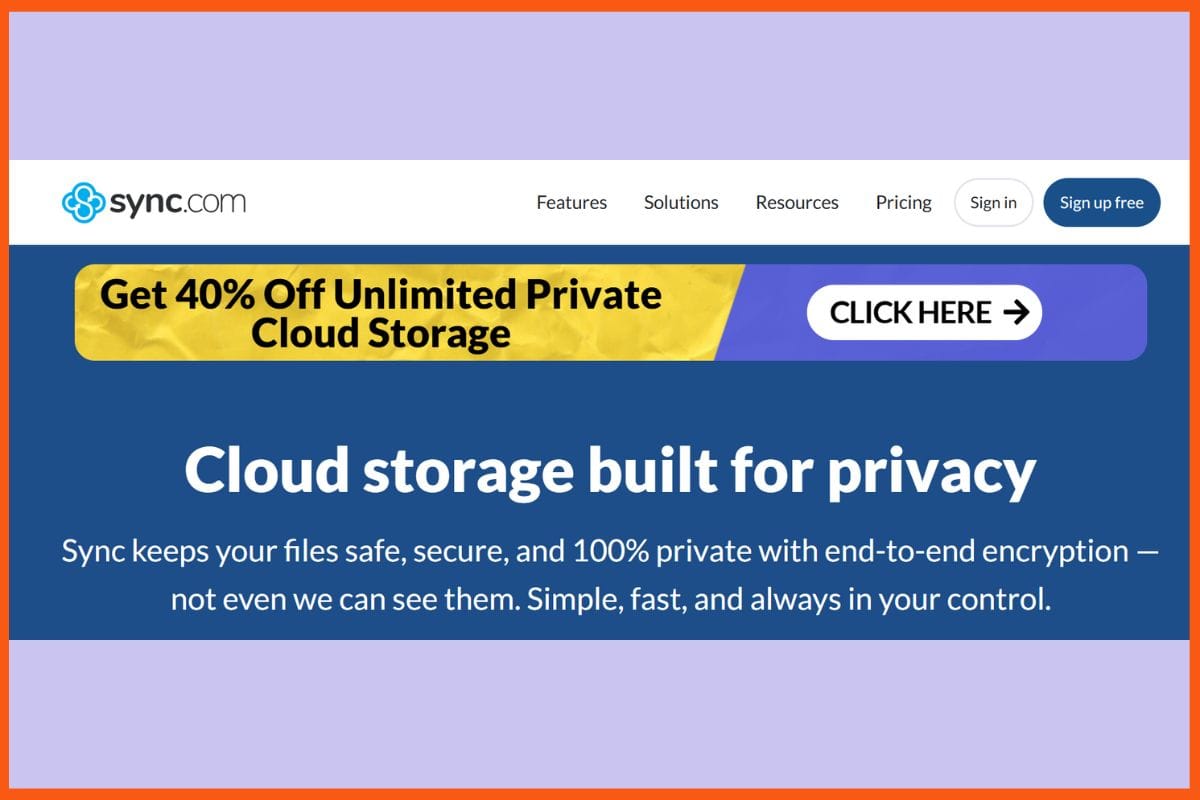
Sync.com is a cloud storage service dedicated primarily to safe storage and simple sharing. It links teams, partners, and clients alike to one another and file access, allowing people to reach these files anytime and on any device. With Sync, there is simplicity in the collaboration process through the sharing of centralized folders, custom-branded portals, and permission controls. In a situation like work loss or ransomware attacks, all data is protected by real-time data backup and will be available on demand with streaming via desktop integration. Sync distinguishes itself with privacy, enterprise-grade safety, unlimited storage options, full compliance.
Pros
Unlimited transfer and unlimited storage are provided (Pro Teams Unlimited).
Backup in real-time and instant recovery of files
Instant trust building with custom-branded portals
Cons
Advanced features exist largely in the paid plans
Collaborative editing
Pricing
Plan
Pricing
Teams Standard
$6/user/month
Teams+ Unlimited
$15/user/month
Enterprise
Contact Sales
TeraBox
Website
terabox.com
Rating
3.8
Free Trial
Yes
Best For
Large free-cloud-storage (non-sensitive files) on a budget
TeraBox - Best Cloud Storage Apps
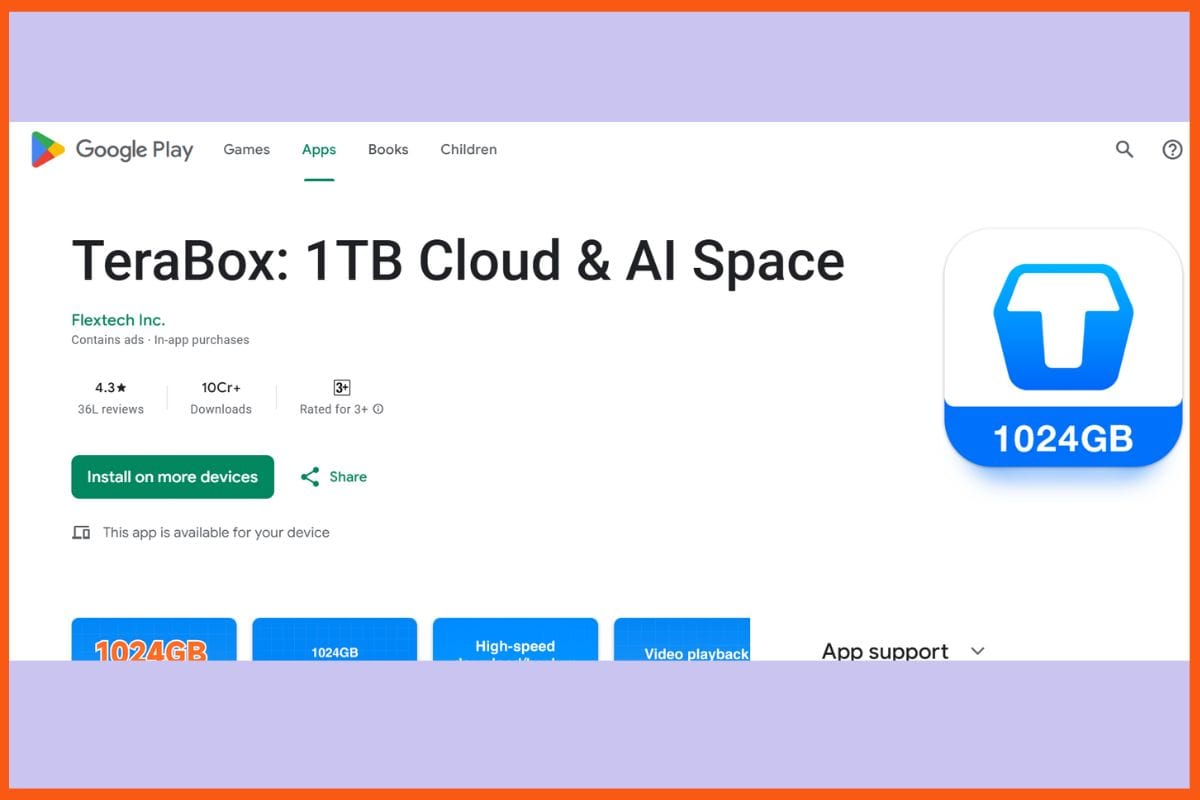
On TeraBox, one of the greatest features is the 1TB of free storage provided to users ideal solution for backing up photos, videos, and documents without any stress. TeraBox runs on Android, iOS, Windows, and Mac with real-time sync of files across devices, the ability to stream HD videos right from the cloud, and automatic organization of files. Other security features include encryption, two-step authentication, and a personal vault for highly confidential files. Links or passwords can be used to share files easily, and there is automatic backup to limit data loss-a win-win for daily usage.
Pros
Fast video streaming and file preview directly in the cloud
Access from any platform, with the files backed up in real time.
A personal vault with extra security for sensitive files.
Cons
Advanced features and higher upload limits are available on the premium plan.
Security issues.
Pricing
Plan
Pricing
Premium
$3.49/month
Premium+
$3.89/month
1TB/year
$19.99
3TB/year
$59.99
5TB/year
$99.99
Conclusion
Well, the best cloud storage applications definitely provide the freedom and control one needs when it comes to precious files, photos, and much more. There is a lot of shining individuality among these services - privacy-focused some, teamwork built into others, and huge free space offered by yet more. With easy sharing and real-time access from anywhere, it is possible for users to put their minds at rest and keep their stuff secure. Cloud storage houses extras such as media streaming, backup, file versioning, and security features, ensuring that everyone finds the best fit for his or her needs.
Cloud storage allows you to save files like photos, videos, and documents on remote servers that can be accessed through the internet.
Which cloud storage service is best for Apple users?
Apple iCloud is the most seamless choice for iPhone, iPad, and Mac users. It automatically backs up photos, documents, and settings across devices. The Family Sharing feature also allows multiple members to use the same storage plan, and iCloud+ offers added security and storage options.
Can I use cloud storage offline?
Yes, most cloud services allow offline access. You can edit files without an internet connection, and the changes automatically sync once you’re back online.
Must have tools for startups - Recommended by StartupTalky



 Vivek Dev Jacob