

UIDAI’s New Aadhaar App Explained: Features, Setup & How It Works
UIDAI launched a new Aadhaar app with features such as face authentication, QR scanning, multi-profile access, and also records all your...
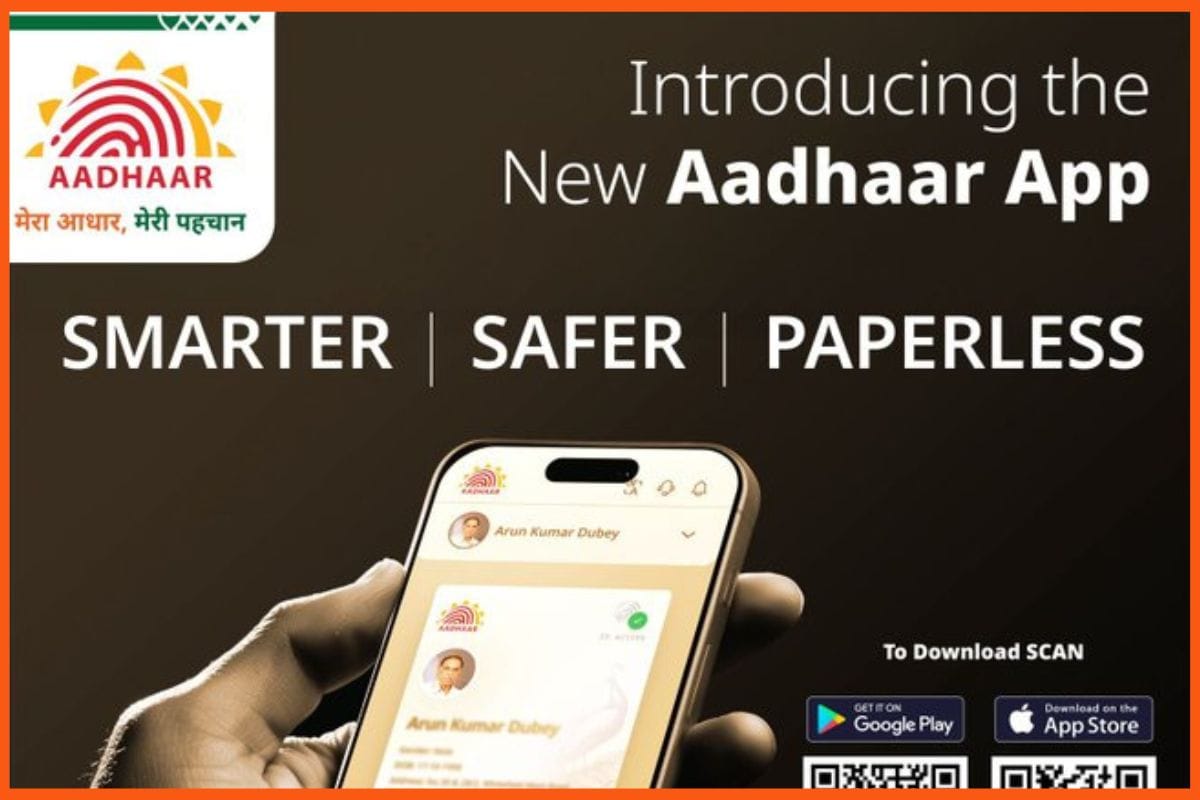
No more worrying about not carrying a physical Aadhaar card. The Unique Identification Authority of India (UIDAI) has launched a new Aadhaar app that enables you to securely access, manage, and share your Aadhaar details. UIDAI launched the new app on November 9. And many wonder what one can do with the new Aadhaar App. What are the differences between the mAadhaar and the new Aadhaar App? How will it make the Aadhaar hustle easier? How to download and set up the new Aadhaar App on your phone? And is your data safe? For all that, learn more.
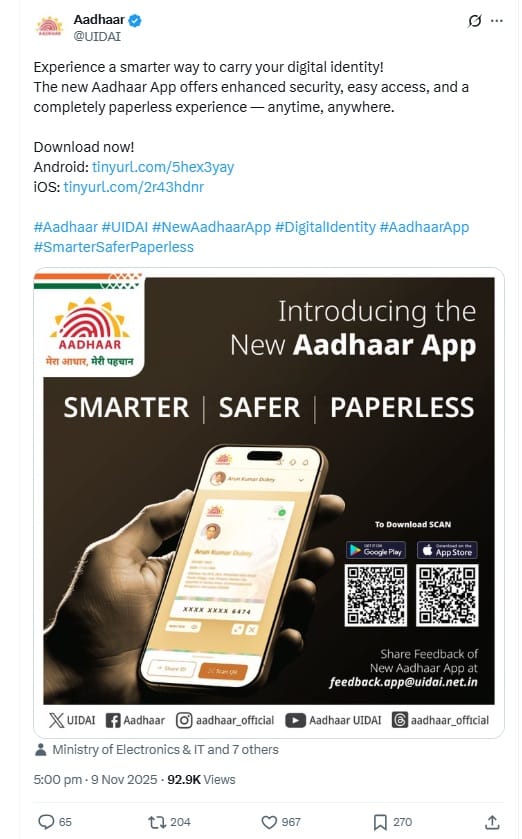
What You Can Do With the New Aadhaar App
The new Aadhaar App is available on both Android and iOS mobile phones. And here's what you can do with it:
Access Your Aadhaar Digitally
With this new Aadhaar app, you can access all Aadhaar details, like your name, photo, address, date of birth, phone number, and 12-digit Aadhaar number.
Multi-Profile Option
The new app allows you to add up to five Aadhaar profiles (for family members) on a single device. However, all profiles must have the same registered mobile number. Additionally, only one profile shall stay active at a time.
Note: If you log into another device (using the same SIM), the profile will be automatically deactivated or deleted on the previous device.
Face Login/Face Authentication
With the new app, you'll no longer need fingerprints, OTPs or paper documents for authentication. You can simply use your face to verify your Aadhaar.
Let's say you're at a bank or hotel and you'll need to prove your identification. You can do it via the face authentication on the app.
Biometric Locking and Unlocking
The app provides high security to protect your fingerprints and iris data. If you lock it, even you can't use your biometrics for verification until you unlock it again (manually).
QR Code Sharing and Scanning
This new app provides you with a personal QR code linked to your Aadhaar. So, here's what you can:
Use for scanning (use it at banks or other locations).
And you can use others' Aadhaar QR codes to verify their identity.
This feature works offline too.
Offline Access
Once you log in, you can also view your saved Aadhaar details even without an internet connection.
Note: However, for features like verification and new updates (in future, if any), you'll need the internet on the app again.
Update Profile
Let's say you have changed your address details in your Aadhaar; they'll automatically be reflected in your latest details. This will only happen when UIDAI approves those changes.
Selective Data Sharing
From now on, you can choose what Aadhaar information to share. For example, you can share your Aadhaar and still choose to hide the photo or address (or any other details).
Activity Log
Now this new app keeps a record of all your activities. For example, when and where you have used your Aadhaar card and what actions were taken.
mAadhaar vs. New Aadhaar App
There's already an app for Aadhaar by UIDAI. It's more like a digital Aadhaar card. And here the new Aadhaar app is a more advanced version with:
- Face login
- Better security tools
- QR code sharing
- Selective data sharing
- Multi-profile management
Note: As of now, there's no official clarification on what will happen to the old mAadhaar. Think of the new Aadhaar app like an upgraded replacement for mAadhaar.
How to Download and Set Up the New Aadhaar App?
It's easy to install and register your name on the new Aadhaar App. Here's how you can do it:
Step 1: Install the new Aadhaar App from the Google Play Store or Apple App Store.
Note: Always download such official apps via UIDAI links or verified posts.
Step 2: Verify your ownership (of your Aadhaar card) by sending an SMS from your Aadhaar-registered mobile number.
Step 3: Next, complete your face authentication process. The app scans your face to confirm if the person trying to access the Aadhaar is really you (or not).
Step 4: You'll need to set up a 6-digit PIN that will further protect your Aadhaar dashboard in the app.
Step 5: From this point forward, your Aadhaar profile is successfully set up, and the details are stored directly on your phone.
Now that you can have more control over your Aadhaar, there's also better security to protect your data (by UIDAI).