
Top 10 Free Data Recovery Software (2025)
I accidentally lost an important file from my PC and don’t have any backup. Is there any free data recovery software to restore deleted files without any cost?


Data loss on any device may put you in trouble, especially if the deleted file contains something important. Whether your data is deleted due to accidental deletion, formatting, system errors, or any other reason, data recovery is possible in almost all cases. Having a backup of your lost file may seem blessing as it helps in easy and quick data recovery. However, if you don’t have a backup of your lost data, you might need third-party free data recovery software to recover lost data on Windows without spending any cost.
Now, the question is – which free data recovery software should you opt for? To help you decide, we’ve outlined the top 10 free data recovery software tools of 2025 in this article. You can check and compare these tools, then select the one that best fits your needs. Choosing the right software at the right time can significantly improve your chances of successful recovery.
Best Data Recovery Tools to Restore Deleted Files for Free
In this section, we’ve listed the top 10 free data recovery software tools of 2025, along with their best use cases and limitations, to help you compare and choose the right option. Let’s get started!
1. Stellar Data Recovery Free
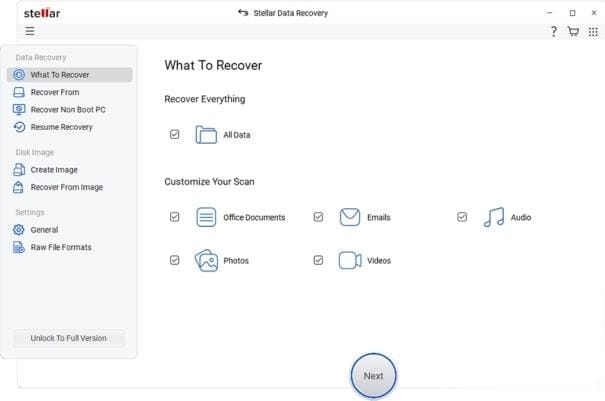
When it comes to data recovery, no one can beat Stellar. It remains one of the best choices for data recovery on any device, whether it’s your Windows PC or Mac. This free data recovery software supports the recovery of deleted data from various internal or external storage devices, including hard drives, USBs, pen drives, etc.
The Stellar Data Recovery Free tool also supports data recovery from formatted, encrypted, or corrupted storage devices. Its wizard interface walks beginners through the process and helps to perform data recovery in three simple steps, i.e., Download, Scan and Recover.
Best used for: Recovering diverse file types across multiple storage devices with a simple GUI.
Limitations: The free edition offers recovery of only up to 1 GB of files; advanced features require a paid upgrade.
2. Disk Drill
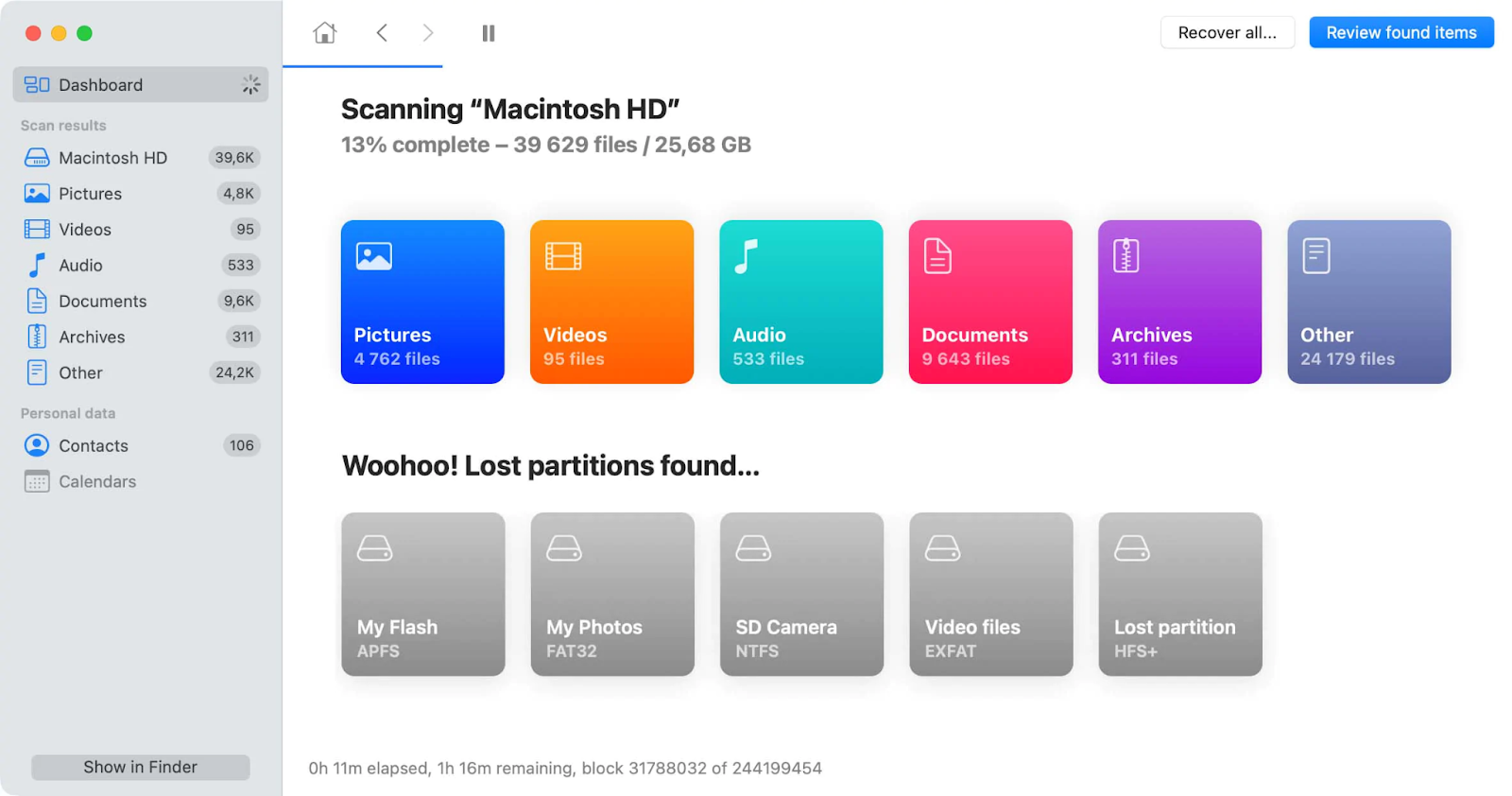
Disk Drill is known for its attractive GUI and preview functionality, which allows you to ensure recoverable files before saving. The free edition typically allows a limited amount of free recovery, and to restore files of large sizes, you need to use the premium versions. It supports recovery of a wide range of file types from different storage devices such as hard drives, SSDs, USB drives, and memory cards. Its Recovery Vault feature adds an extra layer of protection by keeping track of deleted files for easier restoration.
Best used for: Supports recovery of deleted data from both Mac and Windows PCs, known as simple and feature-rich recovery tool.
Limitations: Free version offers limited features; full recovery requires a paid upgrade.
3. Recuva
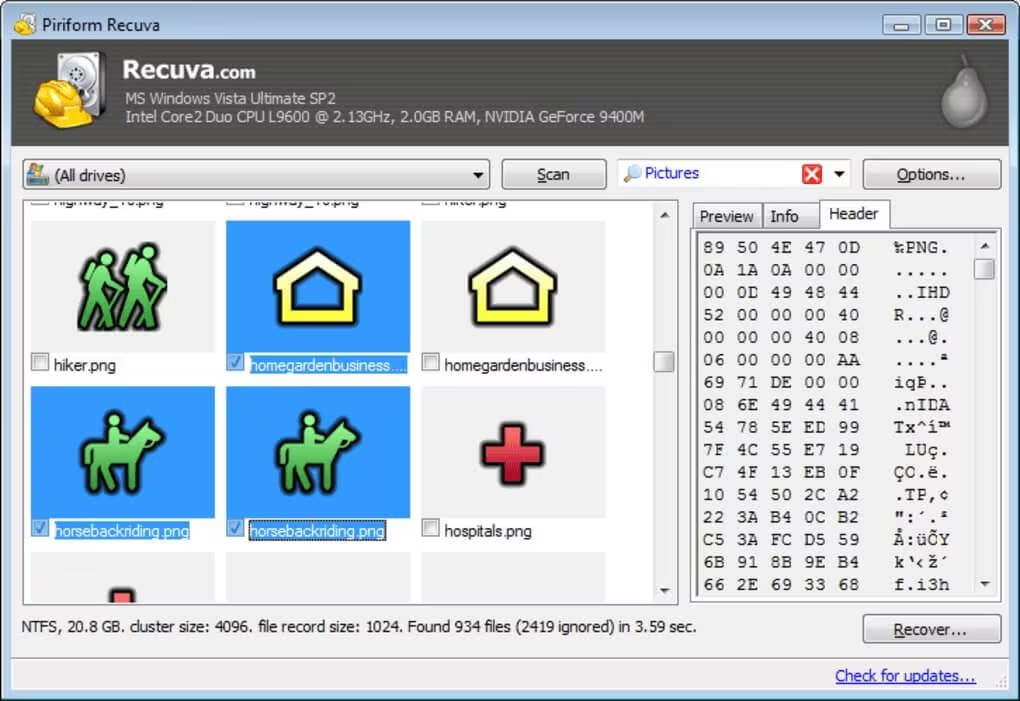
Next in our list of top 10 free data recovery software tools is Recuva, widely known for its simplicity and effectiveness on Windows systems. You can use this software to restore deleted files of various types, including documents, photos, videos, and archives. Recuva’s intuitive wizard-based interface guides beginners through the recovery process, allowing easy scanning and retrieval of lost data. Additionally, Recuva provides a secure file deletion option to permanently erase sensitive files, ensuring data privacy.
Best used for: Simple recovery process, easy recovery from different devices, including USBs, SD cards, etc.
Limitations: Less effective on heavily corrupted drives or complex partition failures, lacks support for macOS.
4. EaseUS Data Recovery Wizard Free
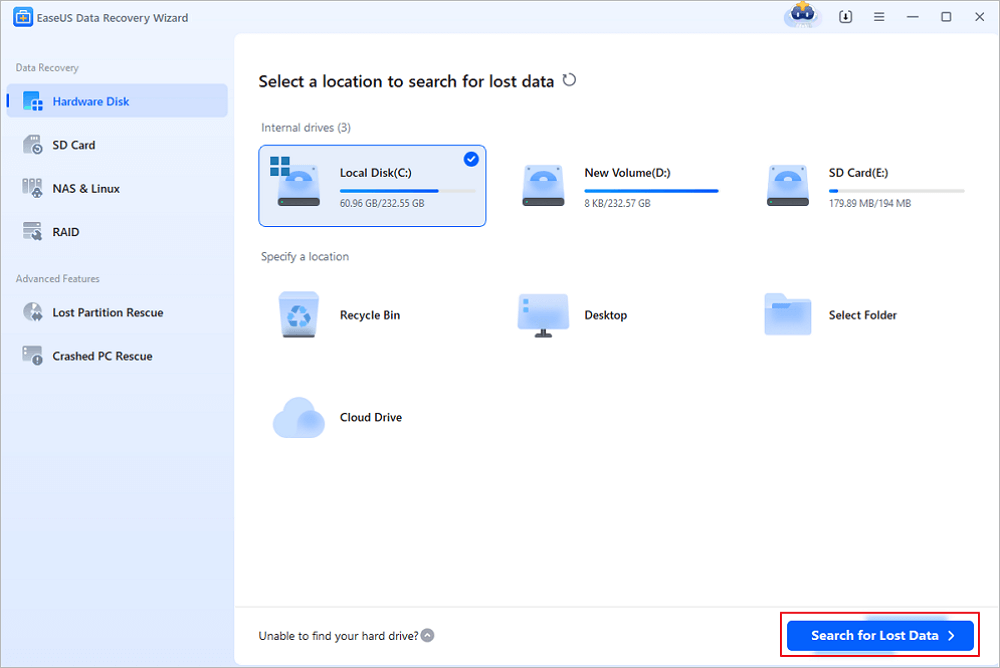
EaseUS is known for its clean UI and strong recovery success for files deleted due to common reasons like accidental deletion, formatting, and many other reasons. The software can easily restore deleted photos, videos, documents and other types of files from hard drives, SSDs, USB drives, SD cards, and other storage media. Additionally, EaseUS allows users to preview files before recovery, helping to identify important data efficiently.
Best used for: Beginner-friendly, seeking an easy-to-use tool for small to medium data recovery tasks.
Limitations: The free version offers limited file recovery, and deep scans on large drives may take significant time.
5. Wondershare Recoverit
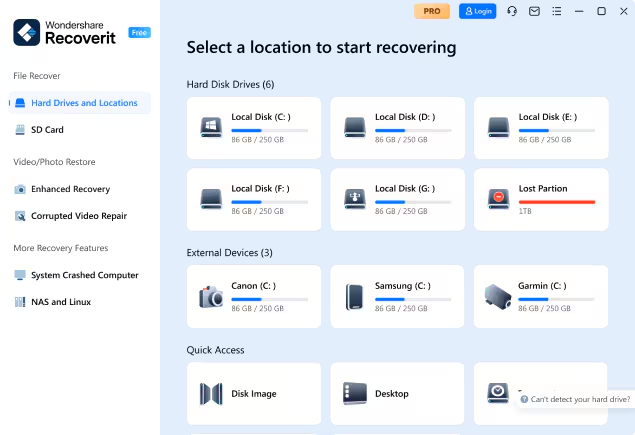
Wondershare Recoverit is a powerful data recovery software that allows you to easily retrieve lost, deleted, or inaccessible files from a variety of storage devices. The software is compatible with both Windows and macOS devices and can restore files deleted from hard drives, SSDs, USB drives, memory cards, and even crashed systems. Its intuitive interface makes data recovery easy for both beginners and advanced users. The free edition allows limited recovery, making it ideal for small-scale data loss scenarios.
Best used for: Can easily restore deleted files of various types, including photos, videos, and documents; also known for its simple and reliable interface.
Limitations: Free edition has a limited recovery quota; deep scans on large drives can be time-consuming.
6. MiniTool Power Data Recovery Free
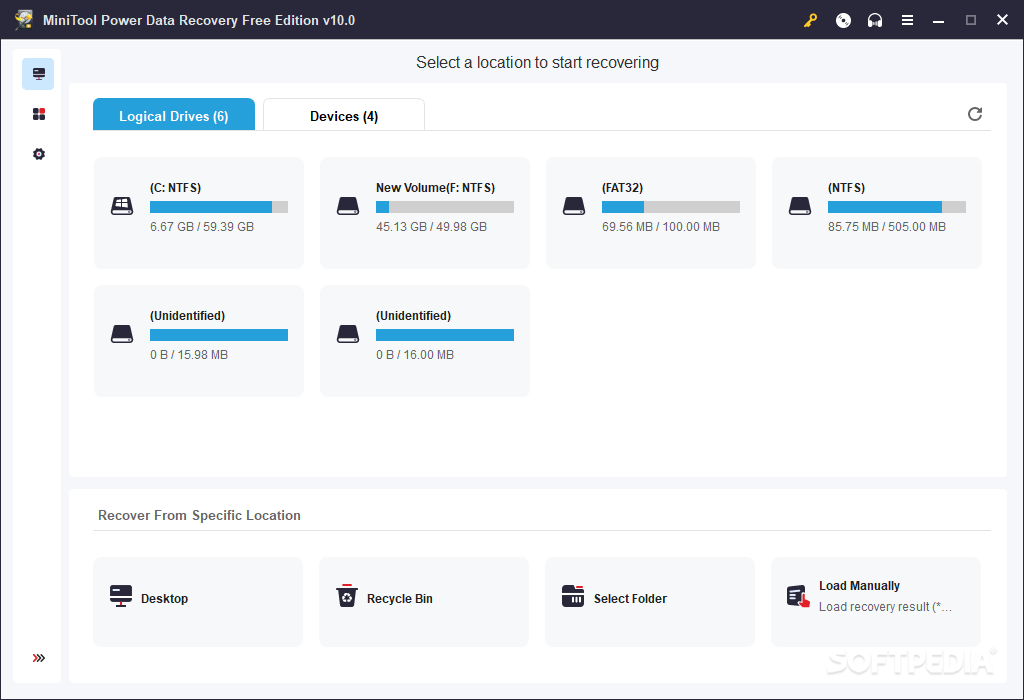
MiniTool’s free data recovery software is a lightweight and efficient option which allows you to restore lost, deleted, or formatted files from various storage devices. The software is compatible with hard drives, SSDs, USB drives, memory cards, and CDs/DVDs. The deep scan feature of this software lets you restore files even from formatted drives and corrupted partitions. The free edition offers a limited recovery capacity, typically sufficient for small-scale data loss scenarios.
Best used for: Recovering deleted or lost files from Windows devices quickly and easily.
Limitations: Free edition has a recovery limit; deep scans on large drives may take considerable time.
7. AnyRecover Data Recovery Free
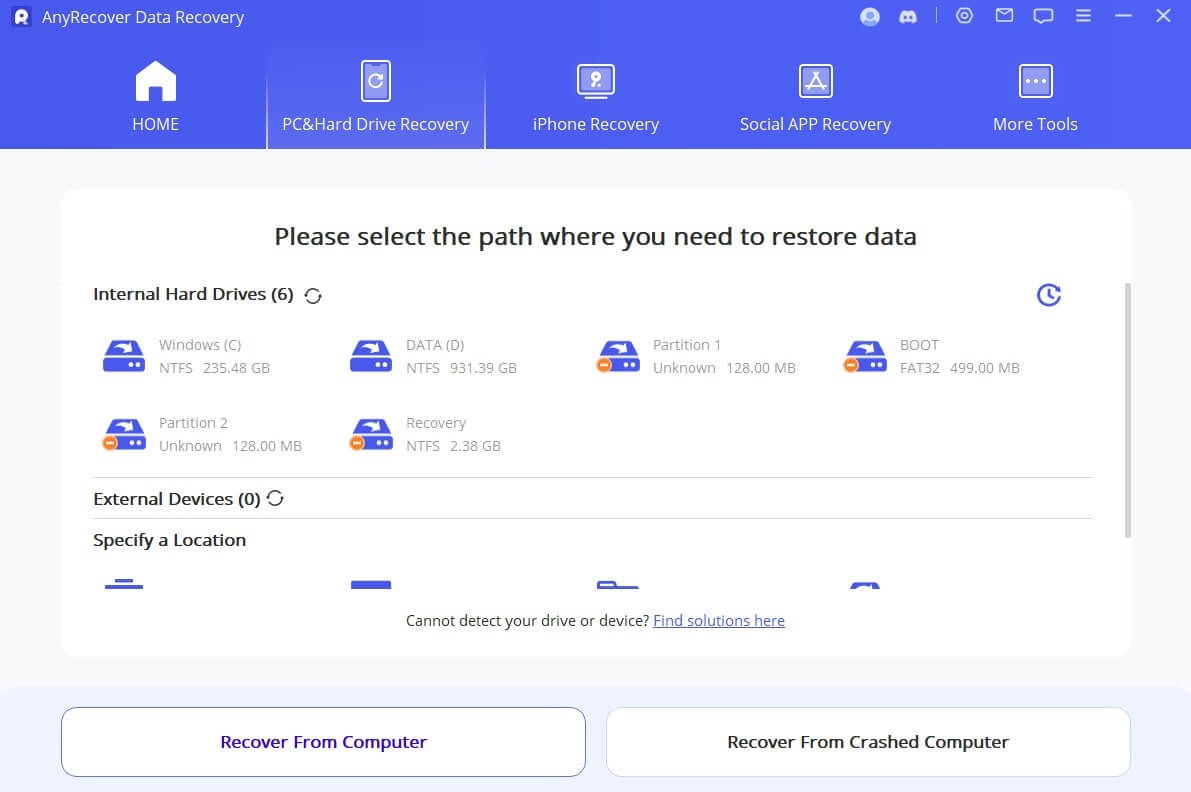
AnyRecover Data Recovery Free is a versatile and user-friendly software, allowing data recovery on both Windows and macOS devices. You can use this tool to restore deleted files from hard drives, SSDs, USB drives, memory cards, and other external storage media. The software features an easy-to-use interface, allowing even beginners to recover deleted data effortlessly. Despite its free limitations, this tool remains a top choice due to its simple and quick recovery process.
Best used for: Quick recovery of deleted or lost files from multiple storage devices.
Limitations: Free edition has a restricted recovery limit; deep scans on large drives may be slower.
8. PhotoRec
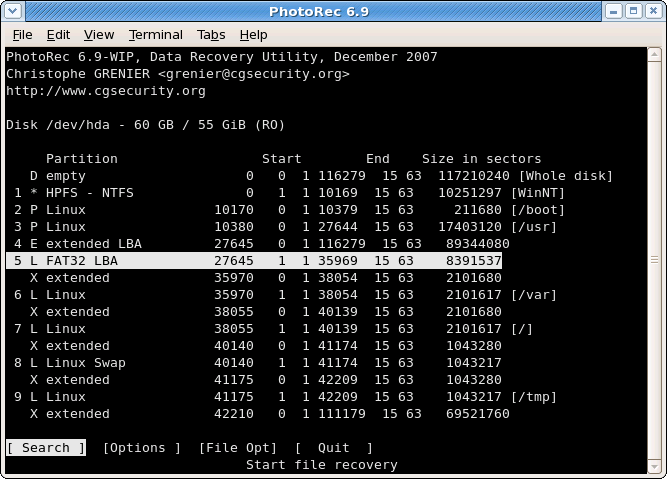
PhotoRec is a trusted open-source free data recovery software designed to recover files lost or deleted due to several reasons. You can restore files deleted after accidental deletion, formatting, system failures, unexpected crashes, and more. It is compatible with Windows, macOS, and Linux, making it a versatile option for users across platforms. One of PhotoRec’s key strengths is its ability to recover data even when the file system is damaged or missing.
Best used for: Recovering lost files from formatted or severely corrupted drives across multiple platforms.
Limitations: Command-line interface may seem complex for beginners; file names and folder structures are not preserved.
9. Tenorshare 4DDiG Free
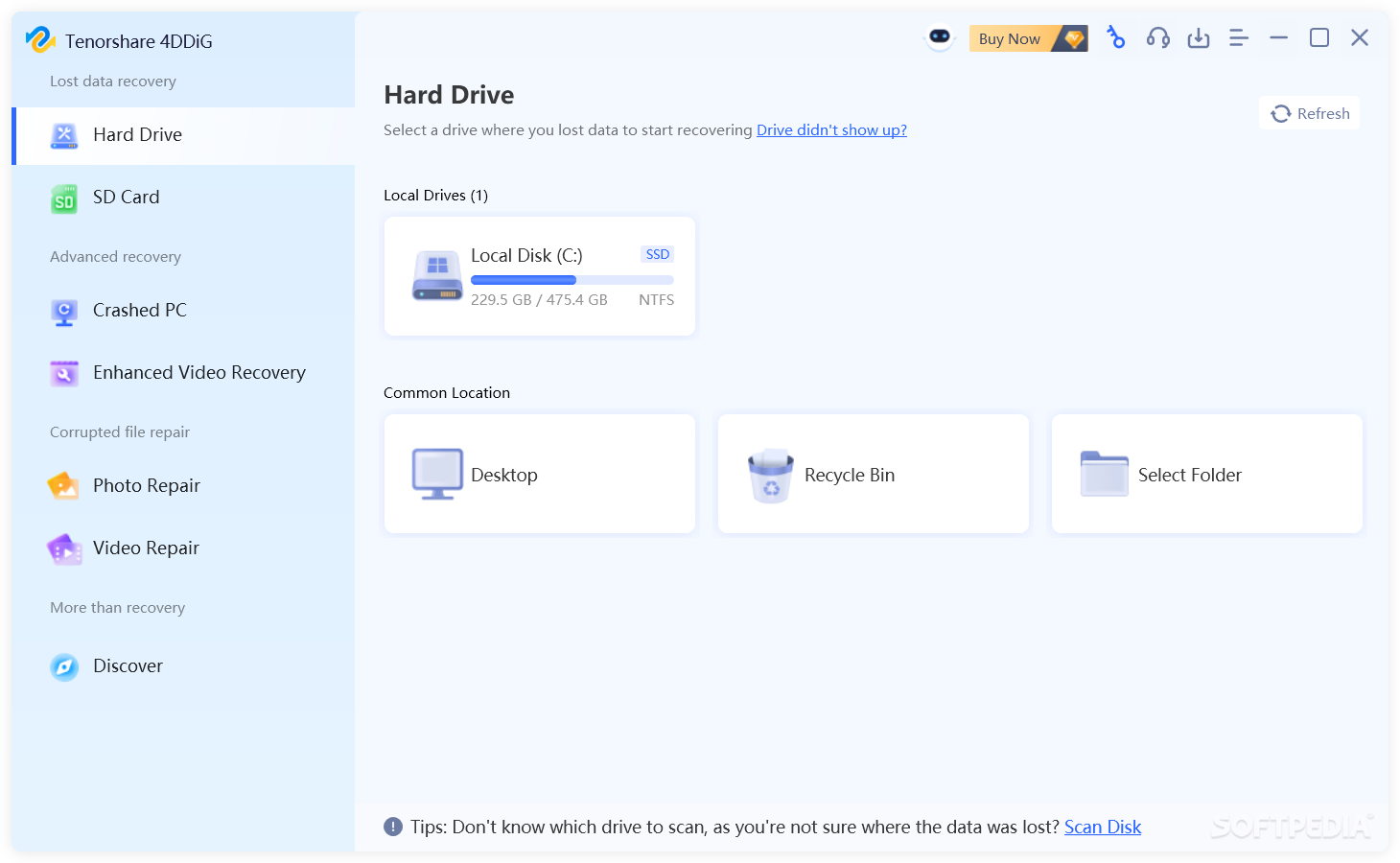
Tenorshare 4DDiG Free is a versatile data recovery software available for both Windows and macOS. It allows you to recover lost, deleted, or formatted files from a wide range of storage devices such as SSDs, USB drives, memory cards, and other external storage media. The intuitive interface of this software makes it beginner-friendly, while advanced functions like deep scan and file preview ensure accurate recovery of important files.
Best used for: Recovering deleted or lost files from multiple devices quickly and easily.
Limitations: Free edition has a limited recovery quota; deep scans on large or corrupted drives can be time-consuming.
10. R-Studio
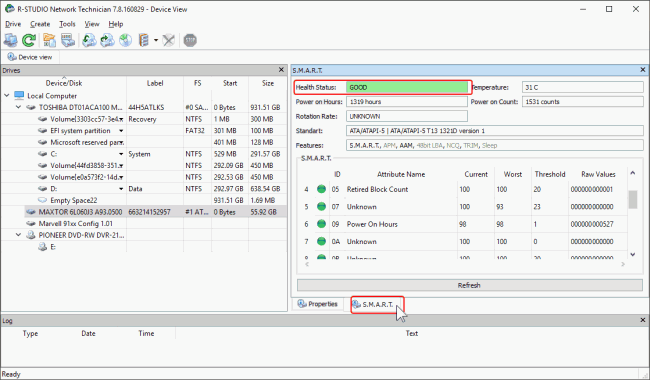
R-Studio is a professional-grade data recovery software, known for its advanced features, making it best for both home and business users. This free data recovery tool supports recovery from local drives, removable media, network drives, and even RAID arrays. While R-Studio provides demo and limited options in the free version, actual data recovery typically requires a paid license.
Best used for: Reliable for IT professionals and advanced users, known for its ability to handle complex recovery scenarios and networked storage.
Limitations: Free/demo version only allows file preview; full recovery requires a paid license, and the interface can be complex for beginners.
Wrapping Up
Unexpected data loss may happen any time, but don’t worry. You can easily perform data recovery on your device using the aforementioned free data recovery software tools. These tools allow you to restore deleted files of various types, including photos, videos, documents, and many more, from different internal or external storage devices. No single tool is perfect for every scenario. You can carefully check the features of each of these tools and then select the one that best fits your needs. Moreover, if the data is critical (business documents, irreplaceable photos) and the drive shows physical distress, professional recovery labs are the safest route despite the cost.
Must have tools for startups - Recommended by StartupTalky
- Convert Visitors into Leads- SeizeLead
- Website Builder SquareSpace
- Manage your business Smoothly Google Business Suite