Effortlessly, text-to-video AI converts one's words into a very short film. After just typing in your preferred prompt, it will turn it into a minute-long moving clip that takes up screens with luminous scenes, live images of art, and the smoothest possible motion. The AI watches the style, tone, and pacing to make sure the finished product is creatively involved. Any voice, music, or location may be changed to appeal solely to the interests of the user. These AI tools end up becoming an ad, an orienting description, or an impromptu story without any expensive gear or editing skills.
700+ avatars, 175+ languages, voice cloning, instant translation, team collaboration
Corporate users, educators, brand storytellers
Rendering delays; lacks cinematic camera controls
Synthesia
Website
synthesia.io
Rating
4.7
Free Trial
Yes
Best For
AI-generated videos, training content, and marketing explainers
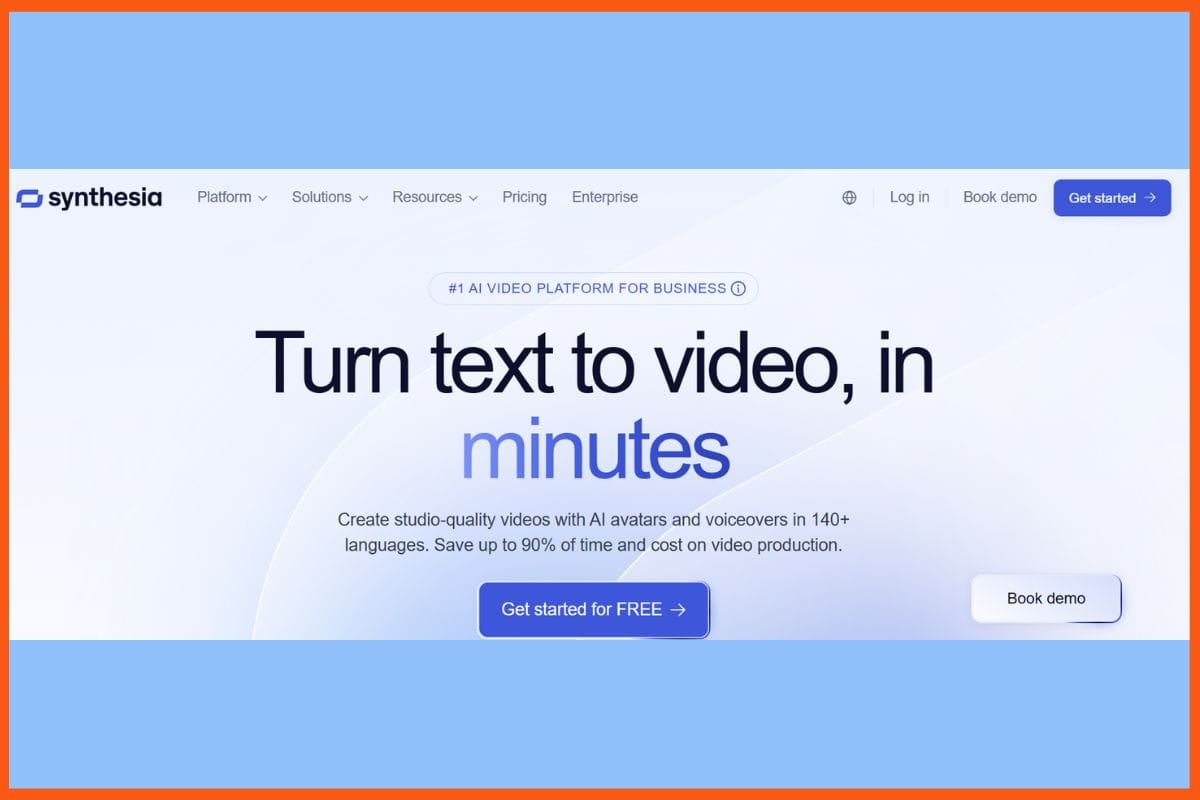
Synthesia - Top AI Text to Video Generators
Synthesia just makes making professional videos so simple. Write a script, select an avatar from hundreds of true-to-life avatars, and get an excellent, short clip within minutes. It works in 140+ languages, easily adding voices, music, and brand colors to create a shiny final output. Slides, PDFs, or web pages can turn into convincing video lessons in a heartbeat by connecting its draft tool. Keeping the audience curious with buttons, questions, and branching paths - that's how presenters work magic. Not forgetting the built-in translation for a bigger global audience and live collaborative teamwork.
Pros
Very easy to use
Create videos in over 140 languages
Built-in analytics track engagement.
Cons
Lacks creativity at times
Free and low-tier plans limit more advanced features and video length.
Pricing
Plan
Pricing
Starter
$18/month
Creator
$64/month
Enterprise
Contact Sales
Runway
Website
runway.ml
Rating
4.6
Free Trial
Yes
Best For
Text-to-video generation, video editing, and creative AI projects
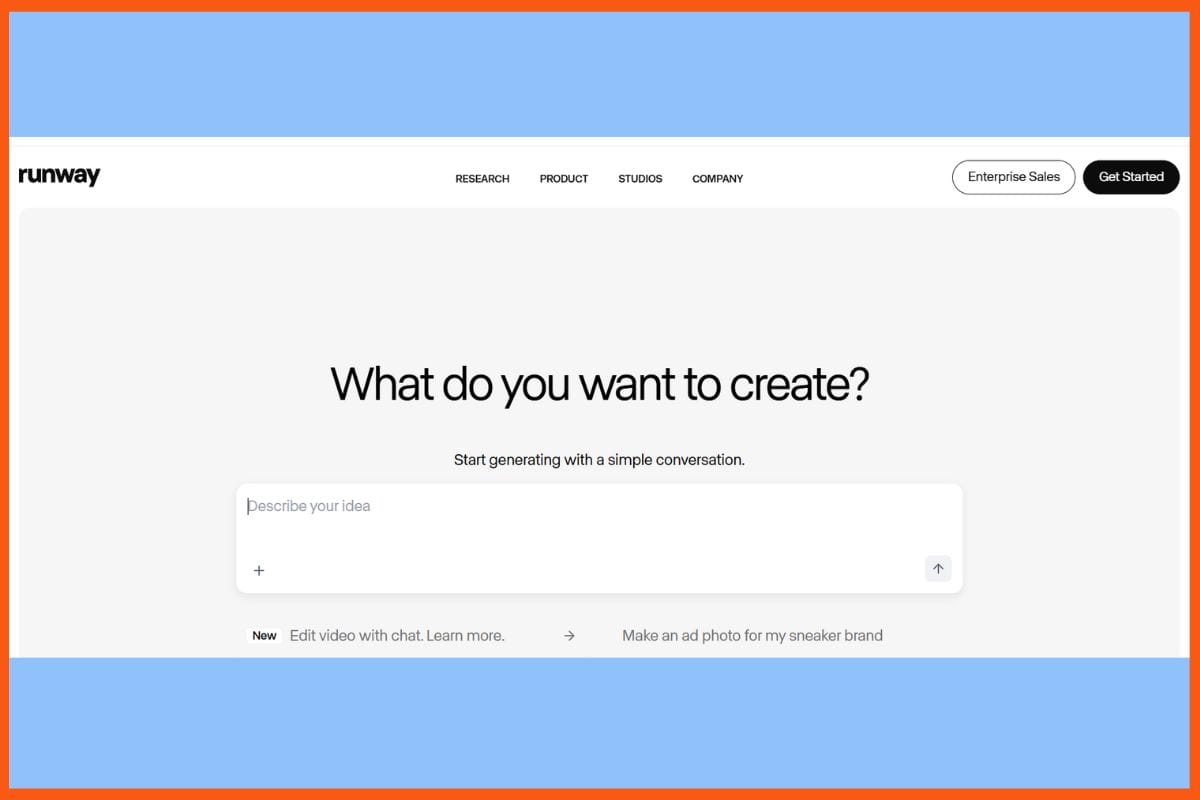
Runway - Top AI Text to Video Generators
Runway Gen-4 turns text or images into cinematic videos within minutes and keeps characters and objects in position even as things change; AI makes all of its movements, lighting, and camera action seem real. Layer-based tools to edit, angle, and mix styles are in the easy hands of creators. Teams can collaborate in real-time and rapidly export high-resolution clips. Now, beginners can instantly create professional-looking work without unnecessary long processes of old video work. For artists, brands, and filmmakers, Runway gives studio-level power on any screen. This makes storytelling quick, bold, and simple-bringing speed and creativity.
Pros
character and object consistency for the entire video.
The whole editing and frame manipulation process is seamless
Collaboration as a team with inbuilt templates for creatives.
Cons
Dependency on a high-speed internet connection
learning curve for advanced creative controls
Pricing
Plan
Pricing
Standard
$15/user/month
Pro
$35/user/month
Unlimited
$95/user/month
Enterprise
Contact Sales
Google Veo
Website
gemini.google.com / Google Veo 3
Rating
4.5
Free Trial
Yes
Best For
Generating short AI video clips (≈8 seconds) with synchronized audio — good for content creators, social media, and experimentation
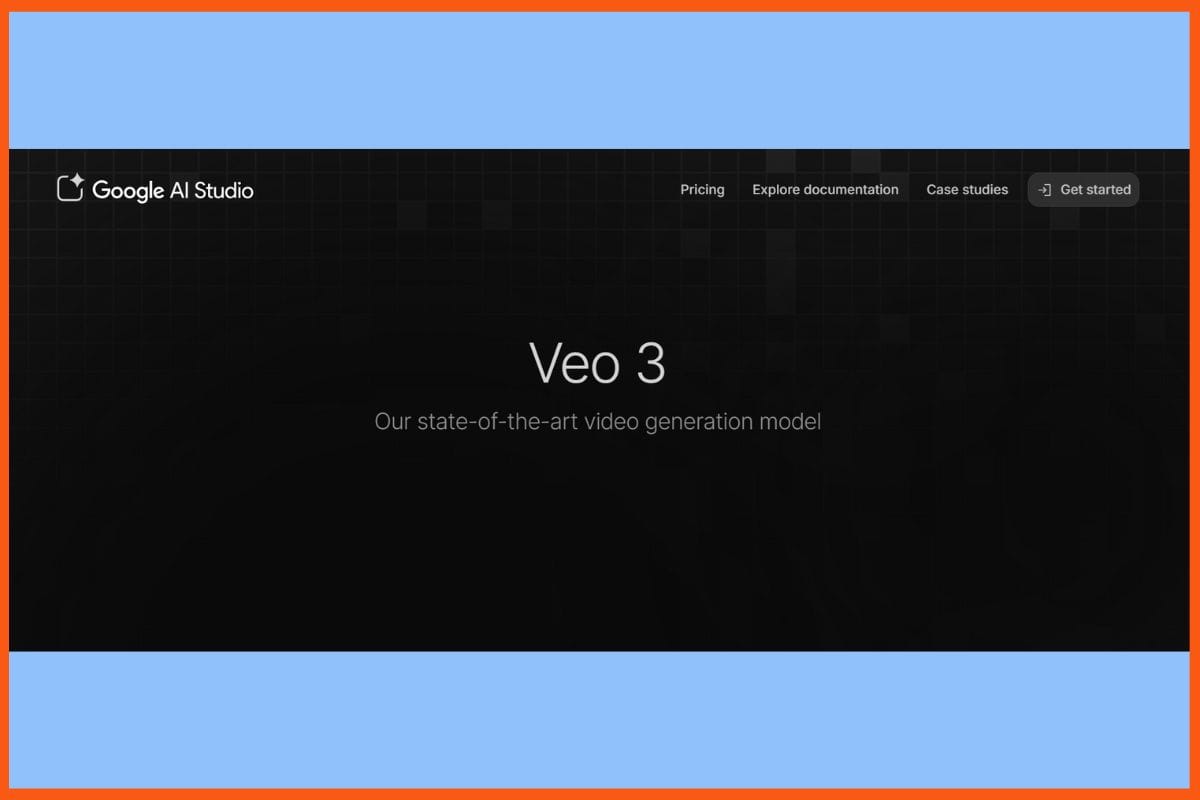
Google Veo - Top AI Text to Video Generators
Google Veo can create cinematic videos from any prompt in seconds, blending sound, music, and speech for that complete film feel. Trained on millions of clips, it knows how to add motion, story, and style to each shot. The shots remain crisp, and the lighting has a natural look. Users can set the parameters of speed, zoom, and art style, making everything similar to what they have in mind. It creates videos ready for advertising, teaching, posting, or even pre-showing. With smooth transitions, mood control, and outputs up to 1080p, Veo 3 brings the power of a professional video to anyone. Fast, simple, and artistic storytelling for any screen.
Pros
Cinema moves and photorealistic lighting.
Multi-modal: text prompts, images, and frames.
Integration with Google Creative tools and YouTube Shorts.
Cons
Unable to make a full-length video.
Occasional glitches with audio sync and prompt accuracy.
Pricing
Google Veo offers custom pricing; contact them for a quote.
Creators needing quick high-quality video shorts from text prompts
Sora - Top AI Text to Video Generators
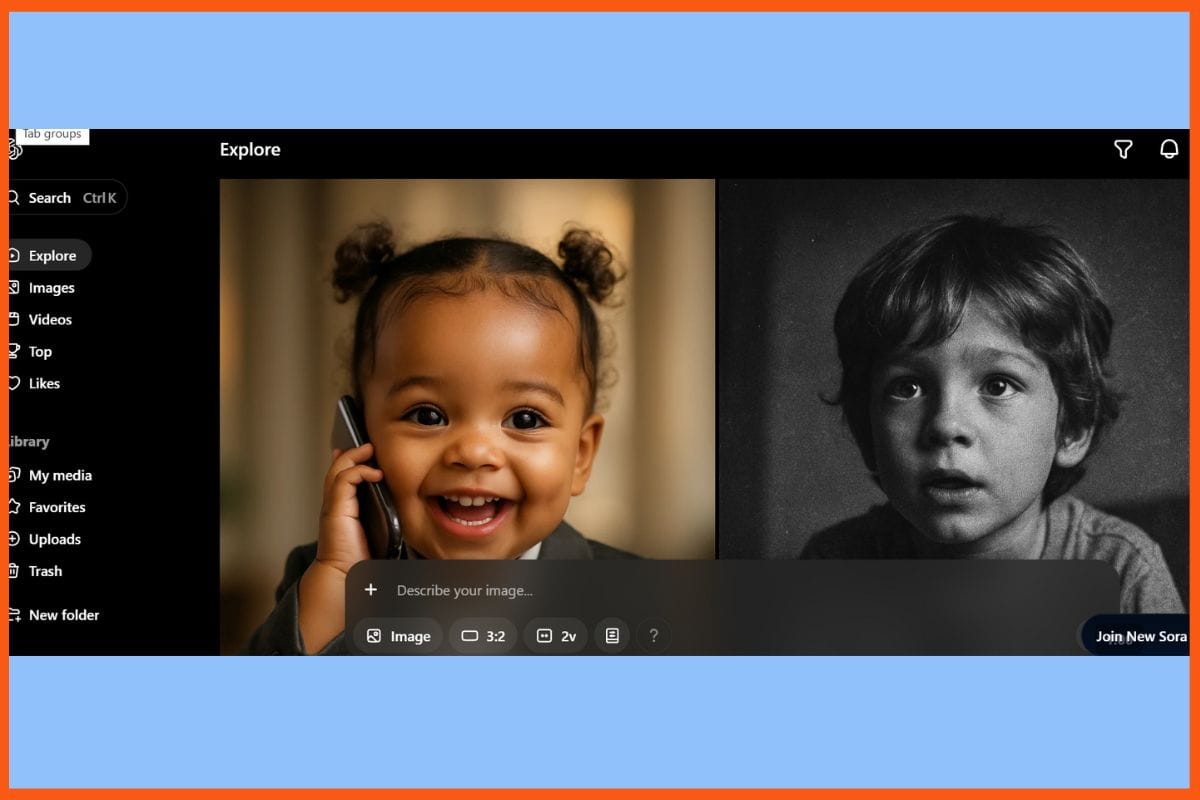
Sora, the OpenAI text-to-video tool, makes video-making as easy as writing. It converts texts into clips of a maximum length of 20 seconds, with rich scenes, real characters, and smooth camera movements. Sora understands actions, emotions, and physics: any person can put together professional-looking ads, lectures, or posts. Every scene is artistically lit, appropriately paced, and styled. Even the difficult combinations involving many characters or smooth transitions work really fast. Editing is pretty simple, with easy controls over tone, appearance, and storyline. For novice or team use, Sora takes advanced AI video into everyday life; fast, sharp.
Pros
Provides stunningly clear 1080p visuals across different styles.
Integrates with ChatGPT, voiceover, and editing tools.
Easy to use and does not require prior editing or production skills.
Cons
Long wait times at peak hours; limited types of content.
Fewer advanced camera controls compared to dedicated film platforms.
Pricing
Plan
Pricing
ChatGPT Plus
$20/month
ChatGPT Pro
$200/month
Pictory.ai
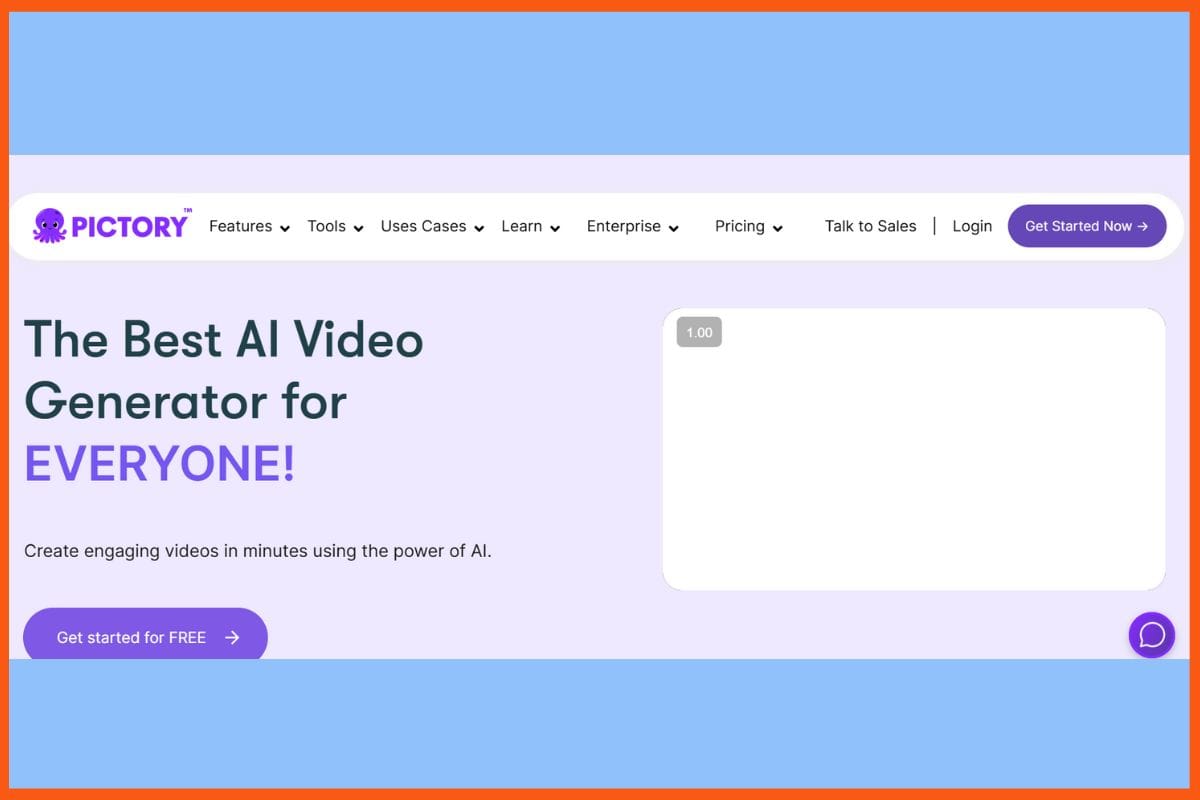
Pictory.ai - Top AI Text to Video Generators
Pictory.ai will convert the scripts, blogs, and long text instantly into clear videos: no editing required. It has an AI that links words to the most appropriate visuals, adds music, and provides really strong voices that sound real. You can edit it by altering the script, changing the order of scenes, or taking highlights from long clips. It is created to suit YouTubers, educators, marketers, and for social media use. Pictory also includes captions, text edits, and branding very easily. An extensive image library, coupled with very easy auto-captioning features, will make content shareable really fast.
Pros
Automatic visual, audio, and music pairing as per content
A huge library and easy-to-edit text-based
Auto-generates captions and highlights from long videos
Cons
Won't have AI presenters on-screen
720p only for the starting export level
Pricing
Plan
Pricing
Starter
$25/month
Professional
$49/month
Team
$119/month
Enterprise
Custom
Kling AI
Website
klingai.com
Rating
4.3
Free Trial
Free forever plan with limited monthly credits
Best For
Quick text-/image-to-video content for social media, casual creators, marketing previews
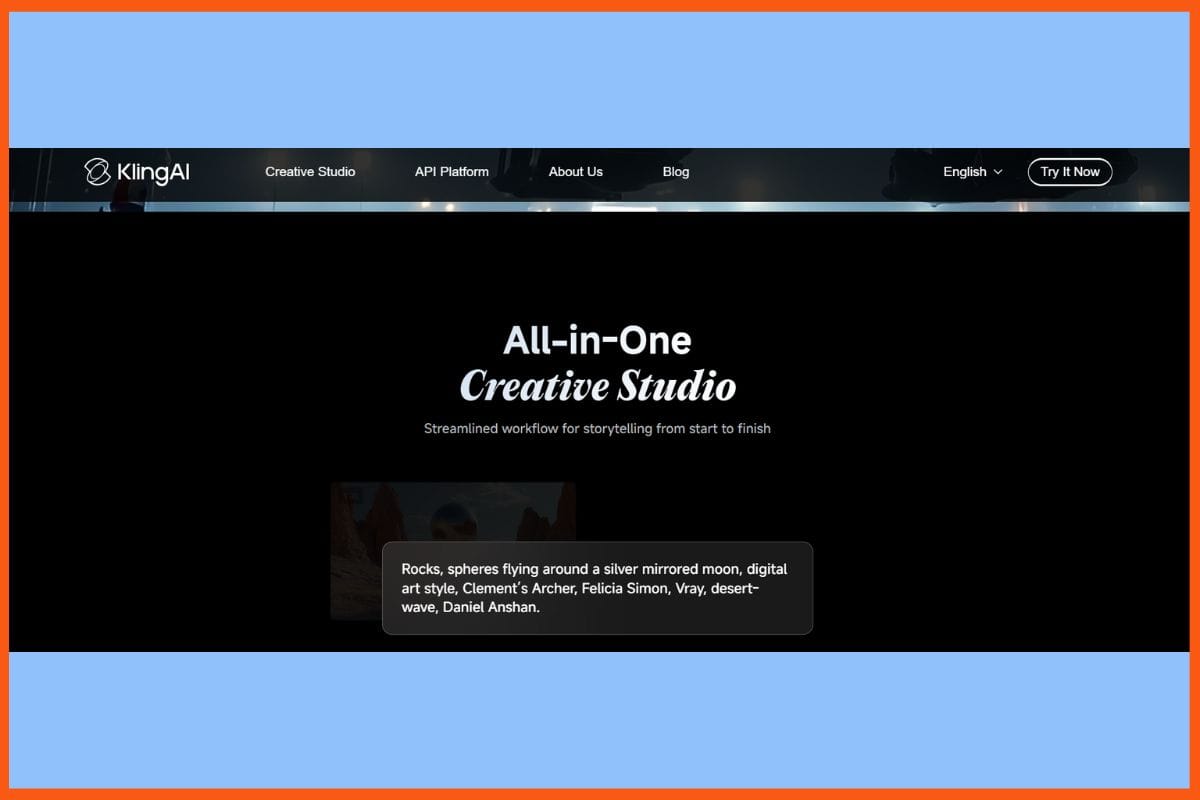
Kling AI - Top AI Text to Video Generators
Kling AI takes your text, images, or clips and converts them into cinematic videos rich with motion and lifelike detail. Its smart models not only handle lighting but also understand camera moves and indeed the smallest effects, such as dust or water. From image-to-video to multi-modal editing, the application accommodates artists, brands, and above all, filmmakers in need of effective visual storytelling. "Elements" gives complete control over objects and characters, while the new features extension provides lip-sync and sound effects. Fast and dynamic, Kling makes pro-level video simple for anyone. This allows for bold, polished, immersive content.
Pros
Unequaled cinema-quality in visual aesthetics and motion fluidity
Very advanced prompt and object control for fully detailed scenes
Built-in lip synchronization and voice functions as well as sound effects
Cons
Free version is restricted in quality
Not offering any animation features yet.
Pricing
Plan
Pricing
Standard
$6.99/month
Pro
$25.99/month
Premier
$64.99/month
Ultra
$127.99/month
Pika
Website
pika.art
Rating
4.6
Free Trial
Yes
Best For
Creating short social-media-friendly videos, stylized image-to-video + text-to-video transformations with creative effects
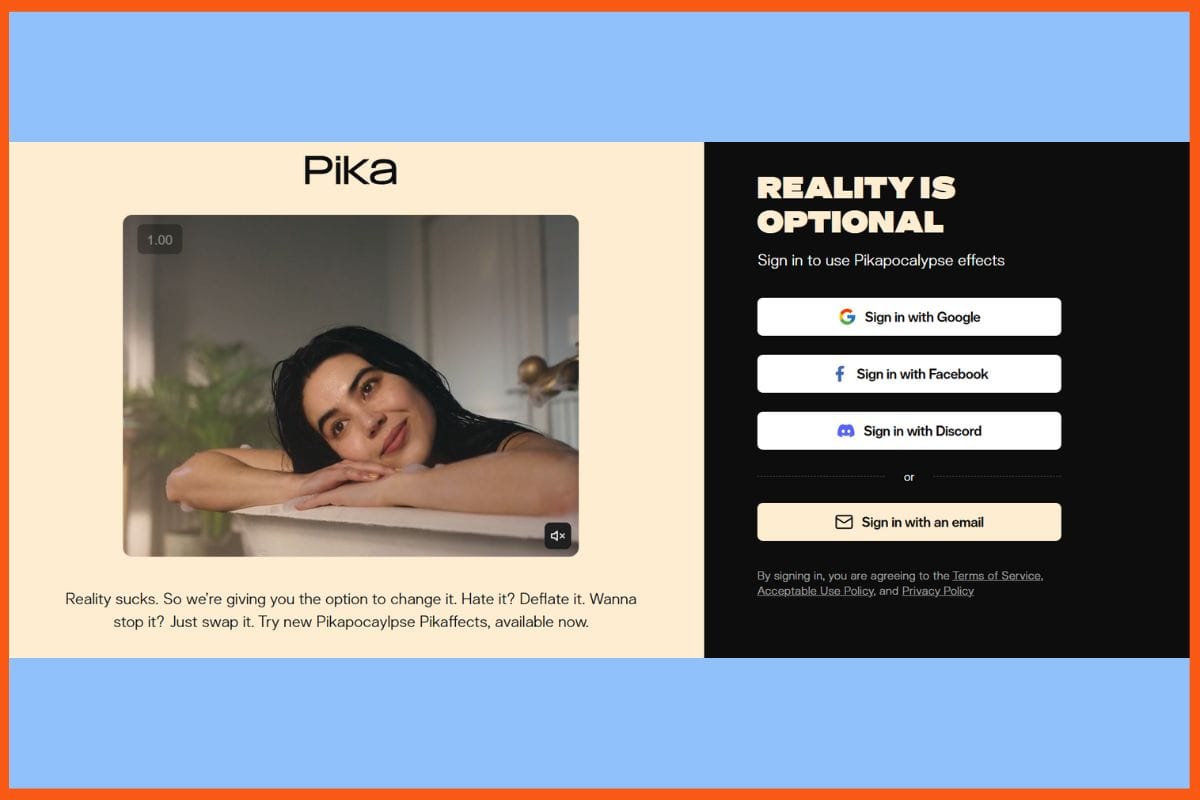
Pika - Top AI Text to Video Generators
Pika by Pika Labs is a fast and fun AI tool for transforming text, images, or sketches into short videos. Its simple interface allows anyone to set up scenes, styles, and motion with prompts or frames. Pika creates 10-second 1080p clips filled with special effects like "exploding," "dolly shots," and various surreal twists. Users can manipulate cameras and objects to achieve bold and creative results for ads or social posts. Newer tools like Pikaframes add smooth transitions with uncomplicated image-to-video edits. With its millions of users, Pika is becoming the go-to app for viral clips.
Pros
speedy text-video creation
Very easy interface, quick learning, and free access to the community
Advanced camera control, transition
Cons
Video is exceptionally short (maximum clip: 10 seconds long)
Movement isn't accurately represented
Pricing
Plan
Pricing
Standard
$10/month
Pro
$35/month
Fancy
$95/month
Luma Dream Machine
Website
lumalabs.ai / Luma Dream Machine
Rating
4.5
Free Trial
Yes
Best For
Creating realistic & stylized short AI videos from text & images
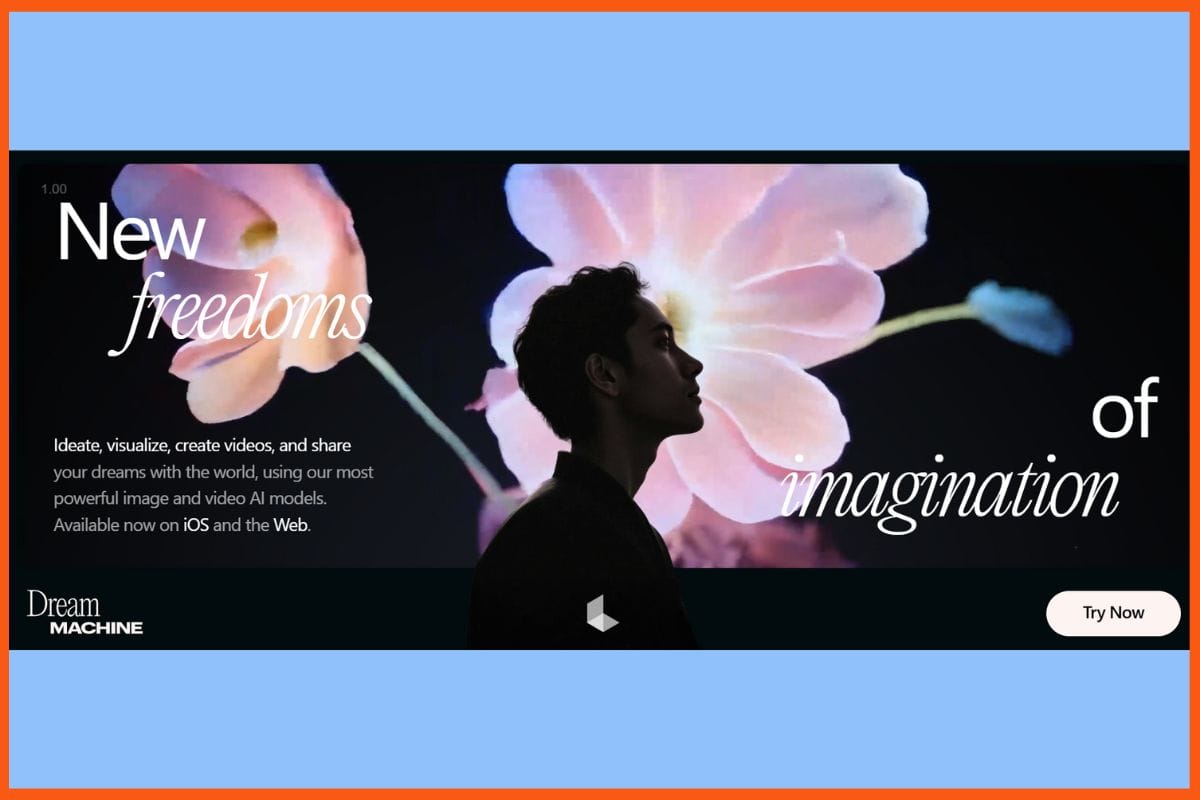
Luma Dream Machine - Top AI Text to Video Generators
Luma Dream Machine will take any text, image, or scene and quickly render a cinematic clip. The Ray2 engine spins out a 5–10 second video in smooth motion, with real lights and deep 3D details. With simple controls, anyone can draft an advertisement, test a story idea, or share a mood piece—a real boon for artists, marketers, and small studios. Users can select from styles including cartoon, film, or animation, extend their clips using Modify with Instructions, and enjoy super-fast rendering. With output in 4K, collaboration tools, and a free trial, Dream Machine is easy to get started.
Pros
Quick generation of text-to-video
Wide variety of styles from cinematic to cartoon and animated.
Easy collaborative interface, mobile, and web access.
Cons
No audio generation or synchronisation
Motion and bursty sequences can feel a little dead at times
Pricing
Plan
Pricing
Lite Plan
$9.99/month
Plus Plan
$29.99/month
Unlimited Plan
$94.99/month
Enterprise Plan
Contact Sales
Fliki
Website
fliki.ai
Rating
4.8
Free Trial
Yes
Best For
Converting text or scripts into videos with AI voiceovers; social media content, educational & marketing videos
Fliki - Top AI Text to Video Generators
Fliki makes it possible the convert scripts, blogs, slides, or even snippets of text into ready videos within a matter of minutes. Its AI mixes words with bright and appropriate visuals, has 2,000+ voices in over 80 languages, and offers realistic avatars for the narration part. Even Nigerians can easily tag along by adding clips, music, or captions: perfect for YouTube, TikTok, course, or commercial. There's voice cloning, translation, and multi-brand support to ensure that teams reach global audiences fast. The auto storyboard, smart scene edits, and quick previews at Fliki keep the process simple.
Pros
Transforms blog posts, slideshows, and scripts into videos in no time
Dubbing more than 80 languages on the fly
Business-friendly with built-in brand kits and team features
Cons
An intense interface for a first-time user
Does not target long narratives
Pricing
Plan
Pricing
Standard
$28/month
Premium
$88/month
Enterprise
Custom Pricing
HeyGen
Website
heygen.com
Rating
4.5
Free Trial
Yes
Best For
Creating realistic AI avatar videos from text or images for marketing, education, and social media
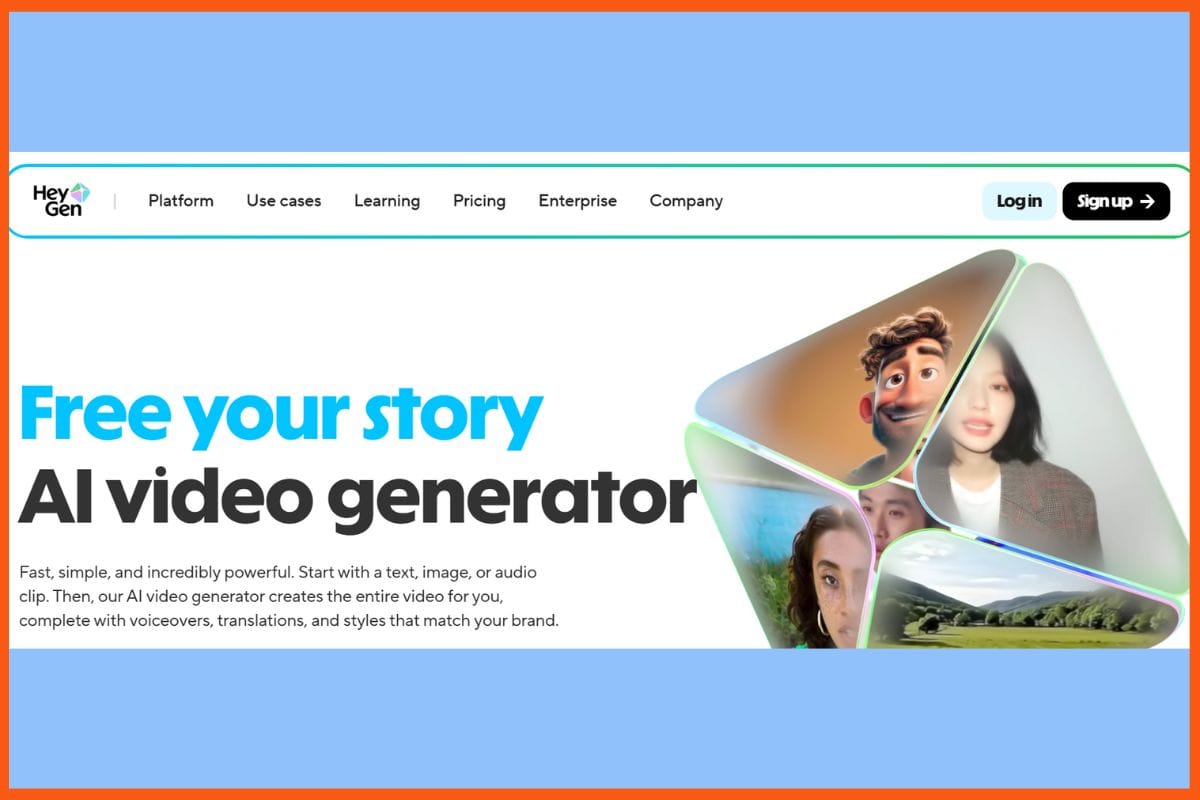
HeyGen - Top AI Text to Video Generators
HeyGen enables anyone to create very realistic videos from text, images, or audio through AI avatars, voice cloning, and instant translation. Users can choose from more than 700 avatars and voices in 175+ languages to create explainer clips, advertisements, and training videos without the need for any cameras or editing skills. Its intelligent scene editor, brand tools, team collaboration, and simple workflow speed up the entire schema. HeyGen syncs voices, motions, and styles for realistic results to fit any brand or message. Best suited for both individuals and teams so that both novices and professionals can rapidly create films.
Pros
Hyper-realistic avatar and voice generation for any script.
Auto-translation and lip-sync in 175+ languages.
Fast and easy editing integrated with the brand kit.
Cons
Takes a longer time to render huge projects.
Has no built-in cinematic camera controls or advanced animation.
Pricing
Plan
Pricing
Creator
$29/month
Team
$39/seat/month
Conclusion
Text-to-video AI tools have changed the ways stories, lessons, and advertisements are brought to life, enabling any person to create vivid videos in minutes from simple sentences. Saving some time, opening the door to creativity, and helping to engage an audience with brand messages or teaching in a refreshing way, such tools are merely removing obstacles for those without editor-like editing skills to continue creating and cost even less. However, in the end, a human touch is required, no matter how high-tech they get, because it gives the video a soul and a certain level of life.
A text-to-video AI tool automatically converts written prompts, scripts, or blogs into short videos using artificial intelligence.
Which are the best text-to-video AI tools?
Some of the best text-to-video AI tools include Synthesia, Runway Gen-4, Google Veo, Sora, Pictory.ai, Kling AI, Pika Labs, Luma Dream Machine, Fliki, and HeyGen.
Can I make cinematic videos with AI?
Yes many tools specialize in cinematic video generation. They produce realistic motion, lighting, and camera effects that mimic professional studio work, perfect for filmmakers, brands, and visual storytellers.



 Anish Sharma