Best Tax Filing Tools for Startups and Freelancers
Startups, freelancers have been offered the smart tax tools that make things simple while filing taxes. These tools save time, enhance accuracy, and increase confidence during the final time when presenting taxes. Simple dashboards keep a record of income through bank accounts, just a fast way of marking deductible spending. Safe and secure place for keeping all data with cloud property's benefit, while auto-fill takes care of forms with ease and built-in tips for lowering bills, smooths the whole process. Some even guide you with AI, keeping an eye on all the gaps or missed claims.
TaxSlayer is one of the best options available for start-ups as well as freelancers willing to go cheap yet great in its features to handle taxes smoothly without any hassles. It simplifies filing by having almost all the IRS forms, imports W-2s and 1099s and has self-employed tools for tracking expenses and deductions. The clean interface, auto-guides, and refund calculators simplify tax time, even for first-timers. Real-time tips, audit assistance, and expert support complete the power and value. TaxSlayer for the independent earner leaves them tax-ready throughout the year without costing them too much.
Pros
Supports all IRS schedules and forms
Good for freelancers and gig workers
Error checking and deduction finder in real time
Cons
Limited features under the free plan
Some fees for state filing
Pricing
Plan
Pricing
Classic
$42.95
Premium
$62.95
Self-Employed
$72.95
TurboTax Self-Employed
Website
turbotax.intuit.com
Rating
4.6
Free Trial
No
Best For
Tax filing for freelancers, self-employed professionals, and small business owners
TurboTax Self-Employed - Best Tax Filing Tools
Tax time just got a little easier for start-ups and freelancers who prefer clarity and accuracy. TurboTax Self-Employed offers a step-by-step guided flow that uses AI help and QuickBooks sync to turn complicated returns into guided ones. It catches every eligible write-off from office gear to travel, while reminders and secure document uploads keep it all smooth. There are times when a user will find themselves in need of some live expert help, so they never have to file by themselves. For those who want the control of filing their own return without the confusion of do-it-yourself.
Pros
A sleek, guided interface ideal for novices.
Finds specific deductions in no time.
Syncs with QuickBooks for up-to-date import of data.
Cons
Probably the priciest in tax software.
A bit of upselling during setup.
Pricing
Plan
Pricing
Assisted
$79
Full Service
$129
Wave
Website
waveapps.com
Rating
4.5
Free Trial
Yes
Best For
Free accounting, invoicing, and receipt tracking for freelancers and small businesses
Wave - Best Tax Filing Tools
Wave is a free and efficient accounting tool specially designed for startups and freelancers with a knack for maintaining simple control of their funds. It works by keeping track of expenses, sending invoices, and keeping records of income without charging anything at all. The simple-looking, clean dashboard with its AI tools enables ease of work daily. You can start adding payments and payroll as your business grows. Automation from Wave lets you remain clear on your cash flow and take off stress from taxes. Wave is designed to save time and effort while also being light on your pockets.
Pros
Tools for accounting and invoicing that are entirely free
Personalized invoices as well as reports
Double-entry bookkeeping accuracy
Cons
Support is only through email
Higher fees for processing payments
Pricing
Plan
Pricing
Pro Plan
$19/month
H&R Block
Website
hrblock.com
Rating
4.3
Free Trial
Yes
Best For
Assisted tax filing, online tax software, and in-person tax services
H&R Block - Best Tax Filing Tools
H&R Block offers startups and freelancers a straightforward, expert-driven online tax preparation service that gives support they can count on. Its step-by-step wizard and strong AI uncover credits and deductions on your tax return for any type of income. This way, users can file with confidence knowing that they can get live help using chat or phone or switch to a real tax pro. The very modern dashboard and secure uploads make filing a breeze; it covers everyone from freelancers to S Corps, so anyone can file their taxes with ease.
Pros
Coverage of many filing needs in a free plan
Maximization of savings with AI deduction finder
Availability of expert support both in-person and virtual
Cons
Navigation tends to feel a little bit tricky mid-process
Affordable online tax filing with step-by-step guidance
TaxAct - Best Tax Filing Tools
TaxAct is an efficient tax application for small business owners and freelancers who wish to file returns in an easy and timely manner. There is a step-by-step wizard to guide users through the entire process, along with full form support and integrated help. This minimizes the hassle of sorting expenses and self-employment income. The in-built deduction tools and secure uploads save lots of time, and expert help is just a click away. TaxAct combines sensible guidance, powerful features, and open pricing such that it becomes a no-brainer for small-business owners who crave quick and accurate results year after year.
Pros
Covers such a wide range of IRS forms and credits
Very easy interface for fast navigation
Crypto reporting and gig worker tools included
Cons
Charges extra for state filing.
Extra cost for audit defence.
Pricing
Plan
Pricing
Deluxe
$54.99
Investments
$94.99
Entrepreneur
$109.99
QuickBooks Self-Employed
Website
quickbooks.intuit.com
Rating
4.5
Free Trial
Yes – 30 days
Best For
Expense tracking, mileage tracking, and tax prep for freelancers & self-employed professionals
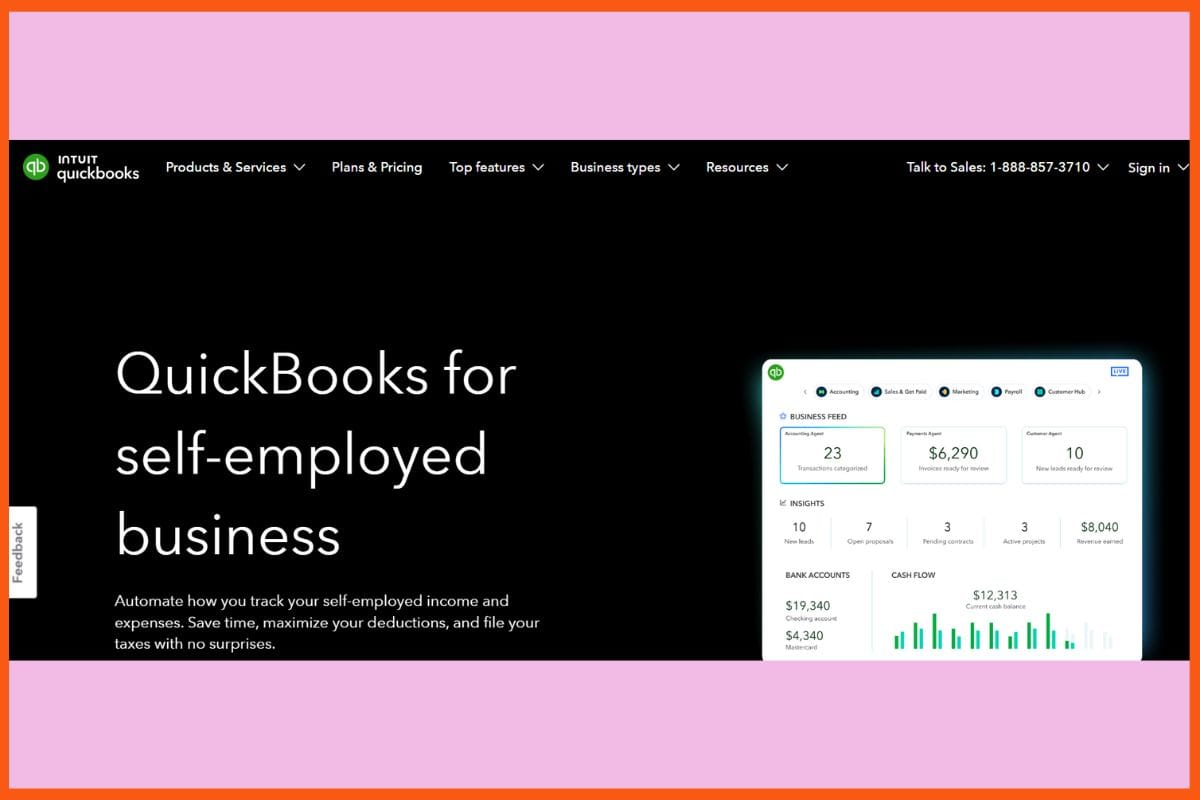
QuickBooks Self-Employed - Best Tax Filing Tools
QuickBooks Self-Employed wants to rack up that money really easily and fast for any startup or freelancer! The app takes care of recording expenses all by itself, separating the business expense from the personal, and tracking miles via GPS for tax write-offs. Just invoice and get tax estimates immediately, leaving no nasty surprises for later. Mobile sync only means that you can do it all while on the move. Very straightforward, very smart, files everything in the cloud, including taxes, income, and expenses from one gig to another, and allows you to focus.
Pros
Automatically tracks mileage for tax deduction purposes.
Processing invoices and making payments in QuickBooks Online is easy.
Accountant collaboration is possible.
Cons
Very primitive reporting capabilities and few options for tailoring.
Not completely double-entry.
Pricing
Plan
Pricing
QuickBooks Solopreneur
$10/month
QuickBooks Solopreneur + Assisted
$31/month
Business Formation + Live Experts
$39 + State Filing
Credit Karma Tax
Website
creditkarma.com/tax
Rating
4.4
Free Trial
Yes
Best For
Free federal and state tax filing for simple tax returns
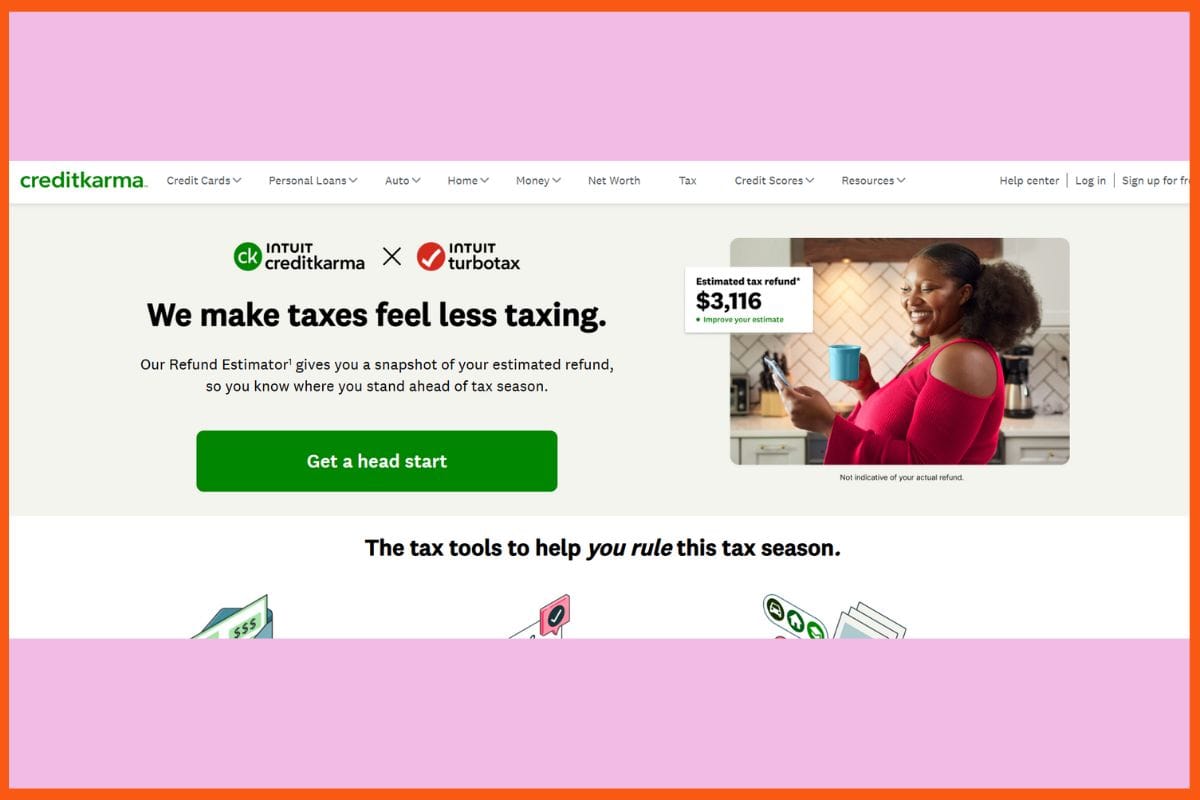
Credit Karma Tax - Best Tax Filing Tools
Credit Karma Tax is built for startups and freelancers who want quick, free, and simple tax filing. It covers all major federal and state forms, finds deductions, and lets you upload documents fast. With free audit defense and no hidden fees, you can file with confidence and get refunds early. Now partnered with TurboTax, it offers expert help every step of the way through an easy mobile app. For self-employed users who value freedom and peace of mind, Credit Karma Tax delivers clear, stress-free filing and strong support without costing a penny.
Pros
Audit defense without extra costs
Refund-advance options
Simplicity: Friendly for newbie filers.
Cons
Limitations exist for a more complex return
Not ideal for S Corps or partnerships
Pricing
Credit Karma Tax offers custom pricing; contact them for a quote.
Expensify
Website
expensify.com
Rating
4.6
Free Trial
Yes
Best For
Expense management, receipt scanning, and reimbursement automation for individuals and businesses
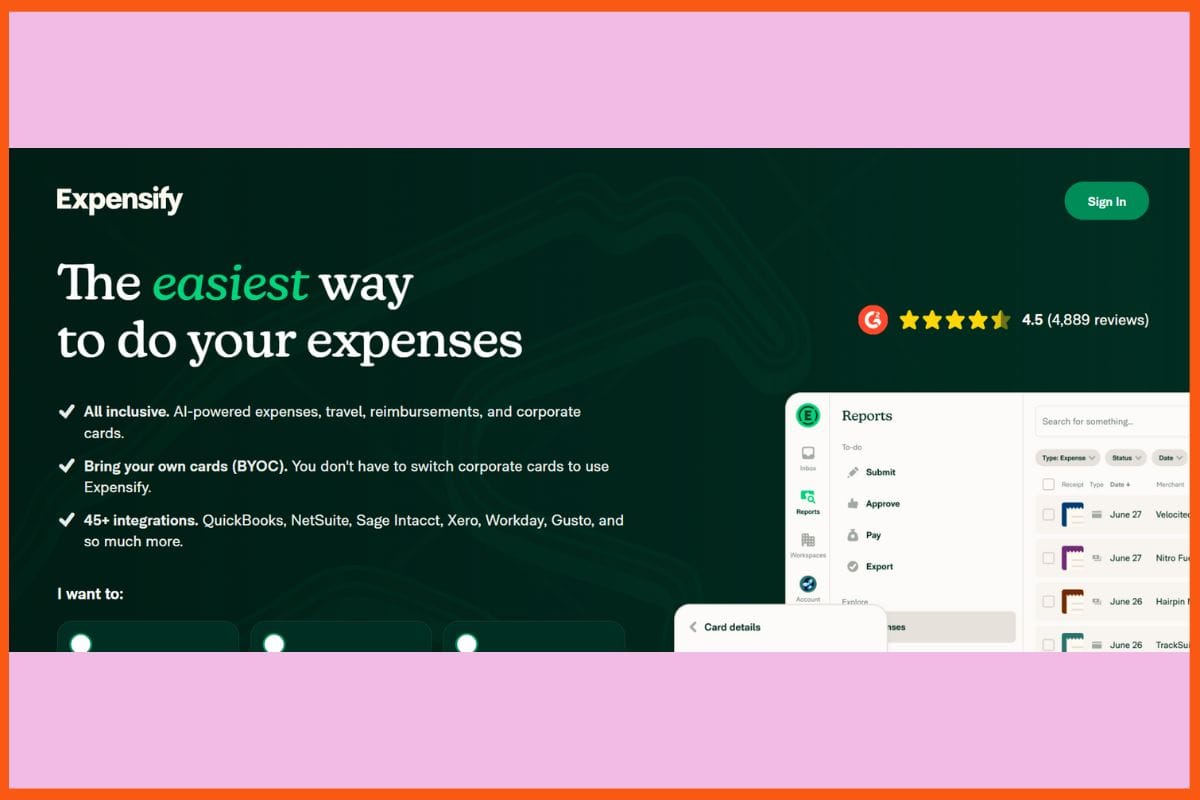
Expensify - Best Tax Filing Tools
Efficient expense tracking for startups and freelancers. Expensify allows them to track any expenses, receipts, and mileage needed for a clean and prepared tax filing in a smart and speedy manner. Just take a snap, upload, or email the receipt to Expensify's AI, and it'll sort, match, and categorize every single spend in seconds. It makes reimbursement easier, generates reports, and syncs with popular accounting platforms. Keeping busy users on track with spending and ensuring that nothing slips through with approval flows and notifications could be further optimized by their mobile-first design.
Pros
Receipt scanning takes seconds due to smart categorization.
Syncs with 45+ accounting, payroll, and travel platforms.
Handles international spend and reimbursements.
Cons
Deep reporting may require integrations.
Has a heavier focus on expenses than tax preparation alone.
Pricing
Plan
Pricing
Collect
$5/member/month
Control
Custom Pricing
Keeper Tax
Website
keepertax.com
Rating
4.5
Free Trial
Yes
Best For
Automated tax deduction tracking and maximization for freelancers and self-employed professionals
Keeper Tax - Best Tax Filing Tools
Keeper Tax- a brilliant answer for all the startups and freelancers looking for easy and hassle-free tax filing. The app scans one's bank and credit accounts and finds deductions using AI, along with sending daily expense alerts. It leads through the entire process, having real tax experts review returns before filing. Keeper automates those processes while marrying them with human help to simplify tax season entirely. Suitable for people with moderate expenses who seek reliable support, with clear insights and quick filing bundled into one app that keeps users in complete control.
Pros
Automated deduction tracking using AI
Tax professional's valuable review
Expense tracking initiated through textual notifications
Cons
Monthly subscription could be heavy on pocket compared to other contenders.
Limited web interface when compared to the mobile app.
Pricing
Plan
Pricing
Standard Tax Filing
$99/year
Filing + Deductions
$199/year
Premium
$399/year
ProfitBooks
Website
profitbooks.net
Rating
4.4
Free Trial
Yes
Best For
Cloud-based accounting and bookkeeping for small businesses and freelancers
ProfitBooks - Best Tax Filing Tools
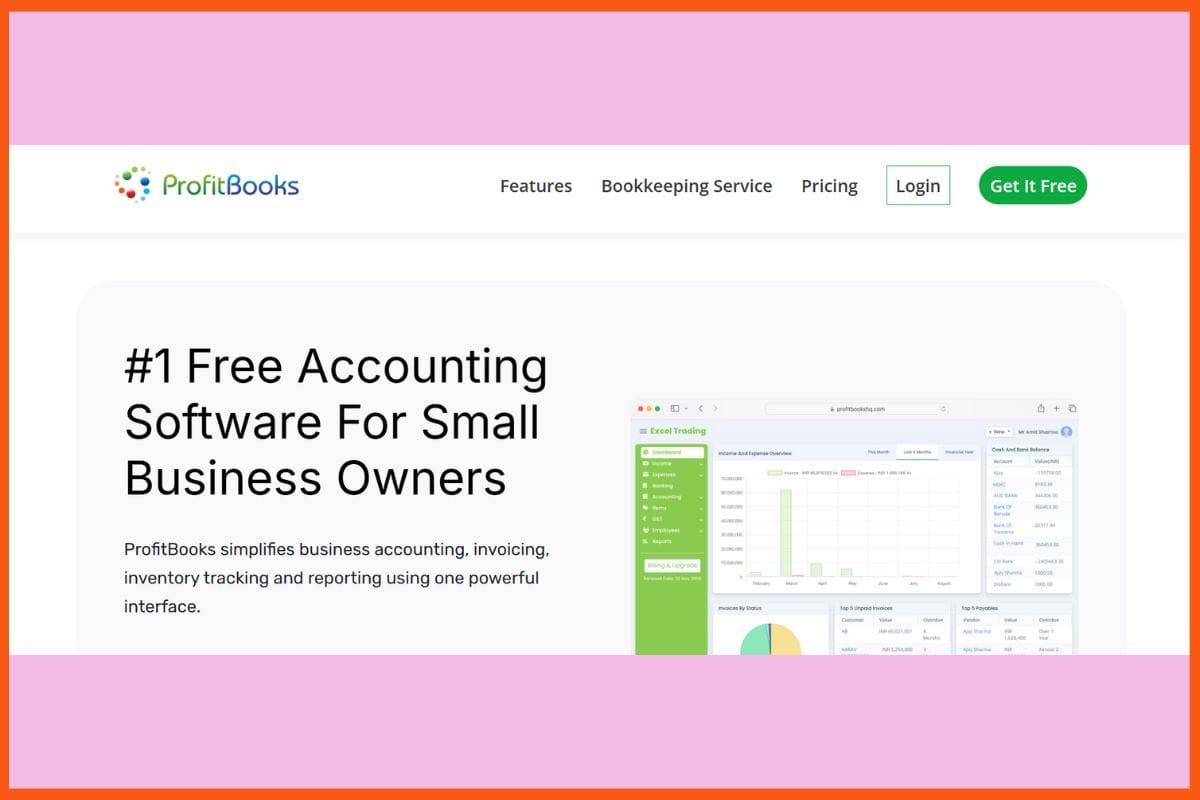
ProfitBooks is for startups and freelancers who need a hassle-free way to manage bills, taxes, and expenses—all in one place. Invoicing, GST setup, and filing are made easy with a simple dashboard for even the least computer-savvy individuals. Receipts, payments, and reports are updated at all times with automation, real-time, and mobile tools that allow real-time changes to any place possible. Built-in GST and VAT support make compliance quick and simple. ProfitBooks is set to combine a clean design with intelligent automation that makes cash flow tracking, paper reduction, and tax filing within reach-while saving time and effort.
Tax calculation and digital receipt attachment in an automatic mode
More than 45 customizable financial tax reports
Cons
Very few integrations with banks outside India
Advanced support is only available with paid plans
Pricing
Plan
Pricing
SMB
$20/month
Conclusion
Picking the precise tax tool really means less hassle and more time in life for doing as per one's individual/social aspirations. The smart software makes long forms into just a mouse clicks that help to confirm accuracy and reduce costs by circumventing mistakes with the help of built-in assistance. Self-employed people and new entrepreneurs can now breathe easy with guides, smart checks, rapid inputting, and a dependable tablet client. There is now confidence in being able to make something work by top-level amazing personnel, while the technology keeps data safe & secure and works on any kind of income.
Do these tax tools support startups and small businesses?
Absolutely, many tools support startups, sole proprietors, and small businesses by handling GST, VAT, payroll, invoicing, and business tax filings.
Is cloud-based tax software safe and secure?
Yes, most tax software platforms use secure cloud infrastructure with encryption and multi-factor authentication. This ensures sensitive financial data remains protected while allowing easy access anytime, anywhere.







 Sanvi Barjatya