

Best X Automation Tools (Formerly Twitter) to Save Time & Grow
lists-rankings
Keeping up with X (formerly Twitter) can be a demanding task. Between creating content, engaging with followers, and trying to grow an account, the time commitment can be significant for marketers, creators, and entrepreneurs.
This is where Twitter automation tools can be beneficial. They are designed to handle repetitive, time-consuming tasks, allowing you to focus on strategy and user interaction.
This list provides a look at some of the popular tools available. We will review what each one does, so you can find a suitable option for your goals, whether that involves growing your audience, scheduling content, or managing multiple client accounts.
What are X (formerly Twitter) Automation Tools?
Twitter automation involves using software to handle certain tasks on the platform. Effective automation focuses on efficiency, freeing up time for genuine interaction and strategic planning instead of manual, repetitive tasks.
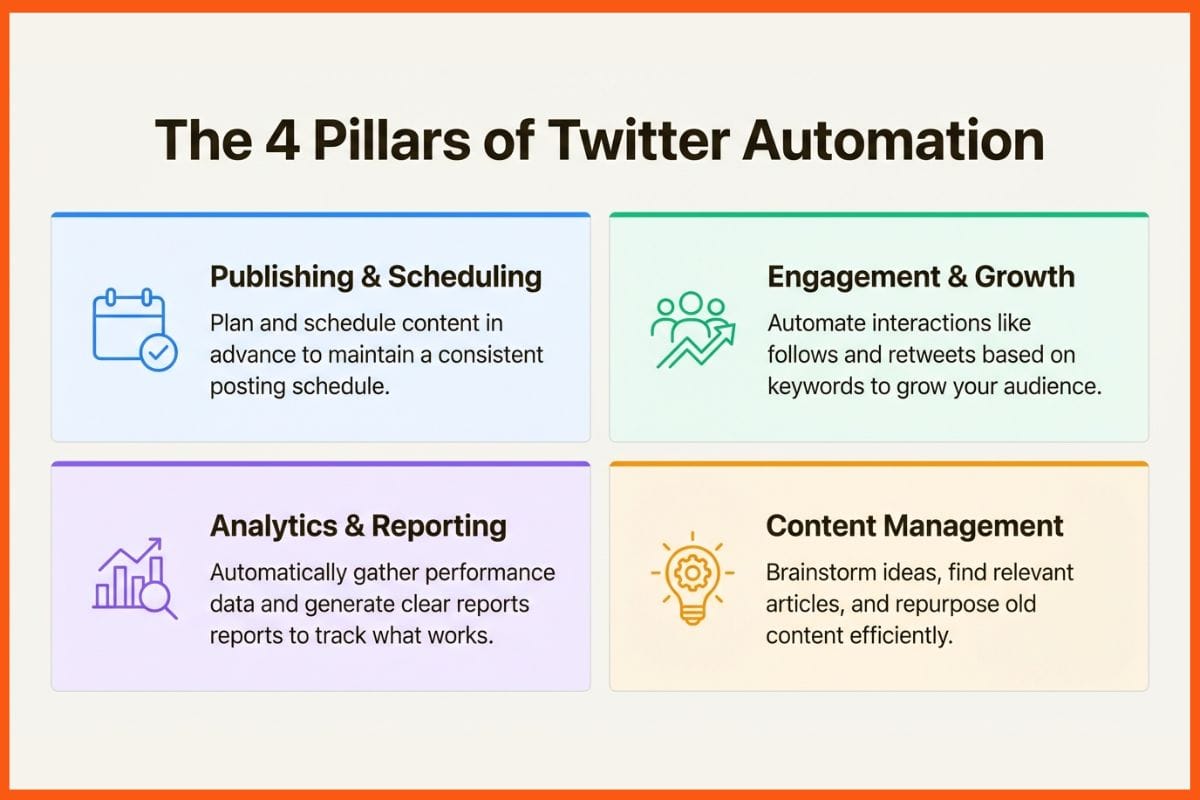
There are a few main ways these tools can help:
- Publishing & Scheduling: This is a common use case. You can plan and schedule content in advance, which helps maintain a consistent posting schedule even during busy periods.
- Engagement & Growth: Some tools can help grow your audience. They can automatically like, follow, or retweet based on specific keywords or user profiles, putting your account in front of people who may be interested in your content.
- Analytics & Reporting: Instead of manually tracking metrics, these tools can automatically gather data on your performance. You get clear reports that show what is working and what is not.
- Content Management: Some tools can help you brainstorm, find relevant articles to share, and repurpose old content.
How We Picked the Top X Automation Tools
We selected and compared tools based on a few key factors.
- Core Features: We looked for a solid mix of features. A tool that only schedules posts is useful, but many of the top options also help with analytics and engagement.
- User Experience (UX): We prioritized platforms with clean, intuitive designs that are easy to navigate.
- Audience Growth Capabilities: We also considered tools that help users grow a targeted, organic following.
- Value for Money: We compared pricing to the features on offer to find options that provide good value.
- Safety & Compliance: Every tool on this list operates within X's rules. They focus on authentic, organic growth methods to help keep your account safe.
Comparison of Top X Automation Tools
Here’s a quick look at how our top picks stack up against each other.
| Tool | Best For | Standout Feature | Pricing Starts At (Billed Annually) |
|---|---|---|---|
| TweetFull | Targeted Audience Growth | AI-powered engagement campaigns | $19/month |
| Sprout Social | Large Teams & Agencies | All-in-one social management and listening | $199/seat/month |
| Buffer | Simple & Clean Scheduling | Intuitive queue-based publishing | $5/month per channel |
| SocialPilot | Small Businesses & Value | Bulk scheduling & white-label reports | $25.50/month |
| Typefully | Content Creators & Writers | Distraction-free thread composer & AI aids | $12.50/month |
List of Best X (formerly Twitter) Automation Tools
Now, let's dive deeper into what makes each of these tools stand out, including who they're for, what they cost, and their pros and cons.
1. TweetFull

TweetFull is an AI-powered platform focused on organic follower growth and engagement on X. It is used by over 1,000+ creators and entrepreneurs. The tool automates interactions to connect with a relevant, targeted audience. The platform has operated since 2013.
Pros: TweetFull focuses on a proactive approach to audience growth. Its Copy Followers Campaign lets you automatically engage with followers of other accounts in your industry. The Keyword Campaign targets users who are talking about topics relevant to your niche. It also handles tweet scheduling, can auto-tweet from RSS feeds, and sends automated custom DMs to welcome new followers.
Cons: Its content creation tools are not as deep as all-in-one platforms like Sprout Social. If you need a detailed visual calendar or complex team workflows, you might want to use it alongside another content-focused tool.
Pricing:
- Offers a 14-day free trial and a 14-day money-back guarantee.
- Solo: $19/month (billed annually) for 1 Twitter account.
- Traffic: $49/month (billed annually) for 3 Twitter accounts.
- Authority: $75/month (billed annually) for 5 Twitter accounts.
 Vivek Dev Jacob
2. Sprout Social

Sprout Social is a comprehensive, all-in-one social media management tool. It's designed for large teams and agencies that need one central hub to manage scheduling, analytics, social listening, and engagement. Over 30,000+ brands use Sprout for their social media operations.
Pros: Sprout Social is loaded with features. Its unified Smart Inbox brings all your messages from every platform into one place. The AI tools, like AI Assist, can help with writing copy and spotting trends. It also has deep analytics, automated reporting, and integrates with business tools like Salesforce and Zendesk. It serves as a central hub for social media teams.
Cons: The price point can be a significant investment, particularly for individuals and small businesses. The extensive feature set may be more than what some users require.
Pricing:
- Offers a 30-day free trial.
- Standard: $199 per seat/month (billed annually).
- Professional: $299 per seat/month (billed annually).
- Advanced: $399 per seat/month (billed annually).
3. Buffer
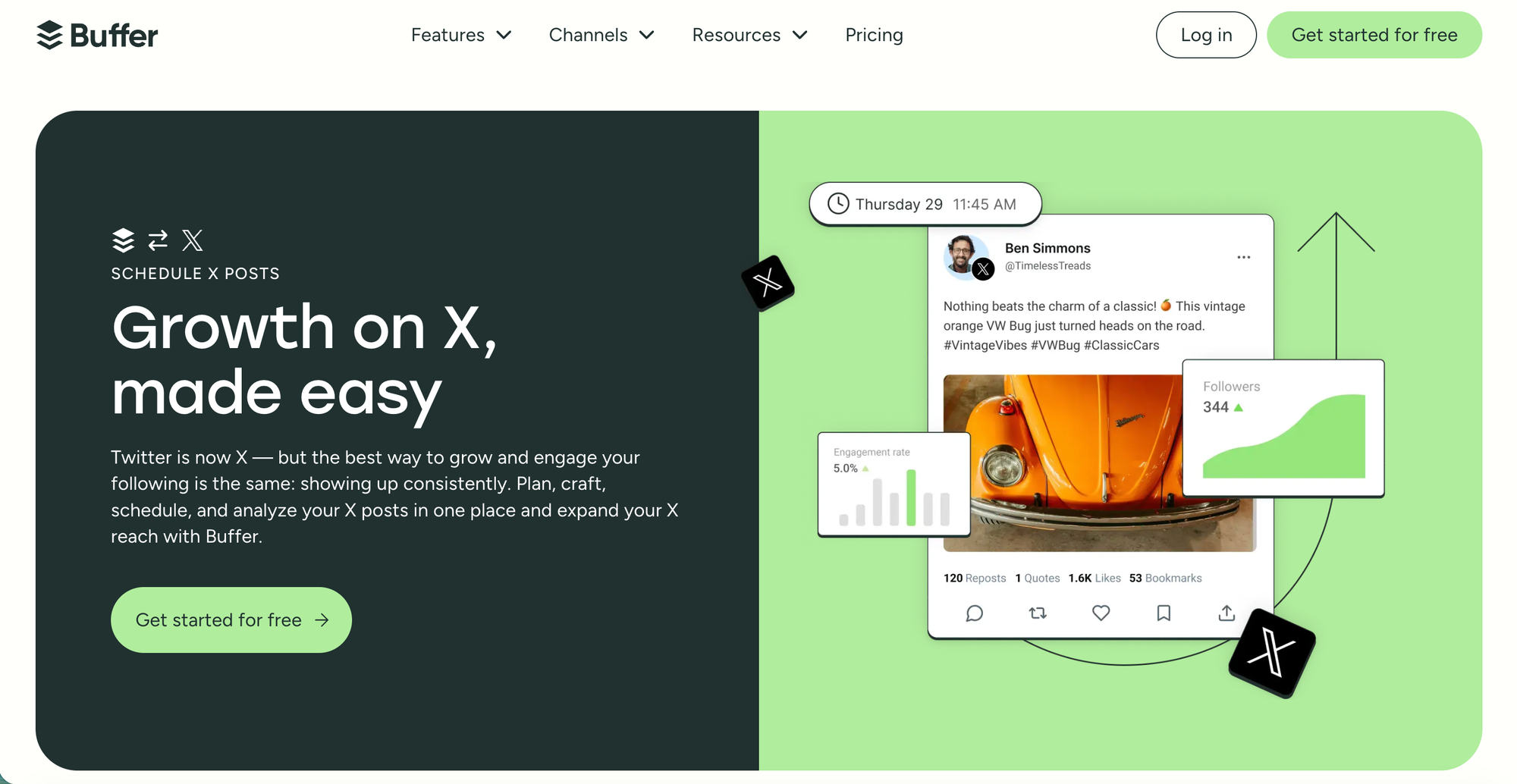
Buffer is a well-known name in social media scheduling. It is known for its simple and clean design, making it a popular choice for individuals and small teams who want a straightforward way to plan and automate their content. It's used by over 100,000 businesses and individuals.
Pros: Buffer's design emphasizes simplicity. The queue-based system allows users to add content to a queue, and Buffer publishes it automatically based on a pre-set schedule. It also includes an AI Assistant for brainstorming ideas, a Community feature for managing comments, and easy-to-read analytics. Plus, it supports a bunch of platforms beyond X, including Threads, Bluesky, and Mastodon.
Cons: Buffer is mainly a publishing tool. It does not have the proactive audience growth features found in TweetFull or the deep social listening tools of Sprout Social.
Pricing:
- Free Plan: Up to 3 channels and 10 scheduled posts per channel.
- Essentials Plan: Starts at $5/month per channel (billed annually).
- Team Plan: Starts at $10/month per channel (billed annually).
4. SocialPilot

SocialPilot is an all-in-one platform that is a great option for small businesses and agencies. Used by over 13,500 customers, it is often considered an alternative to other platforms like Sprout Social.
Pros: SocialPilot offers many features for its price point. Its bulk scheduling feature can save significant time, letting you upload and schedule up to 500 posts at once with a CSV file. The platform's AI Pilot helps generate post ideas and captions, and its Social Inbox keeps all conversations in one place. For agencies, features like client management and PDF reports are valuable.
Cons: The user interface is functional, and its design may be a matter of user preference compared to other platforms. Its social listening and engagement tools are also not as advanced as those on some other platforms.
Pricing:
- Offers a 14-day free trial.
- Essentials: $25.50/month (billed annually) for 7 social accounts.
- Standard: $42.50/month (billed annually) for 15 social accounts.
- Premium: $85/month (billed annually) for 25 social accounts.
5. Typefully

Typefully is an X automation tool with a focus on content creation. It is made for writers and content creators who are serious about crafting high-quality content, especially long-form threads. It has a community of over 220,000+ creators and companies, and it provides a distraction-free editor designed for writing.
Pros: Typefully specializes in creating and scheduling threads. Its clean and minimalist interface is designed to help users focus on writing. It has unique features like AI-powered rewrites, smart scheduling queues that post at optimal times, and analytics that are specifically focused on thread performance. It also lets you cross-post your content to other text-based platforms like LinkedIn, Threads, and Bluesky.
Cons: Its specialization in content creation means it lacks features found in all-in-one platforms. It does not have a social inbox, social listening features, or the proactive audience-building tools that a platform like TweetFull provides.
Pricing:
- Offers a free plan with basic features.
- Creator Plan: $12.50/month (billed annually).
- Team Plan: $49/month (billed annually).
- Agency Plan: $99/month (billed annually).
How to Choose the Right X Automation Tool
The best tool depends on what you're trying to accomplish. There’s no one-size-fits-all answer, so to help you decide, we've created a simple guide below.
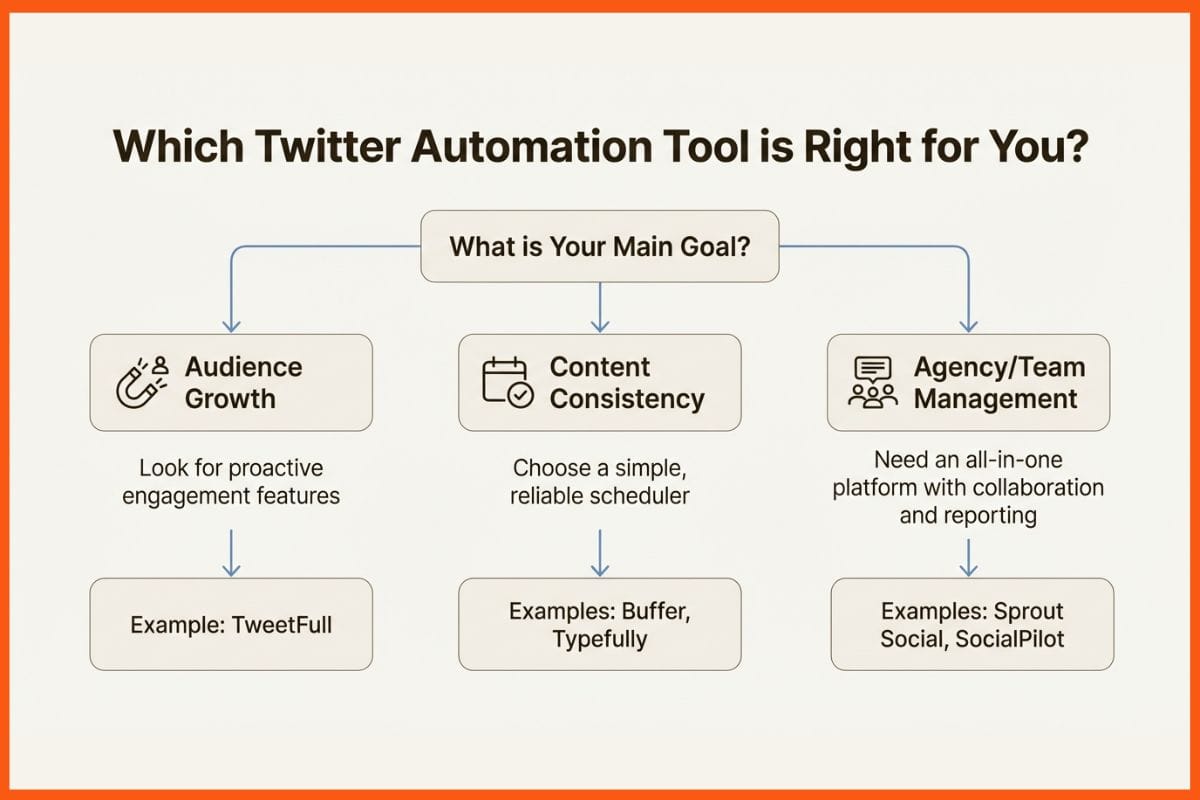
- If your main goal is audience growth, you may need a tool that does more than just schedule posts. Look for something with proactive engagement features. A platform like TweetFull is built for this purpose. It automates interactions needed to attract new, relevant followers by targeting keywords and competitor audiences.
- If your goal is content consistency, A simple, reliable scheduler is a good choice. Tools like Buffer or Typefully are suitable for this. They let you create and schedule high-quality content without many extra features.
- If you're an agency managing multiple clients, an all-in-one platform with team collaboration, client management, and solid reporting is necessary. Sprout Social is a high-end choice, while SocialPilot offers a more budget-friendly option that still includes key agency features like reports.
- Always start with a trial: It is recommended to use the free trial period to test the features and see if the workflow feels right for you before committing to a paid plan.
Automating Your X Growth
Using a Twitter automation tool can help save time, maintain consistency, and achieve results on X. The right tool depends on your primary goal, whether that’s proactive growth, easy scheduling, or full-scale agency management.
For users whose priority is to build a targeted, engaged audience, a tool specializing in growth may be a suitable choice. For example, TweetFull helps you grow your presence on X with its AI-powered engagement campaigns that go beyond simple scheduling.
FAQs
What are X (formerly Twitter) automation tools, and how do they work?
X automation tools are software platforms that help users manage repetitive tasks on X, such as scheduling posts, tracking analytics, and engaging with followers. These tools work by automating routine actions while allowing users to focus on content quality, strategy, and meaningful interactions. When used correctly, they help maintain consistency and improve efficiency without compromising account safety.
Are X automation tools safe to use for growing followers?
Yes, X automation tools are safe when they follow X’s platform rules and focus on organic engagement. Reputable tools avoid spammy behaviour and instead use targeted actions, such as keyword-based engagement and scheduled posting. Choosing a compliant tool and avoiding excessive automation helps protect your account while supporting steady, long-term audience growth.
Which is the best X automation tool for beginners and small businesses?
The best X automation tool depends on your goals. For beginners and small businesses, tools that offer simple scheduling, basic analytics, and ease of use are ideal. Platforms like Buffer or Typefully are suitable for content consistency, while growth-focused tools like TweetFull are better for users aiming to build a targeted and engaged follower base.