

Best X (formerly Twitter) Video Tools: 5 AI Editors That Boost Views, Engagement & Monetization
🏆 Lists & Rankings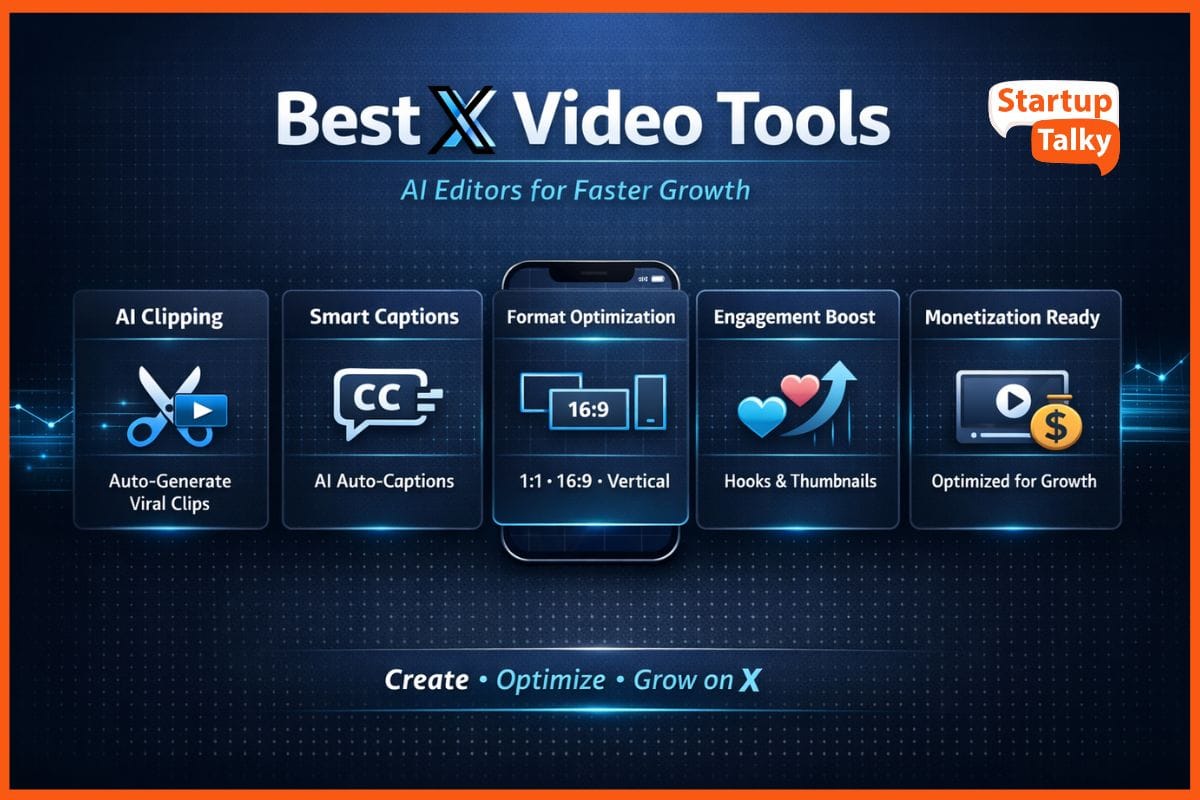
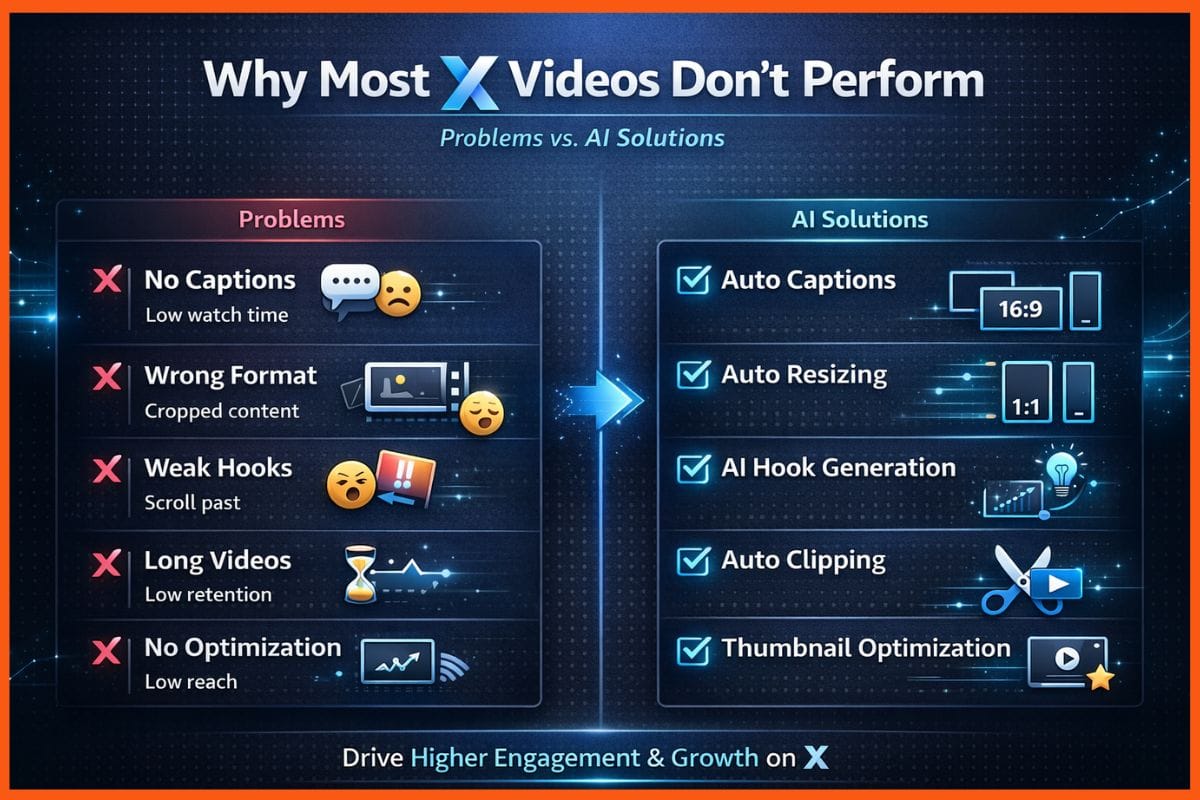
Video is king on X (formerly Twitter), and if you're a creator, you already know this. In today's time, getting your videos seen, shared, and monetized is more competitive than ever. Posts with video get 10 times more engagement, but creating them is a real struggle. I'm talking about the everyday headaches: ugly formatting, captions that take forever to write, and the nightmare of clipping long videos into something short and snappy.
That's where Twitter video tools come in. These aren't just basic editors; they are AI-powered solutions designed to make your life easier. They help with everything from editing and clipping to generating captions, creating viral hooks, resizing for different formats, and even scheduling your posts. If you're searching for the best Twitter video tools, you've come to the right place. This article will break down some of the top AI tools for X videos and help you find the perfect fit for your workflow.
Twitter (X) Video Tools Comparison
| Tool | Core Strength | AI Auto Captions | AI Clipping / Highlights | Text-Based Editing | Export Quality | Free Plan | Watermark on Free | Starting Price | Best For |
|---|---|---|---|---|---|---|---|---|---|
| Opus Clip | AI viral short clips | Yes | Yes (Virality Score) | No | Good | Yes | Yes | $15/month | Growth-focused creators |
| Veed.io | All-in-one browser editor | Yes (100+ languages) | Yes | Limited | Very Good | Yes | Yes | $19/month | Teams & solo creators |
| Descript | Text-based editing + studio sound | Yes (Highly accurate) | Yes | Yes (Full editing) | Excellent | Yes | Yes | $15/user/month | Podcasters & interviews |
| CapCut | Free trendy editor | Yes | Basic | No | 4K Export | Yes | No (on most exports) | $7.99/month | Short viral videos |
| Riverside.fm | Remote recording studio | Yes | Yes (Magic Clips) | Yes | Studio Quality | Limited | No | $15/month | Remote interviews |
How I Chose These Tools
To find the best video editing tools for Twitter creators, I tested over 12 different platforms. My goal was to find tools that solve real problems for creators on X. I wasn't just looking at features; I was looking at results.
Here’s what I focused on:
- Video Quality After Export: Does the video still look crisp and professional after processing?
- AI Caption Accuracy: How well does the AI transcribe the audio, and how easy is it to edit?
- Hook/Thumbnail Generation: Can the tool create engaging intros or thumbnails that stop the scroll?
- Speed of Processing: How long does it take to get from a long video to a finished clip?
- Ease of Use: Is the interface intuitive, or do you need a degree in video engineering to figure it out?
- Pricing Transparency: Are the pricing plans clear and upfront?
- Watermarks on Free Plans: Is the free version usable, or is it covered in distracting watermarks?
- Support for X-Native Formats: Does the tool easily export in 1:1, 16:9, and vertical aspect ratios?
After weeks of testing, I’ve narrowed it down to the top contenders that deliver on their promises.
Top Twitter (Now X) Video Tools
Here are my top picks for the best X (formerly Twitter) video tools.
Opus Clip
Opus Clip is an AI-powered tool that repurposes long-form videos into short, viral clips for social media. It's designed to take a long video and automatically find the most engaging moments, then package them into ready-to-post shorts.
Key Features:
- AI-Powered Clipping: Automatically identifies the most interesting parts of your video.
- Virality Score: Predicts the viral potential of each clip.
- Dynamic Captions: Adds engaging, animated captions to your videos.
- Auto Reframe: Automatically resizes videos for different platforms.
- Brand Templates: Allows you to add your own branding, including logos and colors.
- Social Media Scheduler: Schedule your clips directly to your social media accounts.
Pros & Cons:
- Pros: Incredibly fast and easy to use, great for repurposing content, the virality score is a nice touch.
- Cons: The AI isn't perfect and sometimes misses key moments, and the caption customization can be limited.
Best For: Viral clip accounts and creators who repurpose a lot of long-form content.
 StartupTalky Official
Veed.io
Veed.io is a browser-based video editing platform that makes professional video creation accessible to everyone, regardless of technical skill. It offers a wide range of tools, from basic editing to advanced AI features.
Key Features:
- AI Auto-Captioning: Automatically generates subtitles in over 100 languages.
- Smart Video Clipping: AI-powered tools to trim and edit your videos.
- AI Eye Contact Correction: A unique feature that makes it look like you're always looking at the camera.
- Aspect Ratio Resizing: Easily resize your videos for any social media platform.
- Screen Recording: Record your screen and webcam directly in the browser.
- Brand Kit: Save your brand's colors, fonts, and logos for easy access.
Pros & Cons:
- Pros: Very user-friendly, great for both beginners and pros, the AI features are impressive.
- Cons: Can be slow with longer videos, and some users have reported occasional bugs.
Best For: Solo creators and brand teams who need a versatile, all-in-one editor.
Descript
Descript is an all-in-one audio and video editor that works like a document. It's known for its innovative text-based editing, which allows you to edit video by simply editing the transcribed text.
Key Features:
- Text-Based Video Editing: Edit your video by editing the text transcript.
- AI-Powered Transcription: Highly accurate transcription in over 23 languages.
- Overdub: Create a realistic clone of your voice to fix audio mistakes.
- Studio Sound: Remove background noise and enhance speech with a single click.
- AI Green Screen: Remove your background without a physical green screen.
- Multi-Track Editing: A full-featured timeline editor for more complex projects.
Pros & Cons:
- Pros: The text-based editing is a game-changer, the transcription is incredibly accurate, and the AI features are powerful.
- Cons: The free plan has a watermark, and the pro plan can be a bit pricey for beginners.
Best For: Podcasters, interviewers, and creators who do a lot of talking-head videos.
Vivek Dev Jacob
CapCut
CapCut is a free, all-in-one video editor from the creators of TikTok. It's packed with features and is designed to be easy to use on both mobile and desktop.
Key Features:
- AI Auto-Captioning: Generate captions for your videos automatically.
- Trending Templates: Access a huge library of templates that are popular on social media.
- Keyframe Animations: Create complex animations with ease.
- Green Screen Effects: Easily remove and replace your background.
- 4K Export: Export your videos in high quality.
- Cloud Sync: Seamlessly switch between editing on your phone and computer.
Pros & Cons:
- Pros: The free version is incredibly powerful, it's easy to use, and the templates are great for creating trending content.
- Cons: The free version has limited commercial rights, and some of the best features are locked behind the Pro plan.
Best For: Creators who want a powerful, free editor for creating short, trendy videos.
Riverside.fm
Riverside.fm is a remote recording studio that allows you to record high-quality audio and video, even with a poor internet connection. It's designed for podcasters and interviewers who need reliable, professional-grade recordings.
Key Features:
- Local Recording: Records audio and video locally on each participant's computer, so you don't have to worry about internet glitches.
- Separate Audio and Video Tracks: Get a separate track for each guest, which makes editing much easier.
- AI-Powered Transcription: Get a transcript of your recording as soon as you're done.
- Magic Clips: An AI-powered tool that automatically finds the best moments in your recording and turns them into short clips.
- Text-Based Editing: Edit your recording by editing the text transcript.
- Live Streaming: Stream your recording live to various platforms.
Pros & Cons:
- Pros: The recording quality is excellent, the local recording is a lifesaver, and the Magic Clips feature is great for creating social media content.
- Cons: The free plan is very limited, and the AI quality can sometimes be troublesome.
Best For: Podcasters, interviewers, and anyone who needs to record high-quality remote interviews.
Rishi Mundra
Personal Experience & Results
In my testing, the cleanest exports came from Descript. The videos looked sharp and professional, with no noticeable compression artifacts. The text-based editing was also a revelation. Being able to edit a video by simply deleting words from a transcript saved me a ton of time.
When it came to caption accuracy, Descript was again the winner. It transcribed my audio almost perfectly, and the few mistakes it made were easy to fix. Veed.io also had very accurate captions, but I found that the accuracy dropped slightly with videos that had a lot of background noise.
The fastest processing time was, without a doubt, Opus Clip. I could upload a 30-minute video and have a dozen shareable clips in just a few minutes. It was a huge time-saver.
One surprising limitation I found was with CapCut. While the free version is amazing, the fact that it has limited commercial rights is a big deal for creators who want to monetize their content.
As for the AI-generated hooks, I had mixed results. With Opus Clip, the hooks were generally pretty good and did seem to improve engagement. With some of the other tools, the hooks felt a bit generic and didn't perform as well.
Final Recommendation
After all my testing, here are my final recommendations:
- Best overall Twitter video tool: Descript. The text-based editing is a game-changer, the AI features are top-notch, and the video quality is excellent.
- Best budget option: CapCut. The free version is incredibly powerful, and it's perfect for creating short, trendy videos.
- Best for growth-focused creators: Opus Clip. If you want to repurpose a lot of content and create viral clips, this is the tool for you.
- Best for brands/teams: Veed.io. It's a versatile, all-in-one editor that's easy for teams to collaborate on.
Conclusion
Video tools are no longer a luxury; they're essential for growth on X. The rise of AI has made it easier than ever to create high-quality videos, even if you're not a professional editor. From auto-captioning to AI-generated hooks, these tools are designed to optimize your content for engagement and save you a ton of time.
Looking ahead, I expect to see even more advanced AI features, like auto-thread video splitting, smarter analytics, and fully automated repurposing. The future of video on X is bright, and with the right tools, you'll be well-equipped to take advantage of it.
Vivek Dev Jacob
FAQs
What are the best Twitter (X) video tools?
Some of the best Twitter (X) video tools include Descript, Opus Clip, CapCut, Veed.io, and Riverside.fm.
Which are the best Twitter (X) video tools for creators on a budget?
For budget-conscious creators, CapCut is the strongest free option with AI captions, templates, and 4K export. If you’re repurposing long-form content, Opus Clip offers affordable plans starting around $15/month and can generate multiple short clips automatically, saving hours of editing time.
Which Twitter (X) video tools have the most accurate AI captions?
Descript delivers some of the most accurate AI transcriptions, especially for talking-head and podcast-style videos. Veed.io also performs well, supporting captions in 100+ languages. Caption accuracy may drop slightly in videos with heavy background noise.
Do Twitter (X) video tools improve engagement and reach?
Yes. AI-powered Twitter (X) video tools improve engagement by automatically:
- Creating scroll-stopping hooks
- Adding dynamic captions
- Resizing videos for 1:1, 16:9, and vertical formats
- Clipping high-retention moments
- Optimizing thumbnails
Tools like Opus Clip even provide a “virality score” to predict performance, helping creators focus on clips with higher engagement potential.