Tools that allow anyone interested in app building to realize their ideas are now a tool to create working designs in record time and cut weeks of coding. You drag, drop, and create functionalities while smart systems do the grunt work. Making trial runs on your ideas solo has become a breeze compared to back then, when you would have had an entire team working on it. More room for fresh ideas, quicker testing, and the daring way of doing things will change the way apps are created and shared. Would you like me to provide an elaborate introduction suitable for the blog?
Building cross-platform mobile & web apps visually with Flutter + low-code tools
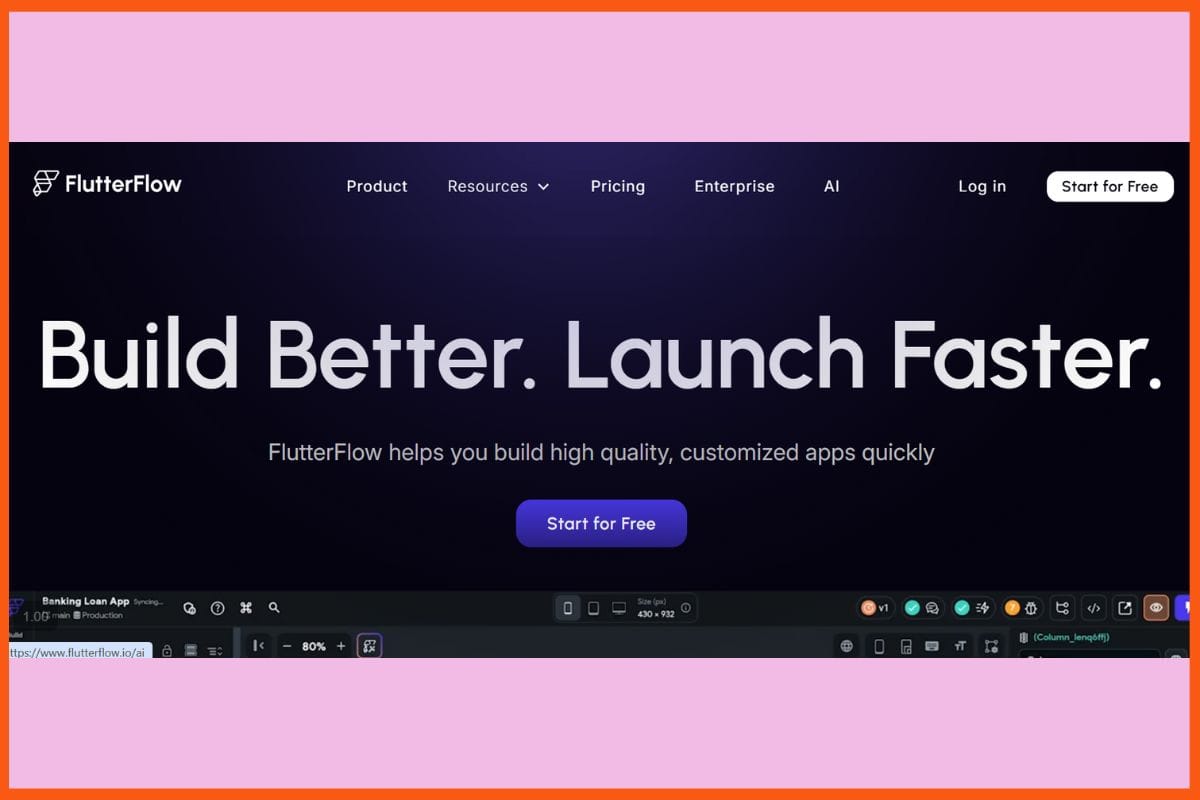
FlutterFlow - Best AI Tools to Build Apps
Built on AI, FlutterFlow is an app builder that allows for fast and simple app-making. And with its myriad drag-and-drop tools along with smart code suggestion, anyone can transform their idea into a valid app. You can create screens, configure logic, and debug apps without writing lengthy lines of code. It even converts normal text or hand-drawn sketches into a working layout. With built-in Firebase integration along with other APIs, your apps can grow without a hitch. This will be convenient both for beginners and more advanced developers-a great environment for fast prototyping or major projects. No installation-heavy setups here, just a browser.
Pros
Rapid development of the prototype applications and MVP.
friendly to non-developers.
Live previewing of the app across different platforms.
Cons
Inappropriate for highly complex or large-scale apps.
Updates are liable to introduce bugs or break existing projects.
Pricing
Plan
Pricing
Basic
$39/month
Growth
Plan
Pricing
1st Seat
$80/month
2nd Seat
$55/month
Business
Plan
Pricing
1st Seat
$150
Seats 2–5
$85/seat/month
Zoho Creator
Website
zoho.com/creator
Rating
4.4
Free Trial
Yes
Best For
Low-code custom business apps: web & mobile, automation, integrations
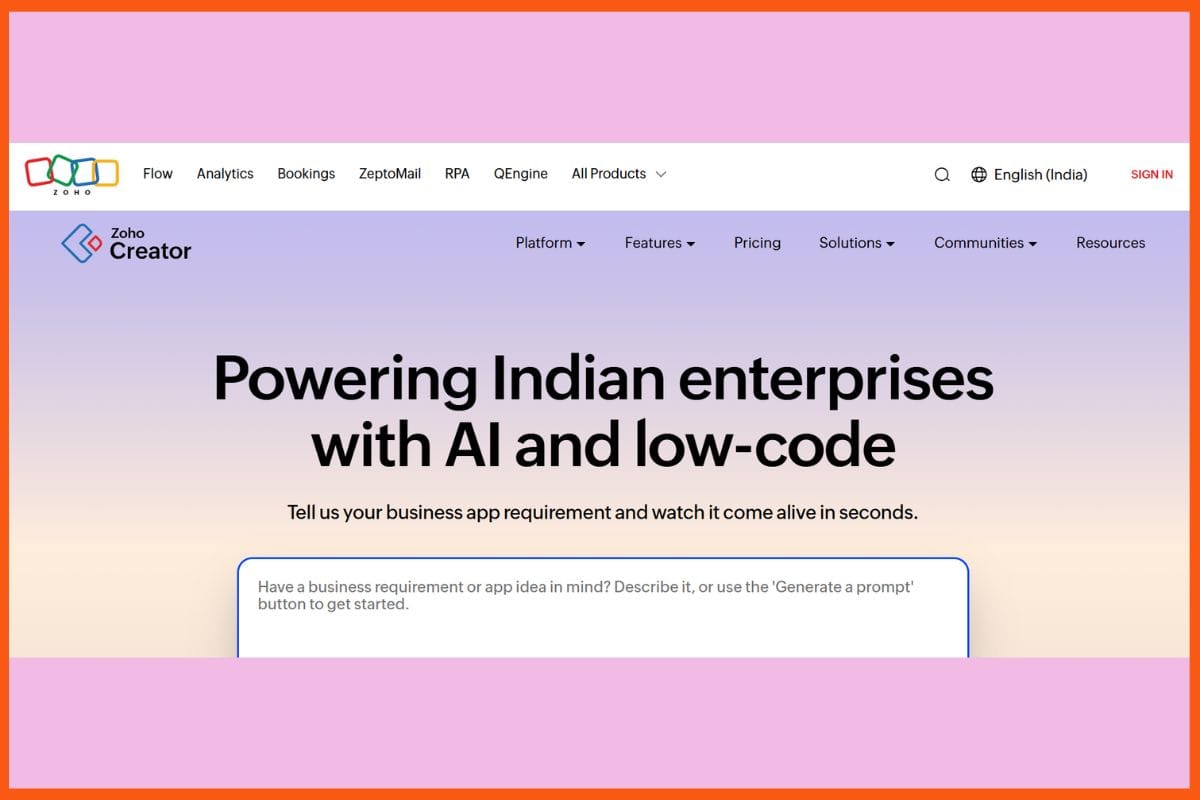
Zoho Creator - Best AI Tools to Build Apps
With Zoho Creator, anyone can build "smart" apps without deep coding skills. Its AI agents handle all the daily work in the plainest of languages. Setting up workflows, analyzing data, building forms, dashboards, or scripts-all could easily be done from simple prompts. Speeding up this process is the drag-and-drop builder, while built-in integrations extend connectivity with other services besides Zoho apps. Offering cloud hosting, multi-user access, and the Deluge script for advanced needs, Zoho Creator caters to everyone, from small teams or massive enterprises. That blend of AI and customization ensures quick action from ideas to functioning solutions, making it a simple yet powerful tool for digital transformation and faster results.
Pros
AI tools simplify logic, reports, and user flows.
It auto-scales with changing workloads.
Apps are prebuilt and in the marketplace, enabling rapid launch.
Cons
Strongly tied into the ecosystem is not beneficial if you want value outside a platform.
Some of the features are less flexible than some open-source options.
Pricing
Plan
Pricing
Standard
$12/user/month
Professional
$30/user/month
Enterprise
$37/user/month
Flex
Contact Sales
Bubble
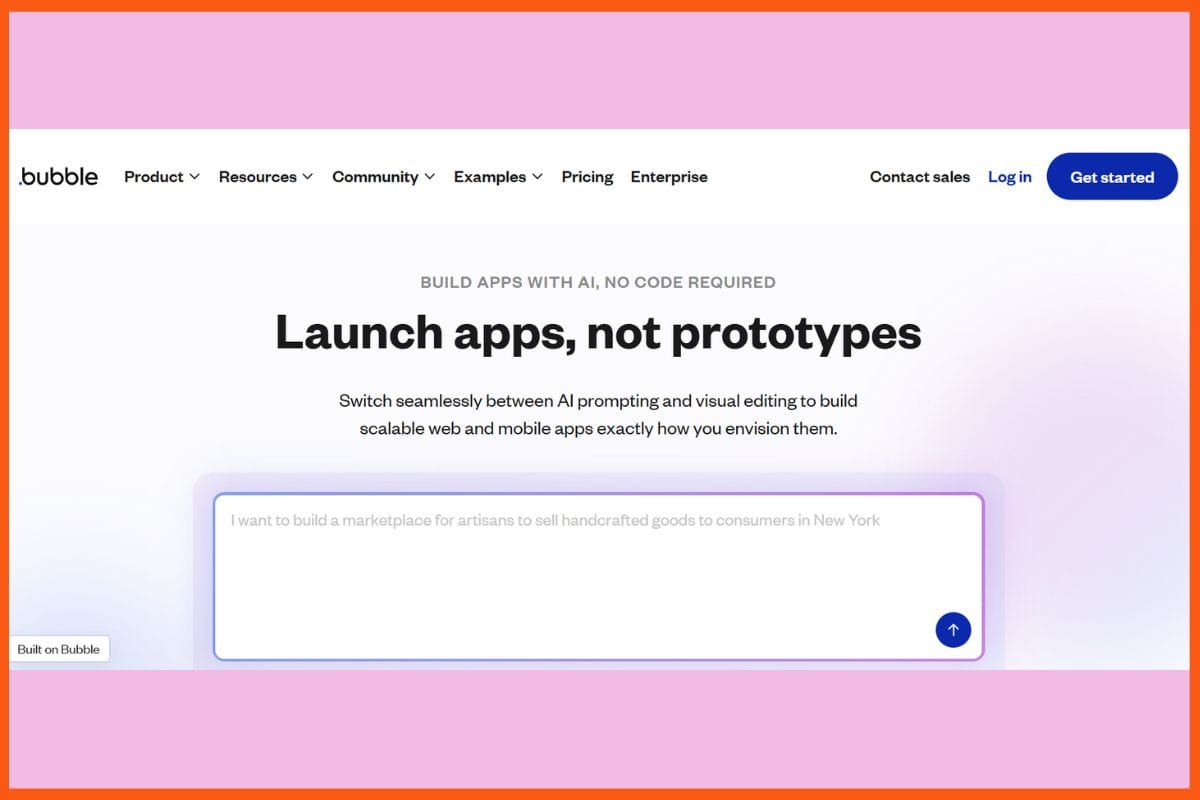
Bubble - Best AI Tools to Build Apps
Creating applications where everyone can get involved becomes a reality with Bubble's AI-powered visual no-code platform that embraces frontiers of automation. Rich web and mobile apps can be designed by drag-and-drop, without writing a single line of code. Set your workflows, link your APIs, and use Bubble's strong built-in database for all your data management. Real-time deployment, versioning, and formal scaling with your app development are also facilitated by Bubble. A dynamic plugin marketplace adds payment processing, analytics, and external integrations within a few clicks. Whether your project is an MVP or a fully developed application, Bubble supports smart logic, fast testing, and quick changes.
Pros
Apps are stacked fully, customizable, and visual workflow-based.
Hundreds of plugins and APIs are ready to go.
Inbuilt database and privacy settings.
Cons
Performance might lag on large and complex apps.
Steep learning curve on layered logic and advanced workflows.
Browser-based coding, collaborative development & AI-powered app-creation platform
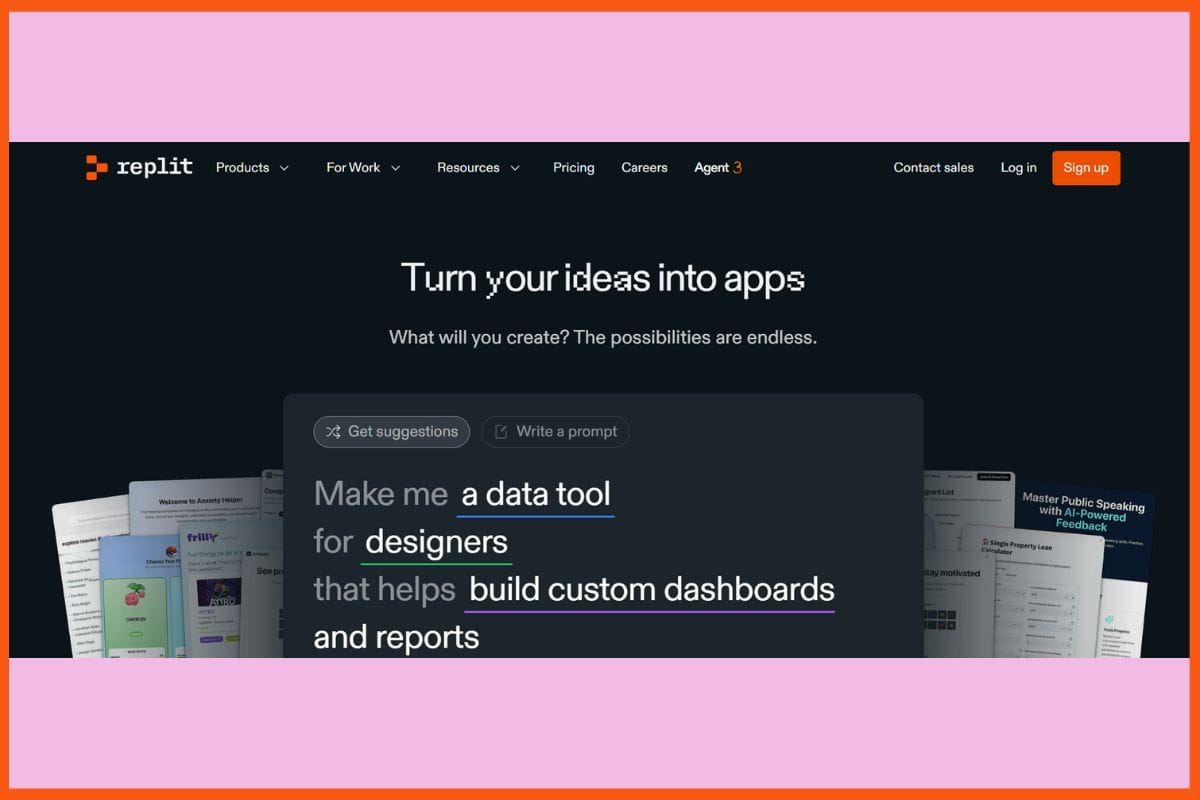
Replit - Best AI Tools to Build Apps
Replit promises rapid transformation of ideas into live applications with the perfect fusion of its AI agent and cloud-coded platform. You type a plain prompt, and the Replit agent builds an entire full-stack app, API, and UI. Testing, debugging, and fixing issues are all done in real-time. The browser workspace supports multiplayer coding, so teams can work from wherever they are. With instant deployment, AI code review, and explain-as-you-go features, it's made easy to create apps and learn while doing it. Replit takes projects from idea to live site in no time, either alone or globally, with no setup required! Teaching, teamwork, or a quick prototype.
Pros
Chat-based development: create the app from simple prompts.
Multiplayer collaboration and synchronized editing in real time.
Inbuilt learning through code explanations and feedback.
Cons
Deeper integrations and full-code export are still ongoing enhancements.
Most advanced features are within the paid plans mostly.
Pricing
Plan
Pricing
Replit Core
$25/month
Teams
$40/user/month
Enterprise
Custom Pricing
Glide
Website
glideapps.com
Rating
4.5
Free Trial
Yes
Best For
No-code app building from spreadsheets (for internal tools, simple apps)
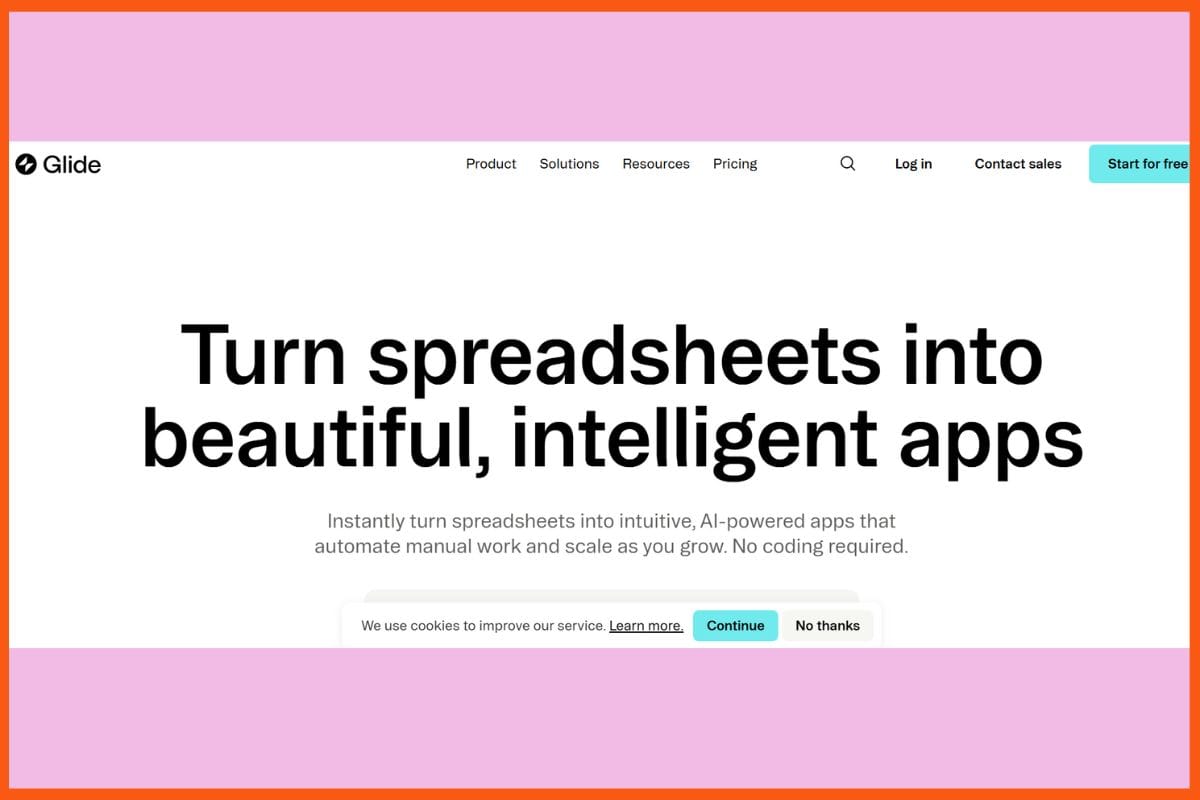
Glide - Best AI Tools to Build Apps
Glide provides drag-and-drop design tools along with built-in AI tools for data, workflows, and automation to develop smarter business applications, which makes development really easy. Its dashboard is very similar to Google Sheets, which allows converting ideas, images, or databases into an application that is fully functional without any coding work. AI features provided by Glide help with text-to-speech conversion, drafting emails, pulling data from images, and even creating custom components or advanced workflow steps. All these reduce manual work and save teams' time doing tasks. Glide also has its own scalability offering, from real-time updates and smooth integrations to secure hosting and strong privacy controls.
Pros
Standardized component through easy natural language conversation.
Secure hosting with a really responsive design across mobile and desktop.
Integrates popularly with business tools and is attached to databases.
Cons
Less complexity for the app than a full-code application.
In beta, for custom components, these could change or be unstable.
Pricing
Plan
Pricing
Explorer
$25/month
Maker
$60/month
Business
$249/month
Enterprise
Custom
Thunkable
Website
thunkable.com
Rating
4.4
Free Trial
Yes
Best For
No-code native mobile apps for iOS & Android; small businesses & non-developers building apps
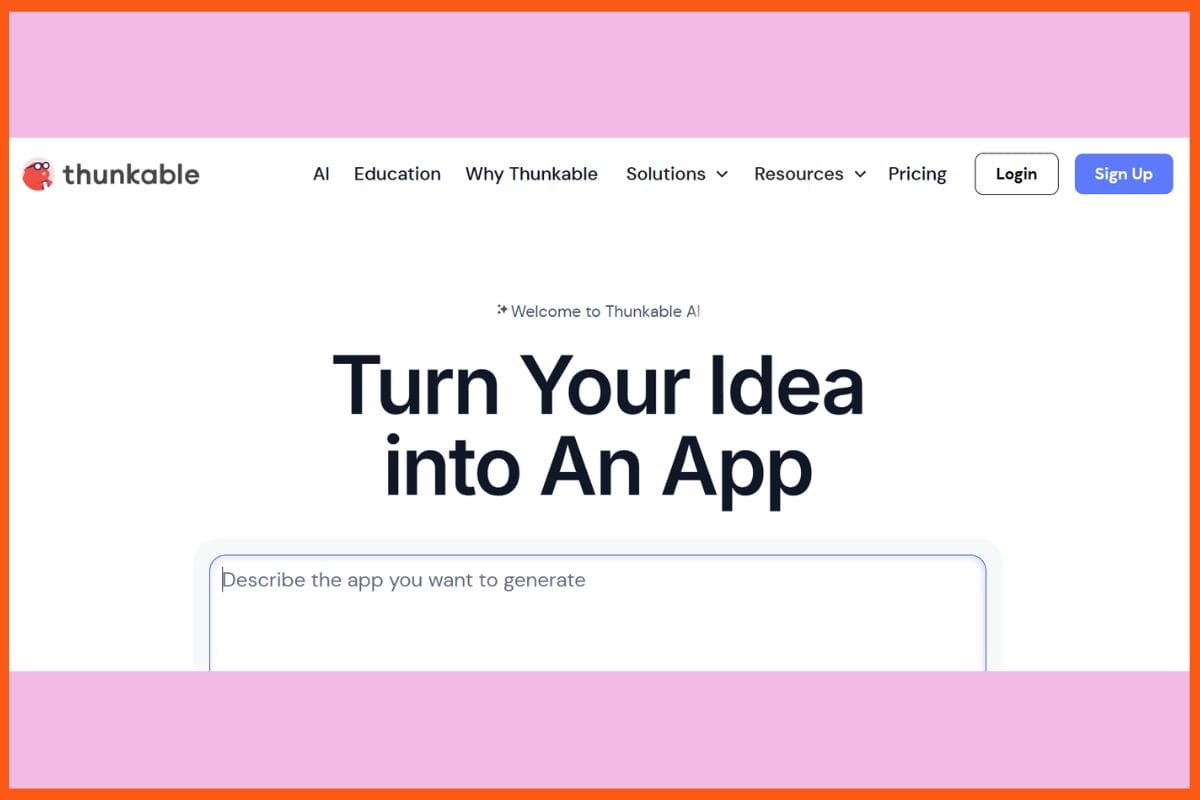
Thunkable - Best AI Tools to Build Apps
Thunkable is a no-code app builder powered by artificial intelligence, which helps anyone develop applications like a native app for iOS, Android, and even the web, all in a matter of hours. It brings together a drag-and-drop design, an AI project generator, and logic blocks that allow for simple tasks like linking data, punching up animations, and deploying push alerts to voice or image recognition. Providing AI debugging and a built-in Chatbot Helper for instant tips and clever fixes while building, it has now become a lot easier to set up apps. You are able to test apps live or publish them immediately onto app stores.
Pros
Visual block-based logic with many deep native features (camera, sensors, maps).
Built-in AI debugging and Chatbot support for easy fixing of errors.
Real-time previews; publish directly to iOS, Android, and the web.
Cons
Projects must be retained in Thunkable because no source code export is available..
AI features use tokens and may require a higher-tier plan.
No-code mobile apps built from text/voice prompts for Android & iOS
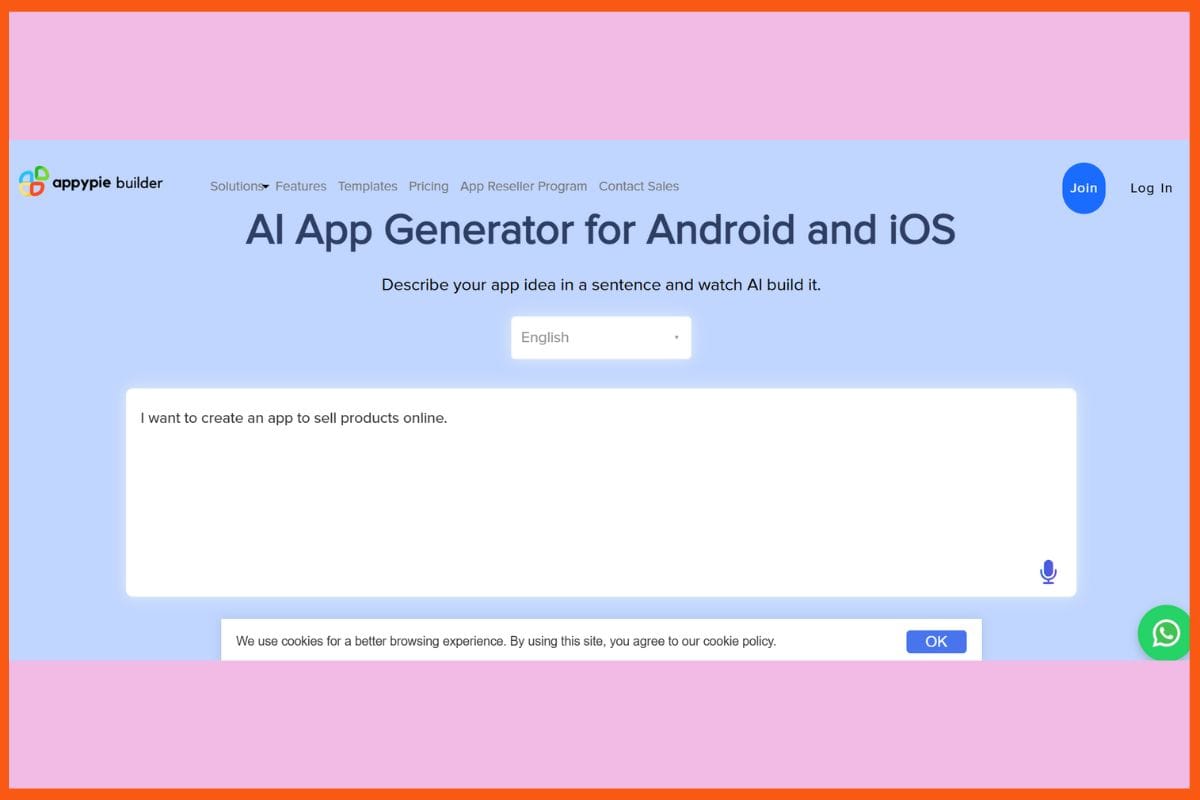
Appy Pie - Best AI Tools to Build Apps
Incredibly, the AI App Generator from Appy Pie will transform any idea into an actual iOS, Android, or web app by inserting a simple description, and there is no need for coding. The AI will create the app in addition to suggesting screens, layouts, and features, which can all be easily customized using drag-and-drop editing. There are numerous templates, multi-platform publishing, push notifications, automated analytics, chatbot integration, payment options, and availability of map-supporting features on the platform. Apps will receive real-time updates and have SOC 2 security. With guided app store publishing, amateurs can now launch quickly. Whether for individuals or businesses, Appy Pie quickens mobile app development by removing the technical barriers to app creation.
Pros
Enormous library of templates for very quick launching.
Guided submission to app stores is also monitored in real-time.
Built-in no-code chatbots, payments, and analytics.
Cons
Trimmed down further customization for complex logic or designs.
Some of the UI-related oddities occur with very complex layouts.
Pricing
Plan
Pricing
Basic
$16/app/month
Gold
$36/app/month
Platinum
$60/app/month
Enterprise
Contact Sales
Softr
Website
softr.io
Rating
4.7
Free Trial
Yes
Best For
No-code web apps & portals built from spreadsheets/databases (for non-developers)
Softr - Best AI Tools to Build Apps
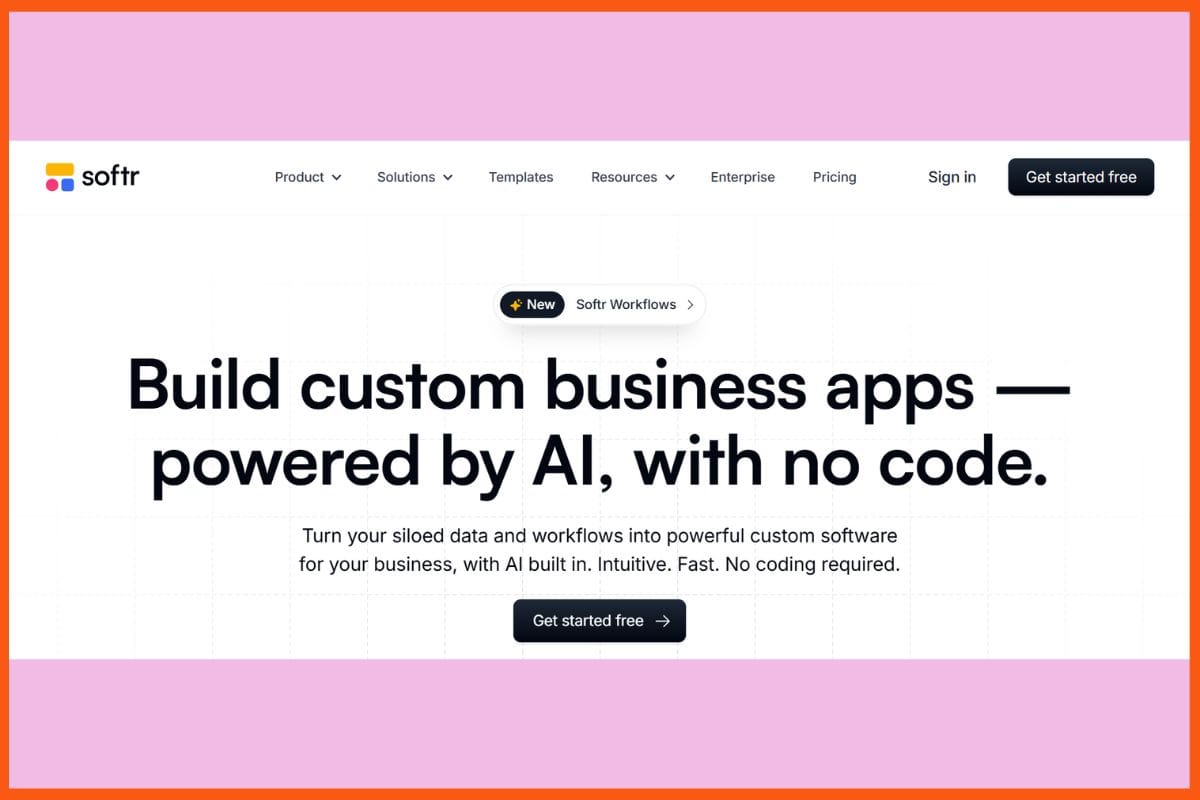
Softr is fast and creates internal tools and client portals in minutes. It can turn information into full-fledged web applications by using short prompts or hooking data from Airtable or Google Sheets. Its AI generator automatically drafts for layouts, forms, user pages, and workflows. With over 90 templates and customizable blocks, anyone can build their security- and responsiveness-compliant apps without writing any code. Key features include real-time data sync, membership management, permissions, automated workflows, embedded payments, advanced forms, and natural language search across app data. Softr is for startups and agencies that need scalable, compliance-ready solutions. It helps teams quickly launch functional apps and streamline workflows.
Pros
Instantly convert any prompt or spreadsheet into an app within seconds.
Ready-made templates and automations in thousands.
Native capabilities in doing SEO, PWA and third-party integrations (Zapier, Stripe, Mailchimp).
Cons
No direct publishing to Apple or Google app stores, only web and PWA.
Uses Softr logos on apps unless upgraded to paid plans.
Pricing
Plan
Pricing
Basic
$59/month
Professional
$167/month
Business
$323/month
Enterprise
Custom
Lovable
Website
lovable.dev
Rating
4.4
Free Trial
Yes
Best For
Rapid prototyping of web apps via natural-language prompts
Lovable - Best AI Tools to Build Apps
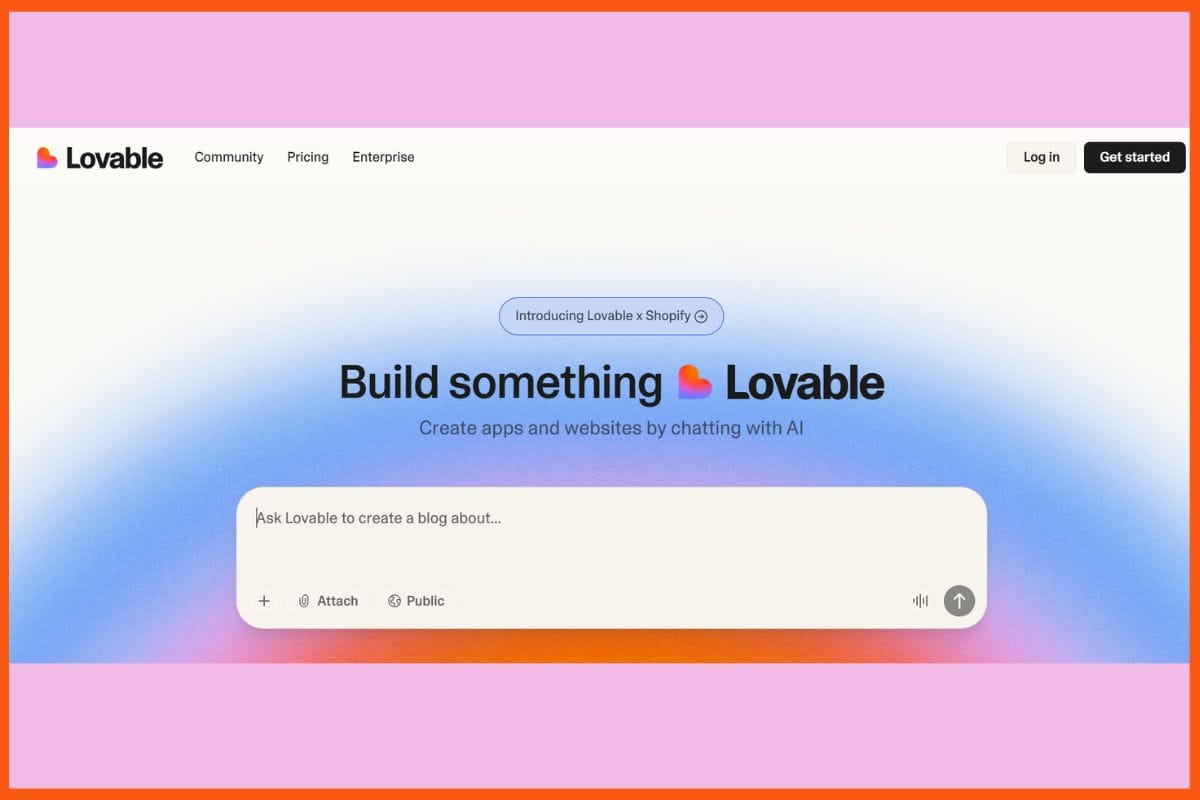
Lovable - an AI-powered app builder - creates full-stack web apps from a single prompt in a matter of minutes. Developers just describe their idea, while Lovable takes care of everything - frontend and backend code, data connections like Supabase, authentication, user roles, payments, and even pushes code to GitHub, letting developers own the assets completely. The interface of the platform offers support for chat-based UI edits as well as instant correction and real-time previews, hence enabling fast and interactive development for users. Teams can work on end-to-end app logic where debugging is built in, and customizable workflows accelerate delivery. Lovable, unlike the "black box" generators, gives full control over the exportable code and workflows.
Pros
Edits are based on chats
Rapid prototyping-publish or export in an instant.
Multiplayer collaboration on team projects (beta).
Cons
Vague requests restrict outputs.
Not suited for mass enterprise scaling without additional developer input.
Pricing
Plan
Pricing
Pro
$25/month
Business
$50/month
Enterprise
Flexible Billing
Adalo
Website
adalo.com
Rating
4.4
Free Trial
Yes
Best For
No-code mobile & web apps built via drag-and-drop, ideal for startups & non-developers
Adalos - Best AI Tools to Build Apps
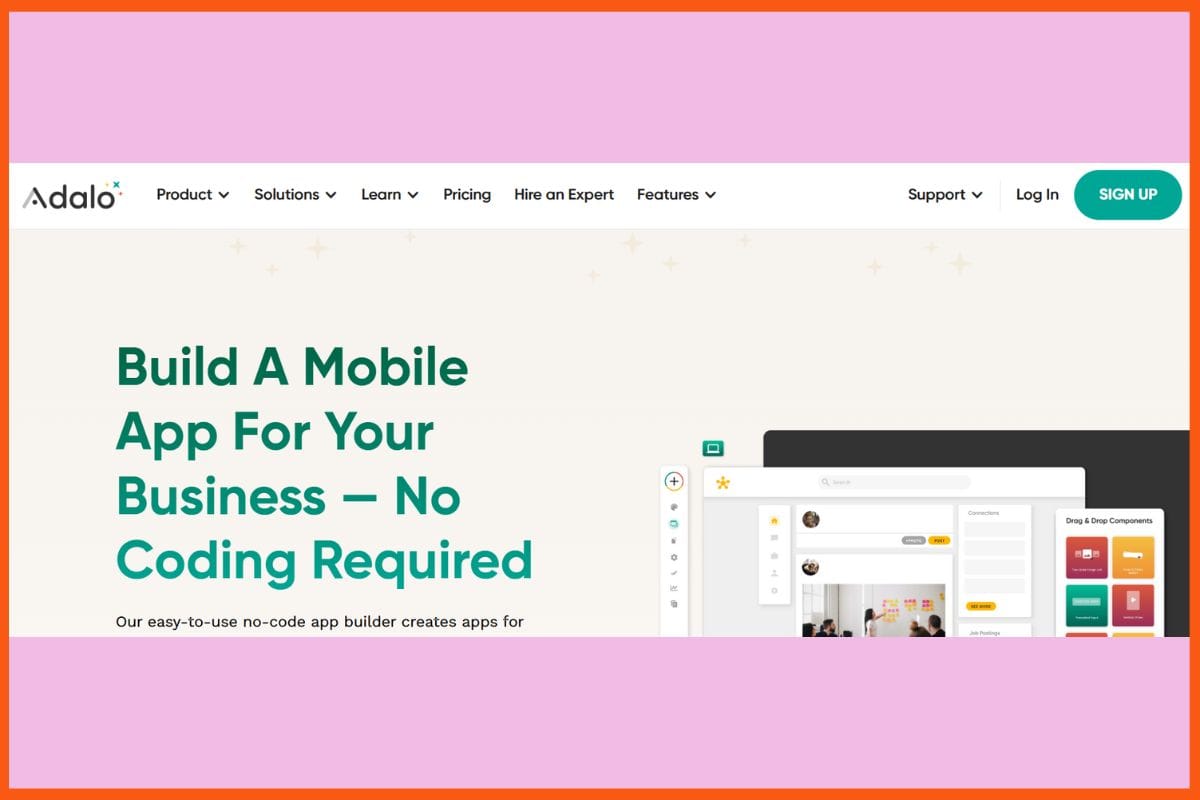
Adalos is a platform that uses only a few clicks for anyone to turn an idea into an actual working application. A friendly drag-and-drop builder added smart AI features to help accomplish this. It's a tool called "Magic Start" that creates database structures or pages just from a simple prompt. Users can also instantaneously plug in payment processors, chatbots, booking systems, and much more from a huge library of ready-made templates and components. Adalo supports native mobile applications, responsive web publishing, and allows integration with outside AI to make it smarter in automation and workflows, such as ChatGPT. Real-time preview, custom actions, and integration.
Pros
Ready-to-use templates, publishing to native app stores, and in-app payments.
Marketplace for components and custom integrations can extend functionalities.
Real apps in app stores: web, iOS, Android, PWA.
Cons
Performance may degrade for very heavy or extremely complex apps.
No deeper design or backend customization for advanced developers.
Pricing
Plan
Pricing
Starter
$45/month
Professional
$65/month
Team
$200/month
Business
$250/month
Conclusion
With the rise of AI tools for application building, the possibility to create digital products and launch them with efficiency is now open to experts and amateurs alike. These platforms take away the painfully slow process of coding from scratch, converting entirely new ideas into working designs, often with just a few sentences or a spreadsheet. Built-in automation, responsive layouts, and intelligent editing tools allow creators to focus on product features and use cases rather than syntax. Real-time updates, deployment, and learning support make for a smoother building experience and allow more minds to participate along the way.



 Rishabh Rathi