Best Instagram Video Downloader Tools for Creators and Marketers in 2026
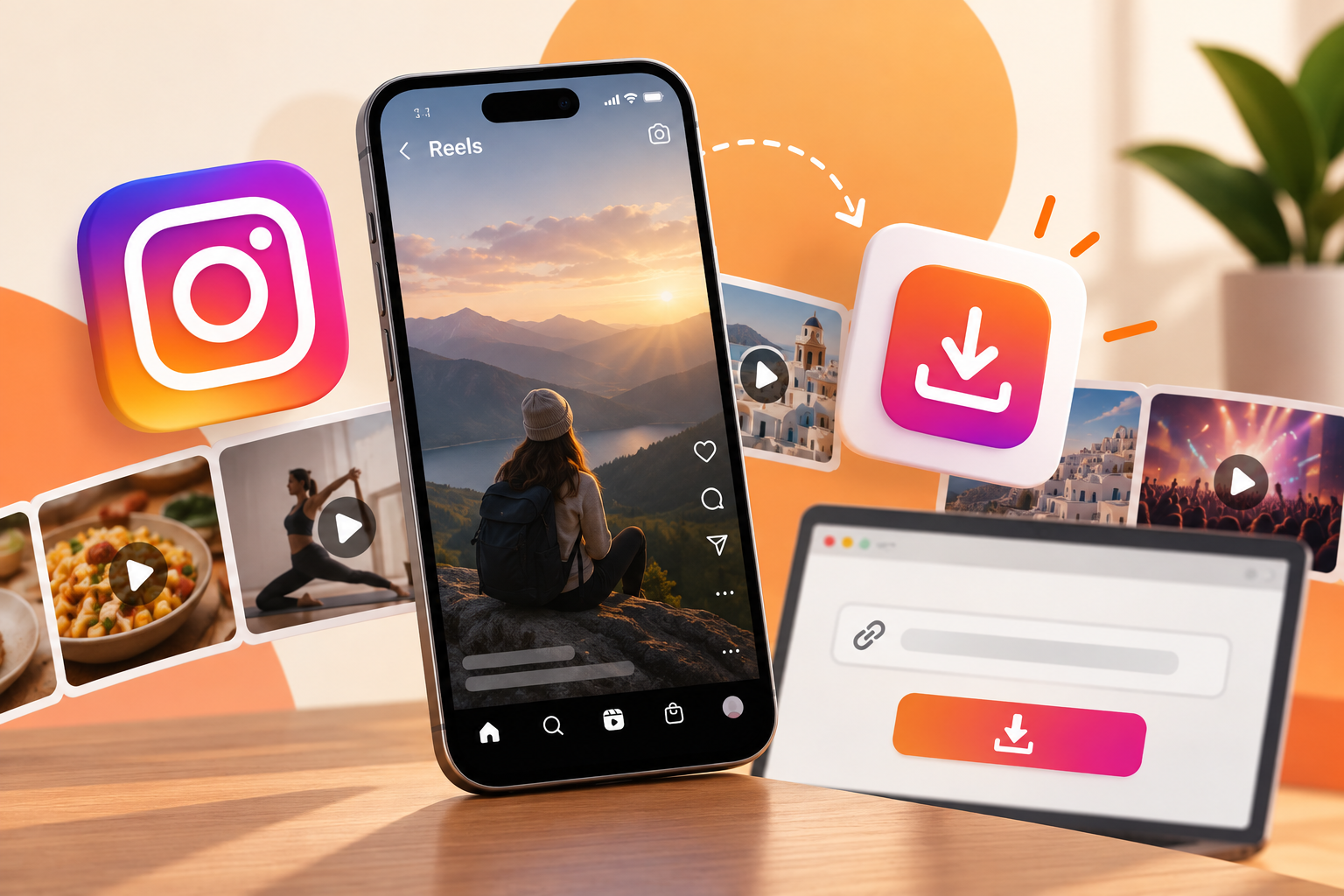
Instagram now runs almost entirely on video, and saving a clip for later has become as routine as liking it. Creators pull a Reel apart frame by frame for inspiration, marketers keep a folder of competitor content to track what is trending, and everyday users save a recipe or a tutorial they know they will want again without depending on their feed to remember it for them. The need cuts across all three groups, and the tools that make it possible have gotten simpler over the past year.
Why People Save Instagram Videos & Reels
Creators save Reels the way a painter keeps a folder of reference images, not to copy them outright but to break down pacing, transitions, and the exact moment a hook lands before the algorithm decides to keep pushing the clip.
Marketers do something similar with competitor accounts, pulling their top-performing Reels into one place to see which formats a niche is rewarding this month instead of guessing from memory.
Plenty of saves have nothing to do with strategy at all, a recipe video, a workout routine, a tutorial someone plans to follow later without hunting through their feed for it again.
Some of that saved content eventually gets repurposed on another platform, though that only holds up when the original creator has actually agreed to it.
Things to Know Before Downloading Instagram Content
A Reel still belongs to whoever posted it the moment it is downloaded, and saving a copy does not transfer any rights over how it gets used afterward.
Keeping a saved clip for personal reference is a different situation from reposting it under a new caption or trimming out the original creator's handle, and the second one has gotten accounts banned or reported before.
Downloading tools only work on public content in practice. A private account's videos stay out of reach unless the account itself grants access, which is exactly how it is meant to work.
Best Methods to Save Instagram Videos in 2026
Using Instagram's Built-in Save Feature
Instagram's own bookmark button keeps a Reel inside the app under Saved, which works fine for revisiting something later but does not put an actual file on the device. Losing access to the app, or the original post getting deleted, means losing the bookmark along with it.
Browser-Based Downloader Tools
Tools like Instagram Video Saver let you paste a video or Reel link and download it directly to your device without installing any app. The whole process runs in a browser tab, which makes it usable on a phone, laptop, or a shared computer without leaving anything behind afterward.
Mobile Apps
Dedicated apps exist for the same purpose, and some work well, but installing one means granting whatever permissions it asks for. An app that wants access to contacts or messages to save a video has no real reason to ask.
Screen Recording
Screen recording works as a last resort when nothing else is available, though it re-encodes the video and usually drops quality along with picking up any interface sounds playing at the time.
Step-by-Step: How to Download an Instagram Video Using a Web Tool
The process for most browser-based tools follows the same basic sequence.
- Copy the video or Reel link from the share menu inside Instagram.
- Paste it into the downloader tool.
- Choose the quality or format needed.
- Download the file directly to the device.
Features to Look for in a Good Instagram Video Saver
Not every tool handles these basics the same way, and a few details make a bigger difference than they might seem to.
- No login required. A tool that asks for an Instagram username or password before downloading anything is asking for more than it needs, and there is no reason to hand that over for a simple file save.
- No watermark. A downloaded clip that comes back with a logo stamped across the corner defeats half the point of saving it in the first place, especially for anyone studying the video rather than just rewatching it.
- Works for Reels, Stories, and IGTV. Plenty of tools handle Reels fine but stumble on Stories that expire in 24 hours or on longer IGTV uploads, so checking format support before relying on one avoids a wasted attempt later.
- Free and fast. A tool that takes several minutes to process a fifteen-second clip usually has a bigger problem underneath, so speed is still worth checking even when everything else about it looks fine.
Conclusion
Saving an Instagram video is not complicated once the difference between a bookmark and an actual downloaded file is clear, and picking a tool that skips logins, watermarks, and unnecessary permissions solves most of the problem on its own.
The right method depends less on which tool looks the newest and more on whether it respects both the original creator and whatever device it is running on.
Can I download private Instagram videos?
No, not through any legitimate tool. Private account content stays restricted to approved followers, and any tool claiming to bypass that should be treated as a red flag rather than a shortcut.
Is it legal to download Instagram Reels?
Downloading a video for personal, offline viewing is generally fine. Reposting it, removing the creator's credit, or using it commercially without permission is where it turns into a copyright problem.
Do I need an app to save Instagram videos?
No. Browser-based tools handle the same task without an install, which also avoids the permissions question that comes with any third-party app.
Can I download Instagram videos without a watermark?
Most browser-based tools deliver a clean file without a watermark, though it is worth checking a tool's output before relying on it for anything beyond casual viewing.