Best Prototyping Software for Enterprise Projects
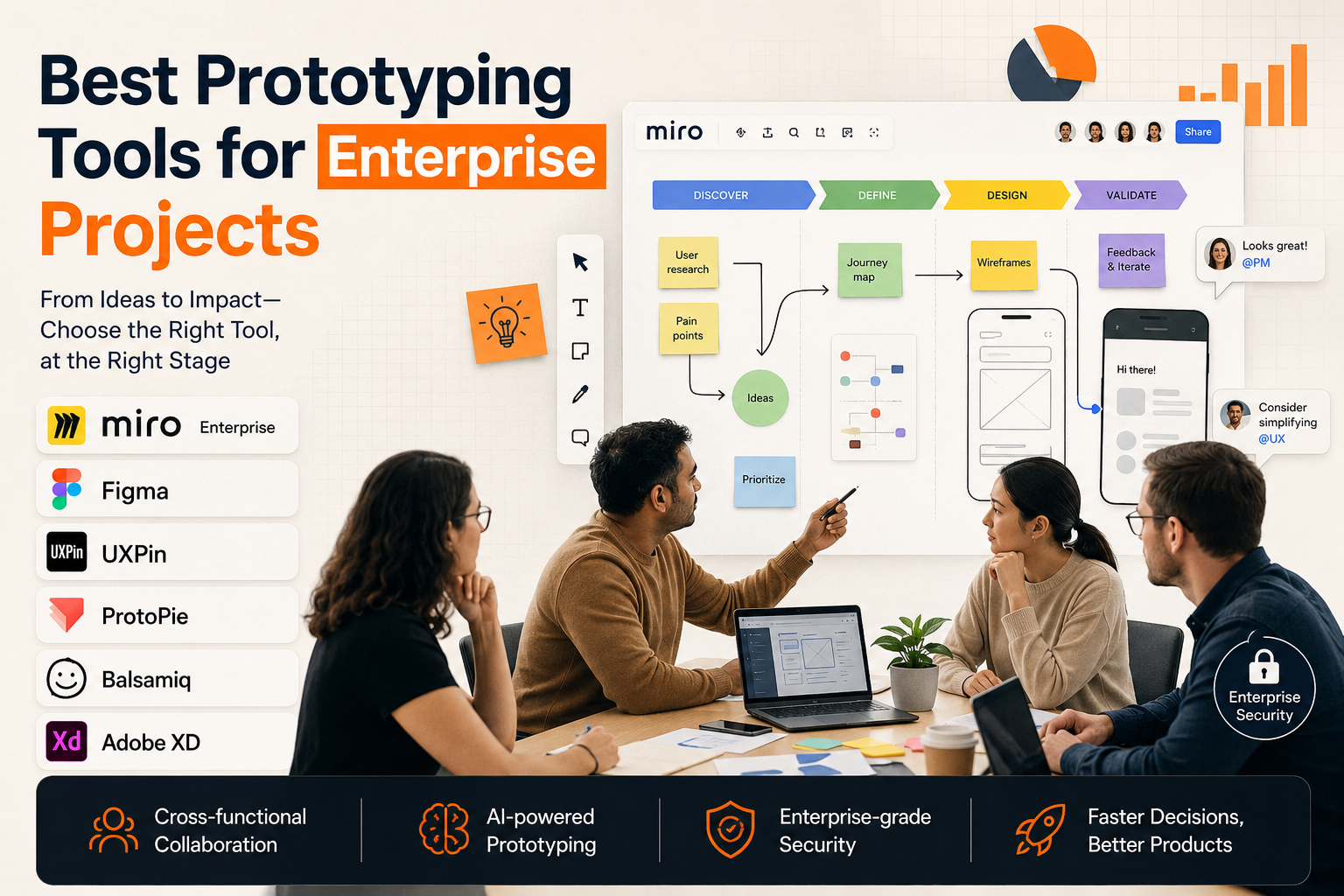
Enterprise prototyping has become a broader community activity beyond the design team. Whether it's product managers, researchers, engineers, compliance teams, executives, or customer-facing teams, they all need a way to test ideas before they become costly builds.
The ideal Prototyping tool for enterprise projects should therefore be able to do more than make screens. It should enable big teams to transition from research to journeys, flows, wireframes, feedback, and decisions while maintaining context.
Why Enterprise Teams Need Prototyping Software
Large organizations tend to suffer because there are too many tools for early product ideas. Documents contain research. Boards are home to journey maps. Wireframes reside in design files. Feedback occurs during meetings. The engineering context is stored in Jira/Azure DevOps. The initial problem can get lost in the learning process by the time the concept reaches a high-fidelity design stage.
The right prototyping software minimizes that friction. It provides teams with a quicker means to test ideas, engage stakeholders and identify weak assumptions prior to development. The most useful tools are not always the ones that have the most advanced visual design features, especially for enterprise projects. The selection of the right one will depend on the phase of the work.
1. Miro Enterprise
Miro Enterprise is the ideal prototyping solution for enterprise discovery, ideation and cross-functional alignment. It isn't designed to be a replacement for specialist UI design tools. It's really good at taking initial thinking and turning it into interactive concepts on one infinite canvas for big teams.
Moreover, Miro Prototypes enables teams to translate their sketches, sticky notes, screenshots, diagrams, workshop notes, or text prompts directly into interactive multi-screen prototypes within Miro. This means that a team can continue to maintain user research, journey maps, product flows, comments, votes, decisions and prototypes in one and the same workspace.
This is particularly helpful in enterprise environments where many individuals shape a product before a designer develops a sleek UI. A product manager can take a fledgling idea into a workshop. A user pain point can be added by a researcher. Feasibility can be commented upon by engineers. Priorities are determined by voting among business stakeholders. Teams can view asynchronously in Talktrack and then continue iterating without switching tools.
But Miro Enterprise also lends itself to scaled adoption, thanks to enterprise administration, single sign-on (SSO), role-based access controls, audit logs, data residency options, and security certifications, including SOC 2 Type II and ISO/IEC 27001. Those governance capabilities are as important as the prototyping process for big businesses.
Miro is most effective for low- to mid-fidelity collaborative prototyping, discovery sessions, product workshops, stakeholder alignment, and early concept validation. Miro can be used in conjunction with high-fidelity tools once a concept and flow have been validated, when teams require pixel-perfect UI specs, developer-ready assets, or advanced design-system management.
2. Figma
Figma is ideal for enterprise projects once the team has moved past the initial exploratory discovery phase and is ready to begin establishing the product experience more visually. Designers can create professional screens, maintain a component library, and develop designs for engineering review.
The problem is that Figma is not necessarily the best tool for messy upstream discovery. Research notes, workshop ideas, journey maps, business feedback, and product prioritization often occur elsewhere. Many enterprise teams, therefore, prefer to use Miro for discovery and alignment, followed by Figma for high-fidelity production.
3. UXPin
For teams that require more advanced interactions, UXPin is a powerful enterprise prototyping tool. It's useful for product teams that want prototypes to behave like real products, and it supports complex prototypes, conditional logic, variables, and code-backed components.
When interaction accuracy is important, UXPin can be particularly helpful. Enterprise teams creating complex dashboards, SaaS products, internal tools, or forms may want to use it to test the detailed behavior of their products.
It is best suited for in-depth interactive prototyping, not for general cross-functional discovery. It can be placed later in the process once a core journey and product direction have been agreed to by the teams.
4. ProtoPie
ProtoPie is a powerful tool for designing advanced interactions. It enables teams to build realistic prototypes that include gestures, sensors, device interactions, and detailed motion behaviors.
This is great for mobile applications, connected devices, automotive interfaces and products where the sense of interaction is an important part of the experience. ProtoPie is not about early alignment but about testing more developed interaction ideas.
ProtoPie can be used by enterprise teams after early discovery, when they need to validate how an experience feels in practice.
5. Balsamiq
Balsamiq can be used for simple, low-fidelity wireframing. Its sketch-like approach allows teams to focus on the content before being overwhelmed by colors, branding and visual polish.
For enterprise teams, Balsamiq can be used effectively when the outcome is quick structure and layout thinking. It lacks, however, the enterprise collaboration, governance, AI prototyping and infinite-canvas context that Miro does.
6. Adobe XD
Adobe XD is familiar to some enterprise design groups, particularly those already within Adobe environments. It may be used for wireframing, prototyping, or UI design, but it no longer plays the pivotal role in today's enterprise workflows that tools such as Figma, Miro, or UXPin do.
For teams that already use Adobe, it could be a good solution, but for enterprise companies seeking forward-looking prototyping workflows, there are likely more collaboration, AI, and ecosystem-ready options available.
The Best Choice Depends on the Stage
The most effective prototyping software for enterprise projects relies on the team's proof of need. Miro Enterprise is the best option for early discovery, ideation, research synthesis, journey mapping, AI-assisted wireframing, and stakeholder alignment. It helps keep the cluttered yet vital aspects of product development in a single governed canvas.
If the team is looking to design high-fidelity UIs, use production-ready assets, and established design systems, consider using Miro in conjunction with other tools like Figma or UXPin. The best enterprise workflow is not to use a single tool for all the tasks. It's about using Miro to establish an early alignment vector and then transitioning to specialized design tools once the product direction becomes clear.