Google Lets You Change Gmail Address: How to Update Old or Embarrassing Emails
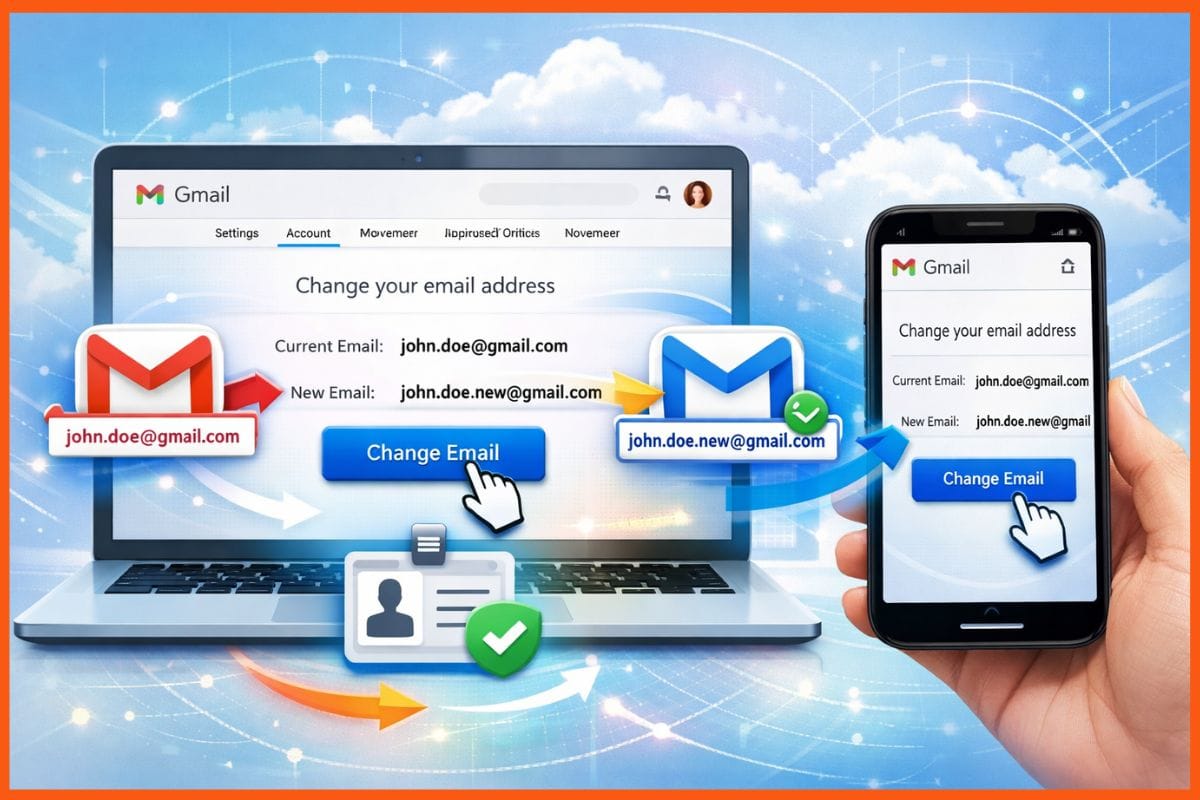
Google has finally introduced a feature that allows Gmail users to change their email addresses without losing access to their existing accounts. This long-awaited update gives users the flexibility to switch outdated or unprofessional email IDs while keeping all account data, making it easier to maintain a professional or personalised digital identity.
How to Change Your Gmail Address Without Losing Data
With this new feature, users can change their current Gmail username directly from their account settings. Once changed, the old email automatically becomes an alias. This means that emails sent to either the old or new address will reach the same inbox. Users can continue signing into all Google services, including Gmail, Google Drive, YouTube, Maps, and Google Play, using either the old or new email.
Google emphasises that changing the email address does not affect any account data. All existing emails, photos, files, and settings remain intact. Additionally, the previous Gmail address remains under the user’s ownership and cannot be claimed by anyone else. This ensures a seamless transition for users who want a fresh email ID without starting from scratch.
Limits and Restrictions on Changing Gmail Addresses
While this is a major improvement, there are certain limitations. Users can change their Gmail address up to three times, allowing for a total of four different addresses per account. After a change, the new Gmail address cannot be modified or deleted for 12 months. Some older Google services, such as pre-existing Calendar events or linked accounts, may still display the old email address.
Google has also set guidelines to prevent misuse of this feature. Users are advised to avoid frequent changes, and the system may restrict certain updates to protect linked services and maintain security across Google platforms.
When and How the Gmail Address Change Feature Will Roll Out
The Gmail address change feature is being rolled out gradually. Google plans to make it available to all users worldwide in the coming months. Once live, the option to update a Gmail address will appear under the “My Account” settings, making it simple for users to adopt a new email identity without losing access to their existing data.
This feature is particularly useful for professionals who wish to create a more formal email address, as well as for users who registered long ago with usernames that no longer feel appropriate. It represents Google’s commitment to improving account management and user flexibility.
Why This Update Matters
For years, Gmail users were stuck with email addresses they could not change. This often caused frustration, especially for users who signed up with nicknames, numbers, or outdated references. With this update, Google not only improves usability but also helps users maintain a professional online presence, reflecting the growing importance of digital identity in everyday life.
 Nitin Konde