

Swiggy Now Lets Users Order Food and Groceries Directly Through ChatGPT, Gemini and Claude
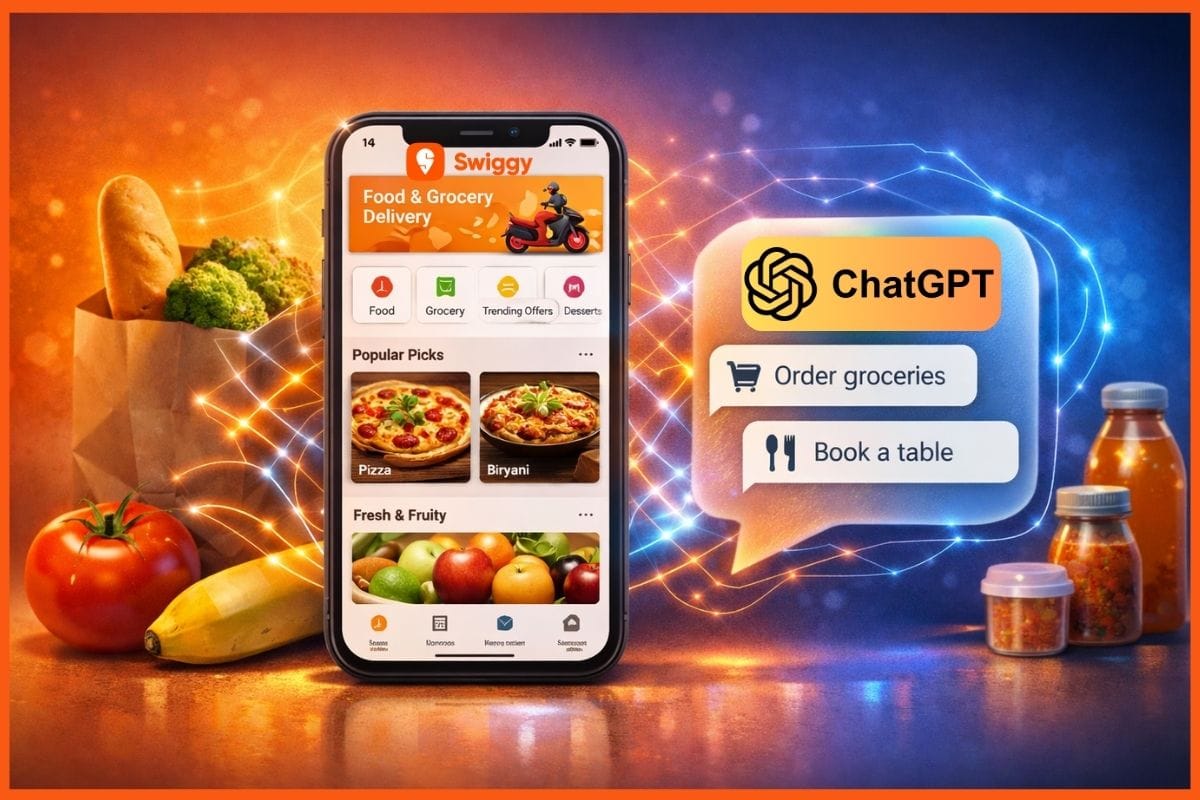
Swiggy has announced a significant update that lets customers place orders and book restaurants directly using popular AI chat tools such as ChatGPT, Google Gemini and Claude. With this launch, users can now use natural language prompts within conversational AI interfaces to order food, shop for groceries and even make dining reservations without opening the Swiggy app.
The rollout is part of Swiggy’s integration of the Model Context Protocol (MCP), an open standard developed by Anthropic that allows AI assistants to securely connect with third-party services and complete tasks on behalf of users.
What the New AI Ordering Feature Means for Users
With the MCP integration in place, Swiggy users no longer need to scroll through menus or browse thousands of items manually. Instead, they can simply type a request in plain language into an AI chatbot such as:
- “Order groceries for the week”
- “Get ingredients for Thai green curry”
- “Book a table for two at an Italian restaurant tonight”
The AI assistant then handles the rest from searching options and comparing items to building the shopping cart, applying coupons, placing the order and even tracking delivery.
This capability is available across three major Swiggy services:
- Swiggy Food: Order meals and restaurant deliveries.
- Instamart: Shop from quick commerce groceries.
- Dineout: Reserve tables at restaurants.
Swiggy says that Instamart has become the first quick-commerce platform in the world to support MCP, letting users browse and shop from more than 40,000 products using conversational AI.
How the AI Integration Works
To use the new feature, customers need to connect their AI assistant with Swiggy using a custom connector. The process is fairly simple and typically involves these steps:
- Open your AI assistant (such as ChatGPT, Claude, Gemini or other MCP-compatible models).
- Go to Settings → Connectors → Add Custom Connector/App.
- Enter a name and the dedicated Swiggy MCP URL (specific for food, Instamart or Dineout).
- Start placing orders using natural language within the chat.
This means the AI tool becomes capable of interacting directly with Swiggy’s systems, performing tasks that usually require navigating the Swiggy app manually.
Industry Context and Future Possibilities
Swiggy’s move shows a growing trend where ecommerce and delivery platforms are embracing conversational commerce, letting customers shop and interact through AI rather than app interfaces. Businesses globally are now optimising services to work with AI agents, as more people turn to tools like ChatGPT and Gemini in their daily routines.
According to Swiggy’s Chief Technology Officer, this integration is designed to reduce friction in everyday ordering and add a layer of convenience and personalisation to how customers shop and dine.
With this update, Swiggy aims to make on-demand service feel even more effortless, allowing users to simply express what they want, and have it delivered or booked without switching between multiple apps.