Best AI Lesson Planning Tools for Teachers (2026 Guide)
Discover the best AI lesson planning tools for teachers. Compare features, pricing, and benefits to create faster, smarter, and more engaging lessons in minutes.


AI-driven lesson-planning tools can enable teachers to create straightforward lessons ready for immediate use in a matter of minutes.
These tools generate full lesson plans, slideshows, worksheets, and even quizzes, all based on the brief prompt or requirement created.
Such tools will produce content modifiable by grade, subject, and student level while also suggesting activities, pacing, and easier options to accommodate different learners.
Many are based on Bloom's taxonomy and come with built-in assessments. Teachers can edit plans in real time as well as connect them to LMS platforms. Some even use data to track progress.
Best AI Lesson Planning Tools Comparison
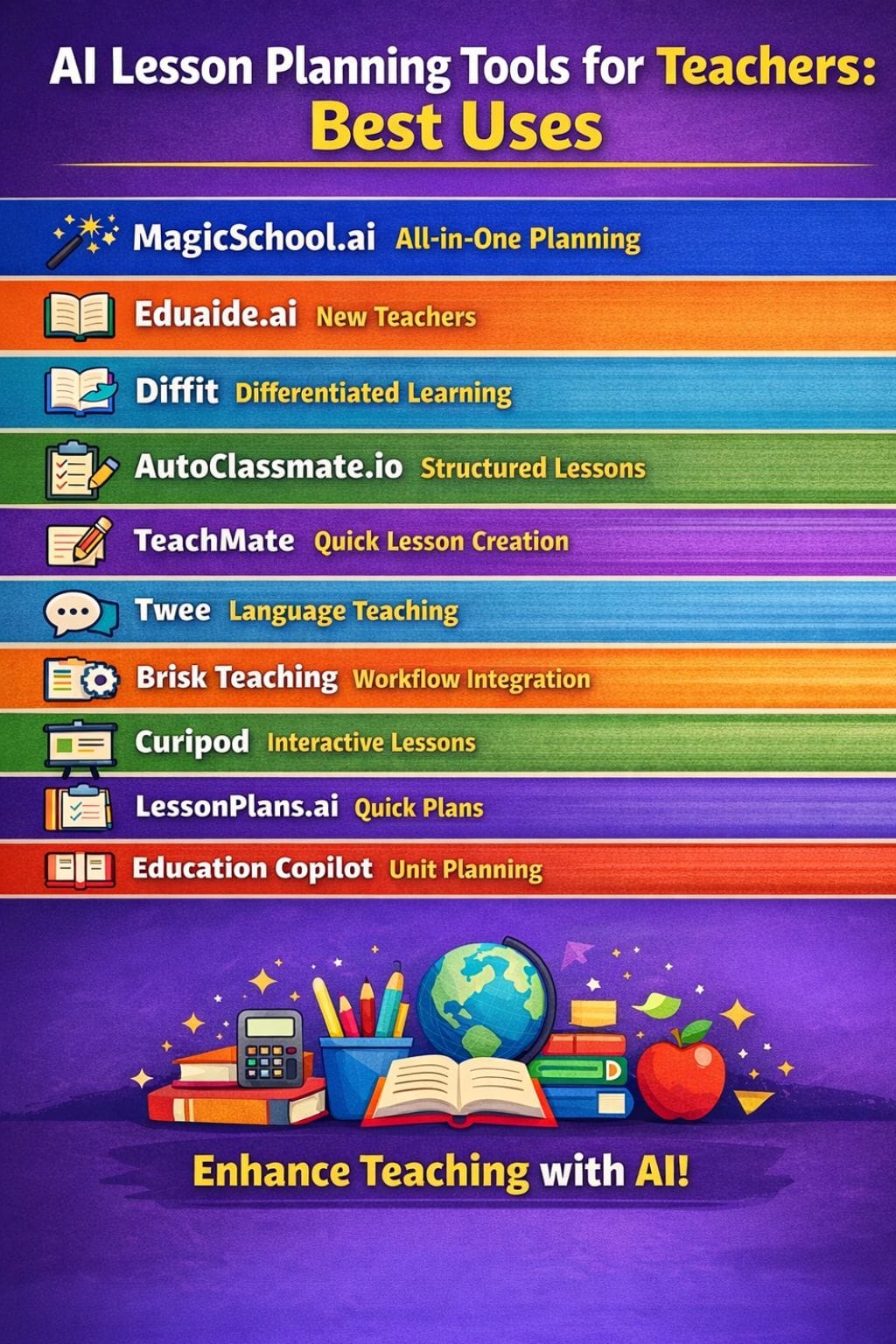
| Tool | Best For | Key Features | Pricing Level | Drawbacks |
|---|---|---|---|---|
| MagicSchool.ai | All-in-one lesson planning | 60+ tools, UDL support, LMS integration | Mid–High | Overreliance, privacy concerns |
| Eduaide.ai | Beginner teachers | Templates, differentiation, chat support | Low | Limited free plan |
| Diffit | Differentiated learning | Leveled texts, quizzes, vocabulary | Custom | Needs review |
| AutoClassmate.io | Structured lessons | Goals, activities, assessments | Custom | Learning curve |
| TeachMate | Fast lesson creation | Templates, worksheets, activities | Mid | Privacy limitations |
| Twee | Language teaching | CEFR content, AI grading | Mid | Subject limitation |
| Brisk Teaching | Workflow integration | Docs/Slides integration, feedback tools | Custom | Feature restrictions |
| Curipod | Interactive lessons | Slides, polls, real-time feedback | High | Limited free plan |
| LessonPlans.ai | Quick lesson creation | Structured reusable plans | Low | Quality varies |
| Education Copilot | Unit planning | Templates, handouts, reports | Mid | Not for all grades |
MagicSchool.ai
MagicSchool.ai is a fantastic tool to assist teachers in the speedy planning of lessons using 60+ tools. The online tool produces quizzes, lessons, and class materials that conform to standards, subject matter, and grade levels.
Teachers defeat the learning by setting specific learning goals, adjusting reading levels, and adding learning supports for the various individual needs of the student.
Plans adhere to curriculum and Universal Design for Learning principles. It integrates Google Classroom and Microsoft platforms and supports many languages. With MagicSchool.ai taking down several hours of lesson planning each week, teachers can spend more time.
Pros
- Generate lessons and assessments quickly
- Strong alignment with standards and UDL
- Integrated ecosystem for teachers and students
Cons
- Risk of overreliance on AI outputs
- Data privacy concerns
Pricing
| Plan | Pricing |
|---|---|
| Plus | $8.33/user/month |
| Enterprise | Custom |
Eduaide.ai
Designed for teachers, Eduaide.ai gives instructors hours and a great deal of assistance in preparing lesson plans, unit plans, and assessments.
Teachers can go through simple templates for lesson details, learning goals, and standards alignment. The platform supports various subjects and grade levels and caters to different reading abilities.
In addition, it provides ready-made activities and formative assessments with scripts for direct instruction. The built-in chat enables teachers to brainstorm their classroom strategies and pedagogy.
Teachers can upload their documents and export files and information easily, thus integrating seamlessly into their everyday workflow at school.
Pros
- 75+ content generators and teaching tools
- Strong differentiation support
- Beginner-friendly
Cons
- Limited free plan
- Focused mainly on English and K-12
Pricing
| Plan | Pricing |
|---|---|
| Pro | $5.99/month |
| Schools | Custom |
Diffit
Diffit is a great tool for teachers to convert any topic, text, or link into ready-made lesson material pretty quickly.
It generates leveled passages focused on the same content with accompanying questions, graphic organizers, and quizzes. It automatically differs reading levels so every student can learn with the right support.
Explicit vocabulary lists and simple scaffolds are also made; this would be great for multilingual learners and classrooms of mixed ability. It saves a lot of time and keeps teachers in line with the learning standards.
It does take up the review and tweaking part of things for educators.
Pros
- Creates differentiated content quickly
- Strong for inclusion and multilingual learners
Cons
- Requires teacher review
- Premium pricing may be high
Pricing
| Plan | Pricing |
|---|---|
| RFP | Custom |
 Vivek Dev Jacob
AutoClassmate.io
AutoClassmate.io is an AI tool that enables teachers to fashion robust lesson plans in a matter of a few minutes.
By entering simple prompts, it converts ideas into articulated instructional goals, suggested learning activities, and checks for learning. The system includes lesson design module options, extra practice tools, engaging, fun activities, and chatbot enrichment.
Teachers can improve upon plans, anticipate how activities may play out, and keep the students engaged. The platform is set up for real classrooms rather than theoretical ones. It saves time while building efficiency for the teacher.
Pros
- Standards-aligned lesson plans
- Customizable content
- Multiple tools in one platform
Cons
- Learning curve
- Premium features are costly
Pricing
| Plan | Pricing |
|---|---|
| RFP | Custom |
TeachMate
TeachMate is a unique lesson plan design tool that helps teachers to prepare well-structured lessons in mere minutes.
It can generate outlines, worksheets, quizzes, class-ready reports, and slides, which can be easily edited by the teachers to fit into their own curriculum, subject, and student level. The platform provides clear templates for various age groups and learning goals.
It, in fact, provides activity ideas, assessment options, and ways to adapt lessons for different learners. By saving hours each week in lesson planning, TeachMateAI reduces teachers' stress and allows busy teachers to concentrate on their teaching.
Pros
- Saves planning time
- Customizable content
- Creative activity ideas
Cons
- Requires teacher review
- Privacy limitations in some schools
Pricing
| Plan | Pricing |
|---|---|
| Pro | $9.44/month |
| Whole School | $533.28/month |
Twee
Twee is an AI lesson-planning hub for language teachers. It allows any topic, link, or video to be made into lessons in no time at all. Teachers get CEFR-aligned texts, dialogues, quizzes, and worksheets in a variety of languages.
The platform also makes gap fills, reading checks, and writing prompts. Materials can be shared online or exported to PDF or Word. Built-in grading is fast for both open and closed answers.
This saves hours upon hours each week in preparation time. The classes remain clear, active, and focused. Teachers plan less and teach more confidently.
Pros
- Built for language teaching
- 40+ focused tools
- AI grading saves time
Cons
- Limited to language subjects
- Restricted free usage
Pricing
| Plan | Pricing |
|---|---|
| Basic | $9/month |
| Pro | $15/month |
Rishi Mundra
Brisk Teaching
Brisk Teaching is an AI assistant that goes hand in hand with teachers. It helps teachers prepare lessons, provide clear feedback, and assist various learning needs within various tools, such as Google Docs, Slides, and Classroom.
Brisk can create a lesson plan with a single prompt. The lesson plan will clarify what these goals are, setting the timing for each activity, clarifying checks for understanding, and the teacher can quickly change the language and reading level.
The Google Chrome and Microsoft Edge extension integrates over 20 tools for the classroom, including quizzes, rubrics, podcasts, unit plans, and intervention aids.
Pros
- Saves time in planning and grading
- Works directly with teaching tools
- Supports UDL
Cons
- Advanced features restricted
- Privacy concerns
Pricing
| Plan | Pricing |
|---|---|
| RFP | Custom |
Curipod
Curipod stands as an AI lesson-planning tool that speeds up class planning for teachers. It spits out such ready-for-use slide decks in minutes.
Polls, quizzes, drawing tasks, language exercises, and exit tickets all contribute to lesson creation. The teacher selects grade, subject, and learning goal, and Curipod builds the lesson. The teacher can then edit slides, add standards, and set clear goals. The lessons can be translated into a myriad of languages.
During the class, real-time feedback provided by AI is useful in directing students' writing and thinking. Thus, it helps save time, reduce prepping stress, and deliver lessons.
Pros
- Interactive activities
- Real-time feedback
- Multilingual support
Cons
- Needs content verification
- Limited free features
Pricing
| Plan | Pricing |
|---|---|
| Premium | $24/month |
| School Plan | Custom |
LessonPlans.ai
Lesson Plans.ai is all about making the lives of teachers easier by allowing them to write comprehensive lesson plans in just minutes using AI.
All they have to do is enter a prompt, and the tool will provide structured goals, activities, and assessments according to the subject and grade, considering the uniqueness of the needs of the students.
Also offers a step-by-step flow of lessons that can be edited and reused easily. Time-saving forms of paperwork plus planning efforts. Designed for K-12 teachers, homeschoolers, and rainers who need speedy planning support.
Pros
- Classroom-ready plans
- Reusable content
- Customizable
Cons
- Quality depends on prompts
- Privacy concerns
Pricing
| Plan | Pricing |
|---|---|
| Pro | $49/year |
Nitin Konde
Education Copilot
Education Copilot is a quick lesson-planning AI tool for teachers, offering ready-made templates for units, the daily lesson, writing prompts, handouts, projects, and reports. Teachers can use it in English or Spanish.
The site creates clear goals, activities, and checks for learning for any class or subject. It can even develop a full unit plan and printable student materials. The whole program is web-based, with a free trial setup.
Education Copilot favors upper elementary, middle school, and adult classes requiring speed, clarity, and structural support so that teachers can spend less time on paperwork and concentrate on teaching kids.
Pros
- Easy-to-use templates
- Fast lesson generation
- Includes multiple materials
Cons
- Not ideal for all grades
- Subscription cost
Pricing
| Plan | Pricing |
|---|---|
| Teachers | $9/month |
| Schools | Contact |
Why Teachers Should Use AI Lesson Planning Tools
- Save hours every week
- Improve lesson structure
- Support diverse learners
- Generate instant assessments
- Reduce workload
Challenges of AI Lesson Planning
- Requires teacher review
- Risk of overdependence
- Data privacy concerns
- Subscription costs
Final Thoughts
AI planning tools are now not just temporary solutions for teachers but trusted partners. They reduce a lot of the work of teachers, clarify standards into clear steps, and suggest activities that can be useful for real school classrooms.
Other functions have been the detection of learning gaps and the making of lesson adjustments with simple cues. Teaching continues to be personal while planning becomes less cumbersome.
Purposeful and careful use allows flexibility in choice, pace, and different learning needs with AI. No rigid plan was imposed; it supported different flexibility for educators.
FAQs
What are AI lesson planning tools?
AI lesson planning tools are software platforms that help teachers create lesson plans, worksheets, quizzes, and activities automatically using simple prompts. They save time and improve lesson quality.
Which AI tool is best for lesson planning?
The best tool depends on your needs. MagicSchool.ai is great for all-in-one planning, Eduaide.ai is ideal for beginners, and Diffit is best for differentiated learning.
How do AI lesson planning tools help teachers?
These tools help teachers by reducing planning time, generating structured lessons, supporting different learning levels, and providing ready-to-use classroom materials.
Are AI lesson planning tools safe to use?
Most tools are safe, but teachers should review content for accuracy and be mindful of data privacy policies before using them in classrooms.