The upfront cost small businesses forget: hardware
If you're a small business owner, you've probably built a spreadsheet for the software you'll pay every month and the salaries you'll cover every fortnight. The bit that catches people out is the one-time spend that lands before any of that starts earning: the machines your team logs into on day one. It doesn't recur, so it's easy to underestimate, and it's usually larger than you planned.
This is a guide to that upfront number: where it quietly grows, what matters when you're kitting out a handful of desks, and how to spend less on hardware so the budget goes where it does more work.
Start with what the money is really for
A laptop is a tool for getting a job done, not a status object. That sounds obvious until you're in the checkout flow looking at three tiers of the same model, wondering whether the middle one is "enough". So decide what enough means before you shop.
For most small-team roles, enough is an Intel Core i5 (or the equivalent), 16GB of RAM, and a solid-state drive of 256GB or more. That configuration handles a browser with thirty tabs, a video call, a spreadsheet, and your accounting software running at once, which is what a normal workday actually looks like. You step up from there for a specific reason: a designer running Adobe, someone editing video, or a developer compiling code. Those people need more RAM and a faster processor, and it's worth paying for. The receptionist managing bookings and email does not, and paying for it there is money you won't see again.
The trap is buying the top spec for everyone so the fleet is "consistent". Consistency is useful, but you get it from picking one or two standard configurations, not from over-buying across the board.
Where the software and running costs already have answers
Recurring spend is the part small businesses tend to plan well, partly because the pricing is in your face every month. You can trim it without much drama. Annual billing usually shaves 15 to 20 percent off a subscription versus paying monthly. Bundled suites often cost less than stitching together four separate point tools, and they cut the admin of managing four logins and four renewal dates. Auditing your app list once a quarter and cancelling what nobody opens is dull and genuinely effective.
Running costs behave similarly. Cloud storage, domain and email hosting, and a payment processor's per-transaction fee are predictable, they scale with you, and there's plenty of guidance on keeping them lean. The point is that this side of the ledger is well covered and you can act on it whenever you like.
Hardware is different. You commit the money once, before the business is earning, and the decision sticks around for three or four years. That's exactly why it deserves the same scrutiny you'd give a recurring bill, and usually gets less.
The hardware number, and how to stop it running away
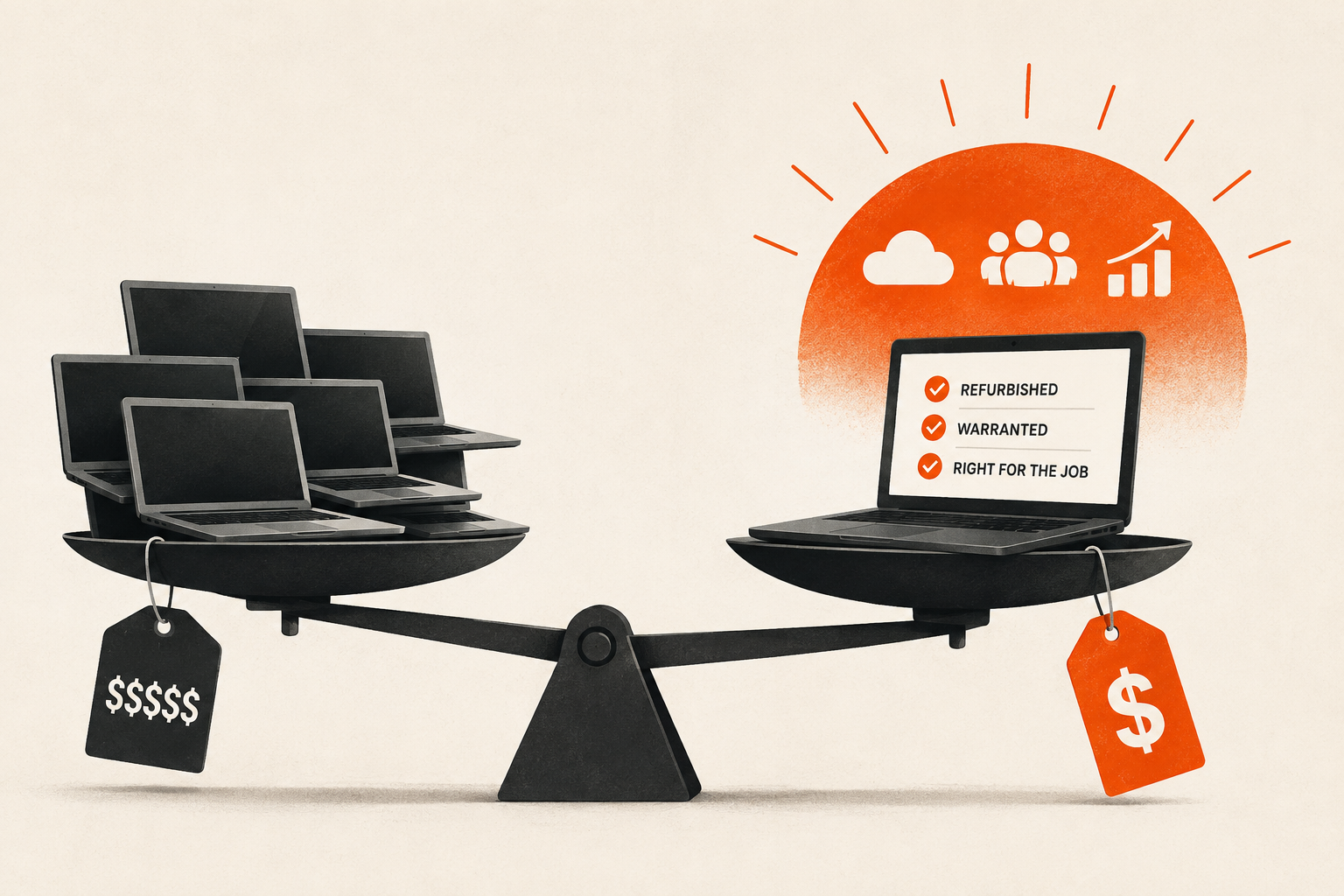
Software is where recurring costs hide, but hardware is where the upfront number gets away from you. A single new business ultrabook can run past $1,800, and multiplied across a five-person team that is a five-figure line item before anyone has logged in. You don't have to buy new to buy well: a growing number of Australian teams now fit out desks with refurbished Dell laptops instead. The good ones ship Grade A, come technician-tested, and carry a 12-month warranty, typically for around half of what the equivalent new machine costs. The Latitude range in particular was built for corporate fleets, so ex-lease units are plentiful and easy to standardise across a team.
Australian Computer Traders, a Brisbane refurbisher, is one supplier working this way, with stock spread across the Latitude line and a range of i3, i5 and i7 configurations. The practical appeal of a business range like the Latitude is that thousands of identical units come off corporate leases at once, so you can buy five of the same model, with the same keyboard and the same ports, and support them as one thing rather than five snowflakes.
Be honest about the trade-offs, because there are some. A refurbished machine is a few years into its life, so you're starting the clock later than you would with new. Battery health varies, and a reputable seller will tell you the condition rather than dodge the question. Grading matters: Grade A means light cosmetic wear at most, and it's worth confirming what a seller's grades actually mean before you commit. And a warranty is only as good as the outfit standing behind it, so a 12-month term from an established refurbisher is worth more than a longer promise from a seller you can't find twice.
None of that makes refurbished the wrong call. It makes it a call you should make with your eyes open, the same as any purchase. For general office and admin work, a well-graded business laptop that's two or three years old is indistinguishable from new in daily use, and the gap in the ledger is real.
Do the maths on the whole fleet, not one machine
The saving looks modest on a single laptop and obvious across a team. Say a suitable new machine is $1,600 and the refurbished equivalent is $800. On one desk that's $800 back. On five desks it's $4,000, which is a year of a solid software stack, or the first slice of a part-timer's wages, or the buffer that means you're not financing the fit-out on a card.
That's the actual choice. Hardware money spent well is hardware money freed up for the things that keep the business moving after launch. A new logo on the lid doesn't file a return or answer a customer. The machine underneath just has to be reliable, warranted, and the right size for the person using it.
A short checklist before you buy
Work out the two or three configurations your roles actually need, and resist buying above them for the sake of it. Decide new versus refurbished per role rather than for the whole team, since the heavy-lifting roles and the admin roles have genuinely different needs. If you go refurbished, buy from a seller who grades transparently, backs the machines with a real warranty, and favours a business range you can standardise. Then put the difference somewhere it earns its keep.
Set the hardware up once and it fades into the background, which is what you want. Get the number wrong and it's the most expensive thing you'll barely think about again. A little attention up front is the cheapest it ever gets.