AI Image Generator: How Artificial Intelligence Is Transforming Digital Creativity in 2026
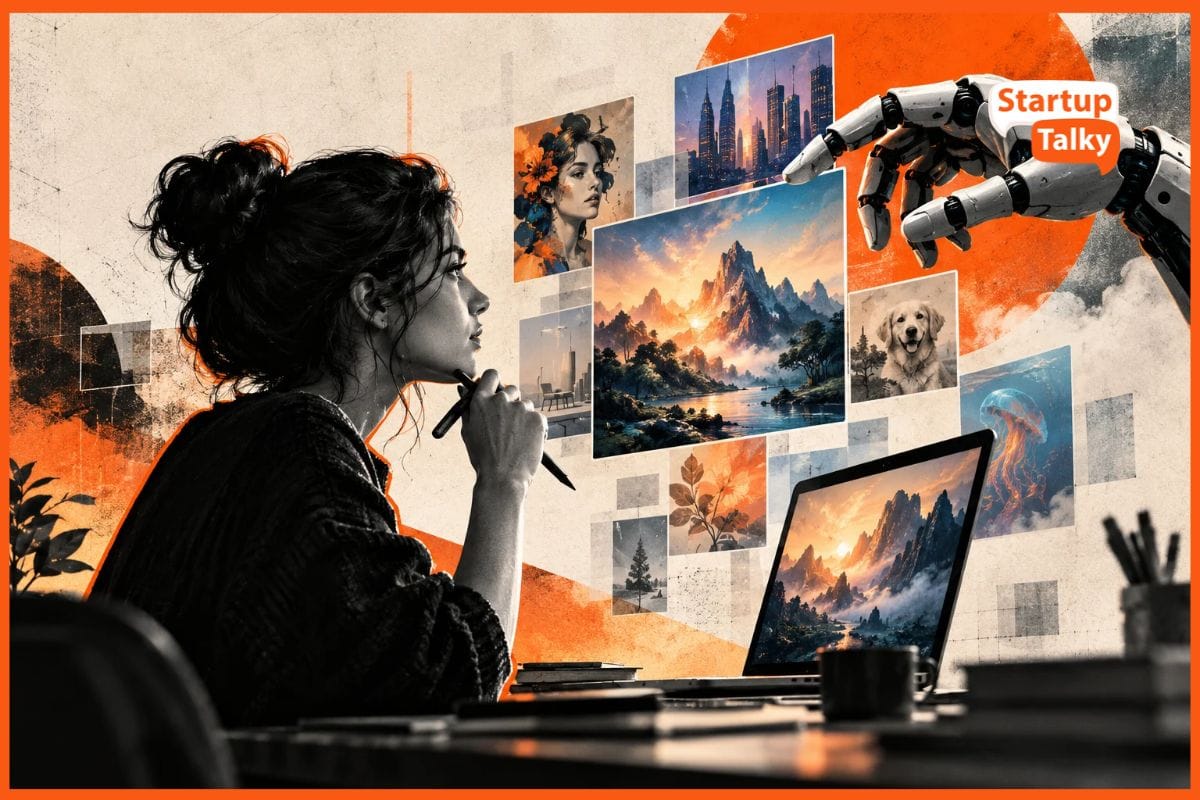
Need an image for your blog or social media post?
You no longer need advanced Photoshop skills or the money to hire a graphic artist. With an AI image generator, you can just type in a text description, and the AI will turn that into an illustration or marketing visuals in seconds.
But these tools are useful for more than simply generating pictures. They can help with brainstorming, editing, visual storytelling and everyday content creation.
This guide explains how AI image generators work, where they can make a difference in your creative process, and how to use them more effectively in 2026.
What Is an AI Image Generator?
An AI image generator is a tool that creates images based on instructions provided by a user. These instructions usually take the form of a text prompt, although some tools also accept uploaded reference images, sketches, or URLs of your samples.
For example, a prompt such as "a small countryside café with wooden furniture, warm lighting, in a watercolour illustration style" can produce an image matching those details.
However, while an AI image generator creates “new” images, it does not guarantee that the image is completely unique, free from copyright concerns, or even fully correct.
This is because AI image generators are trained on millions or even billions of images, learning patterns such as what objects look like, how they relate to one another, and which visual styles match certain descriptions. They then use these patterns to generate an image based on your prompt.
However, they don't always get the details right. This can result in distorted hands, incorrect anatomy, or objects that look unnatural. In some cases, generated images may also closely resemble existing copyrighted works, raising concerns about originality and intellectual property rights.
Still, it does give users a solid starting point that they can take ideas from, edit, or incorporate into a bigger creative project.
How AI Image Generators Are Changing Digital Creativity
Here are some of the biggest ways AI image generators are making a difference:
1. Making Visual Creation More Accessible
Not everyone has experience with Photoshop, Illustrator or other professional design applications.
But with AI image generators, anyone can get custom visuals without needing to draw or edit from scratch. The results may still need adjustments, particularly when precise text, branding or layouts are involved. Nevertheless, AI can provide a useful starting point.
2. Helping Creators Explore More Ideas
One of the more practical uses of AI image generation is visual experimentation.
Let's say there’s a designer developing packaging for a tea brand. He or she can generate several visual directions to assess which best suits the product, rather than creating every concept manually.
This can be particularly helpful during early planning, when the goal is to explore possibilities rather than produce a finished design.
3. Speeding Up Everyday Content Creation
Businesses and content creators regularly need images for websites, newsletters, presentations and social media.
Producing each visual individually can take considerable time, especially when several versions are required. But thanks to AI tools, you can create the images you need without needing to shoot in a studio or go out on location each time.
However, it’s still advisable to note to your audience whenever you use AI-generated images. Do not present them as genuine photographs of places, products or events when they are not, as it can just mislead them.
4. Creating Visuals for Niche Topics
Stock photo libraries don't always have suitable images for highly specific subjects or unusual scenarios.
AI image generators can help fill these gaps by creating visuals that match particular requirements.
For example, a writer covering a fictional historical setting or an unusual science-fiction concept can generate illustrations without relying on loosely related stock images.
5. Improve Existing Images
AI image generation is not limited to creating pictures from scratch.
In fact, in Adobe's 2025 survey of more than 16,000 content creators, 55% reported using creative generative AI for editing, upscaling and enhancement.
Depending on the tool, you may be able to remove distracting objects, replace backgrounds, expand an image or adjust particular details. This can be useful when you already have a suitable image but need to make a specific improvement.
 Singh Neeraj Shekhawat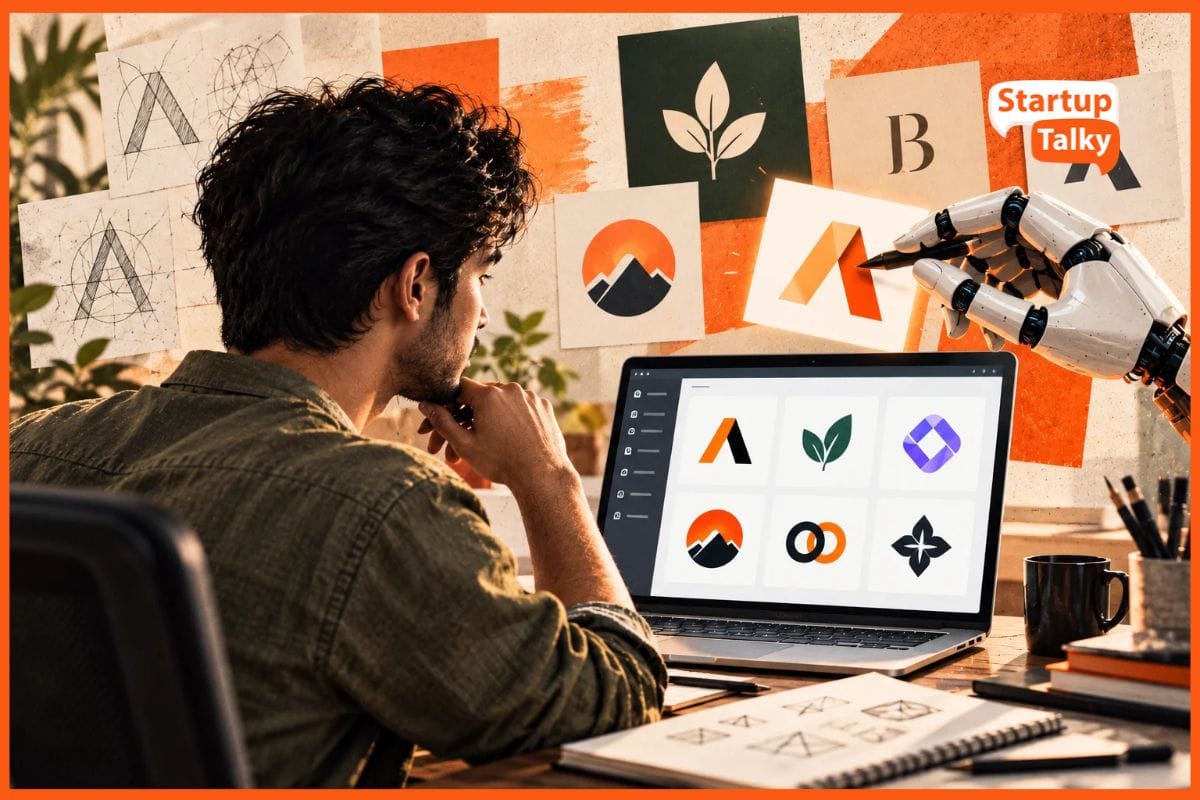
How to Get Better Results From an AI Image Generator
The quality of your AI-generated images depends partly on how well you communicate your requirements.
Here are five techniques worth doing to get more effective results:
1. Write Prompts With Specific Visual Details
Broad prompts leave many decisions to the AI. More specific instructions give you greater control over the result.
Consider the difference between “a cup of coffee” vs. “a white ceramic cup of cappuccino on a wooden café table, soft morning light, close-up photography”.
The first one is too broad. The AI can interpret that in any way it wants: hot coffee, coffee with ice, coffee in a pink cup, etc. However, the second custom prompt explains the subject, setting, composition and style, which leads to more tailored results.
However, avoid adding unnecessary instructions. Too many competing details can make the intended result harder to communicate.
2. Change One Element at a Time
If your image is almost right, you probably don't need a completely new prompt.
Instead, identify the main problem.
Is the background too busy? Is the lighting too dark? Is the subject positioned incorrectly?
Adjust that element first and generate another version.
For example, changing "dramatic studio lighting" to "soft natural daylight" lets you explore a different atmosphere without deliberately changing the subject or setting.
This makes it easier to understand which instructions are influencing your results.
3. Use Reference Images When Available
Describing a specific visual style can be difficult, particularly if you're unfamiliar with design terminology.
Reference images can help. Some AI generators like Adobe Firefly let you upload an existing image to guide the colour palette, artistic style or composition of a new result.
This is useful when creating several illustrations that need to follow a similar layout.
Just make sure to use reference images you own or have permission to use, especially for commercial projects.
4. Check the Details Before Publishing
Don’t forget that AI images can contain mistakes.
Pay particular attention to hands, facial features, text, reflections and objects with recognisable structures. Text in particular often runs through a lot of errors, so pay closer attention to those.
And if you're generating a product visual, check that its shape, colour and features accurately represent the actual product.
Inaccurate details can mislead and annoy customers, so make sure to inspect if your images are as correct and factual as possible.
5. Finish the Image in a Design Editor
AI-generated images often work best as one part of a larger design.
For example, you might generate a background illustration and then add your headline, logo and other information using a conventional design tool.
This gives you more precise control over typography, spacing and alignment rather than having the AI do everything (which also lessens the chances of running into AI-generated mistakes).
Final Thoughts
AI image generators offer practical ways to develop ideas, produce illustrations and edit visual content without starting every project from scratch.
However, the best results still require planning. Clear prompts, careful revisions and a final quality check can make the difference between an interesting experiment and an image that's ready to use.
Start with a small project, experiment with different instructions and pay attention to what works. As you become more familiar with the tools, you'll be better equipped to use AI image generation where it genuinely improves your creative process.
Rishi Mundra